How to erase shapes from a design
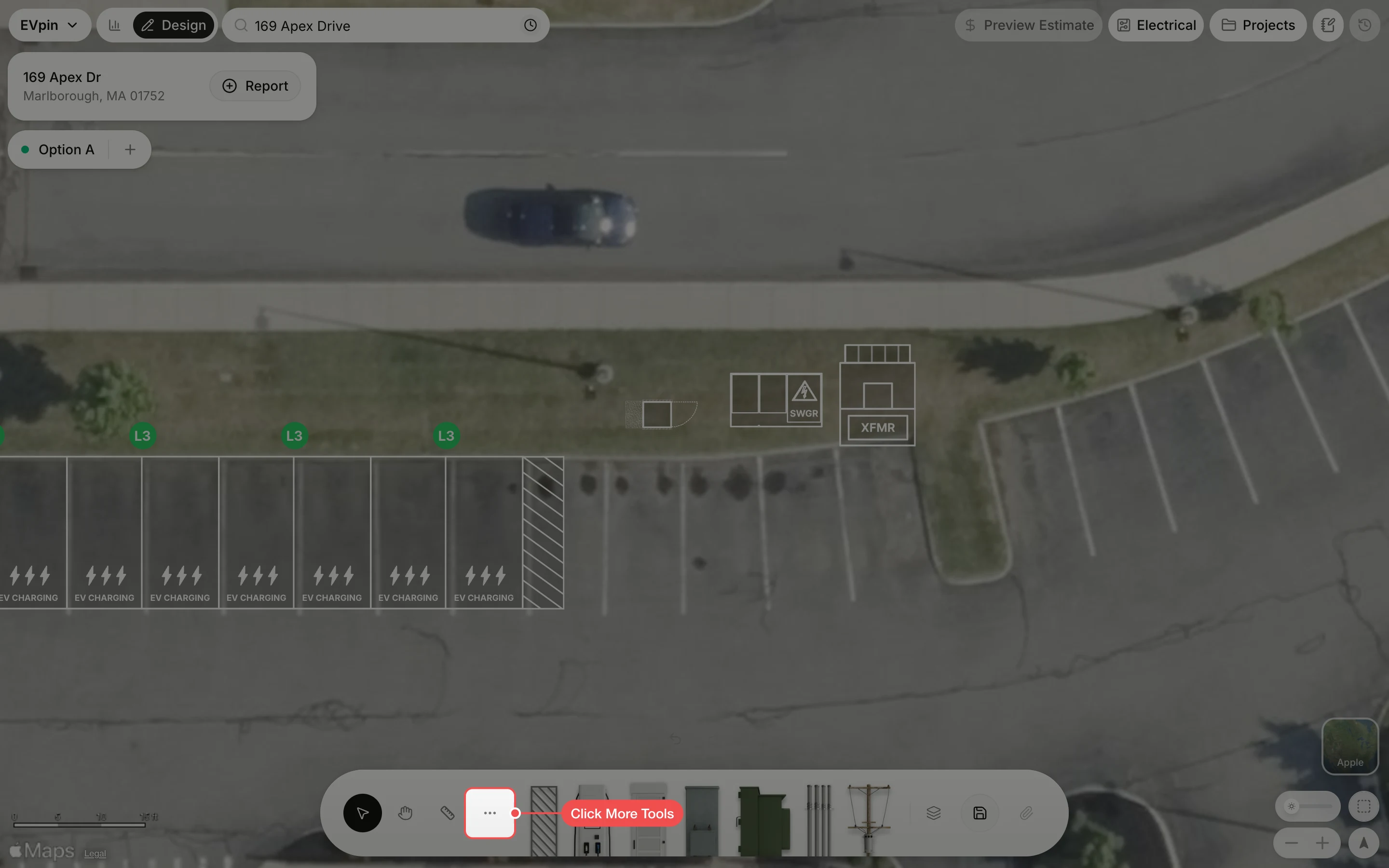
Remove shapes from the Design page by dragging the Eraser across them.
By the end the shapes you no longer need will be gone from your design. You need a design open on the Design page, as in How to add charging stalls to a design.
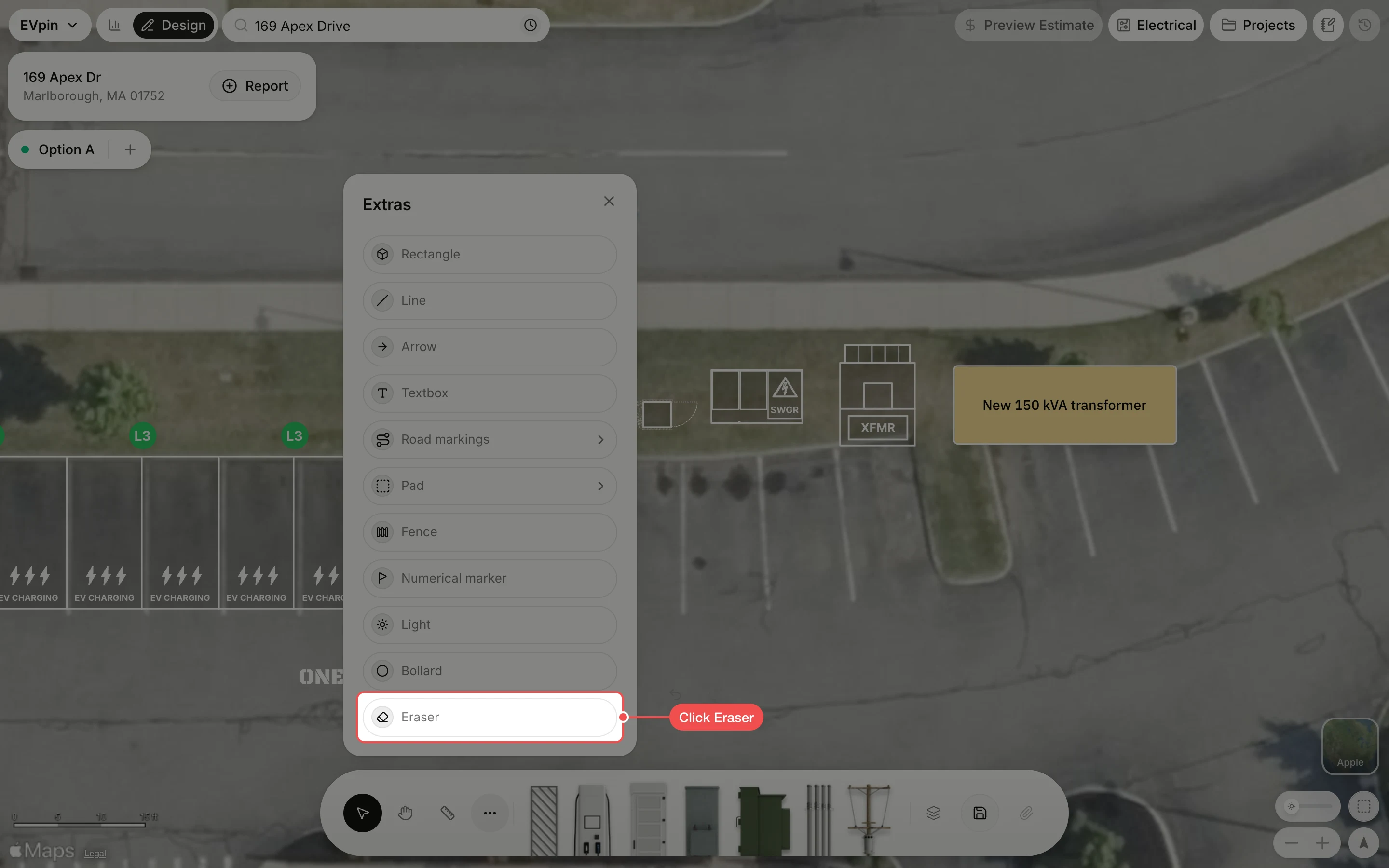
Drag across the shape
Drag across each shape you want to remove. It fades as the eraser touches it and is gone when you let go.