How to draw an arrow on a design
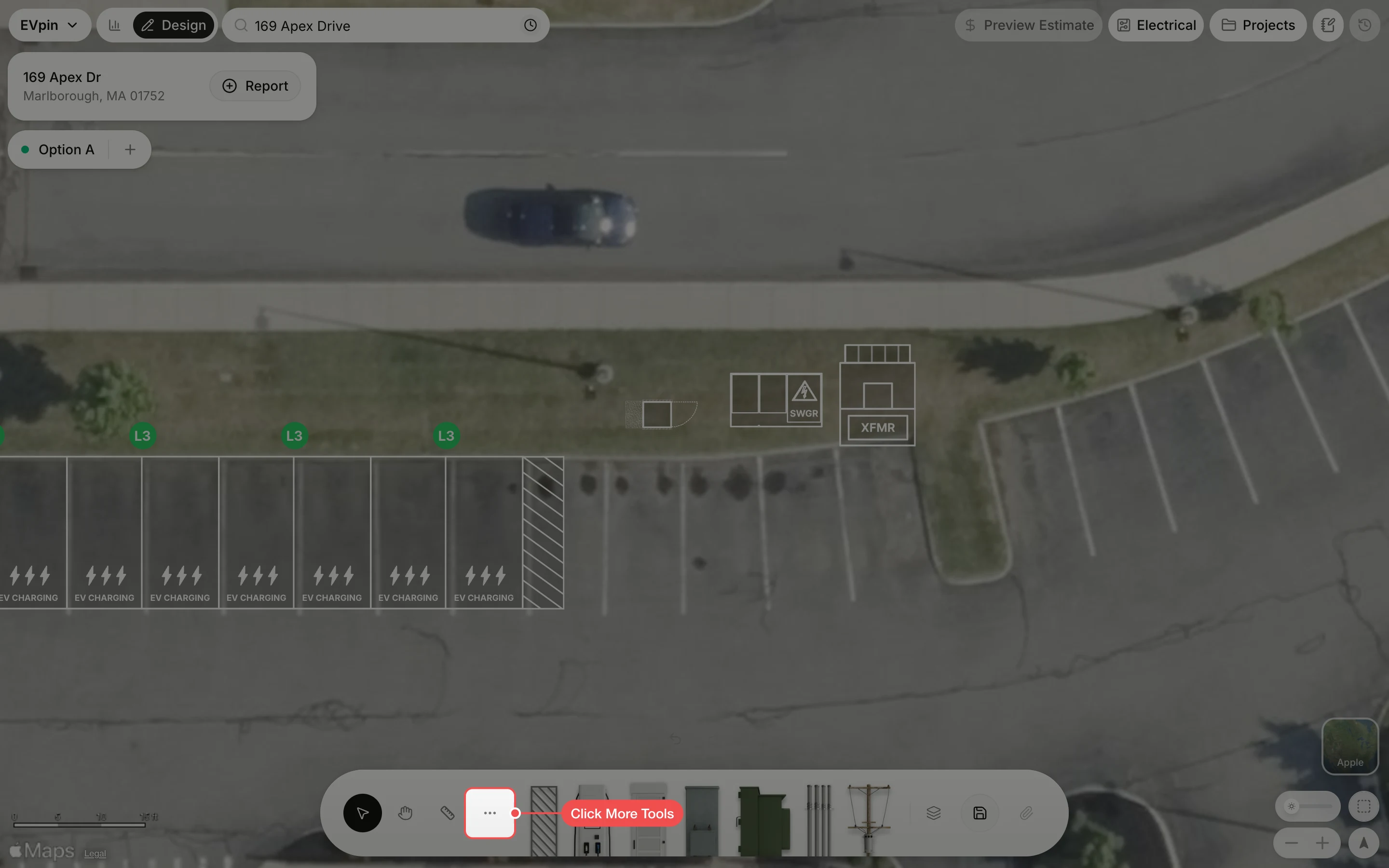
Draw an arrow on the Design page, for example to show which way traffic flows.
By the end your design will have an arrow drawn on it, for example pointing the way traffic flows along the aisle. You need a design open on the Design page, as in How to add charging stalls to a design.
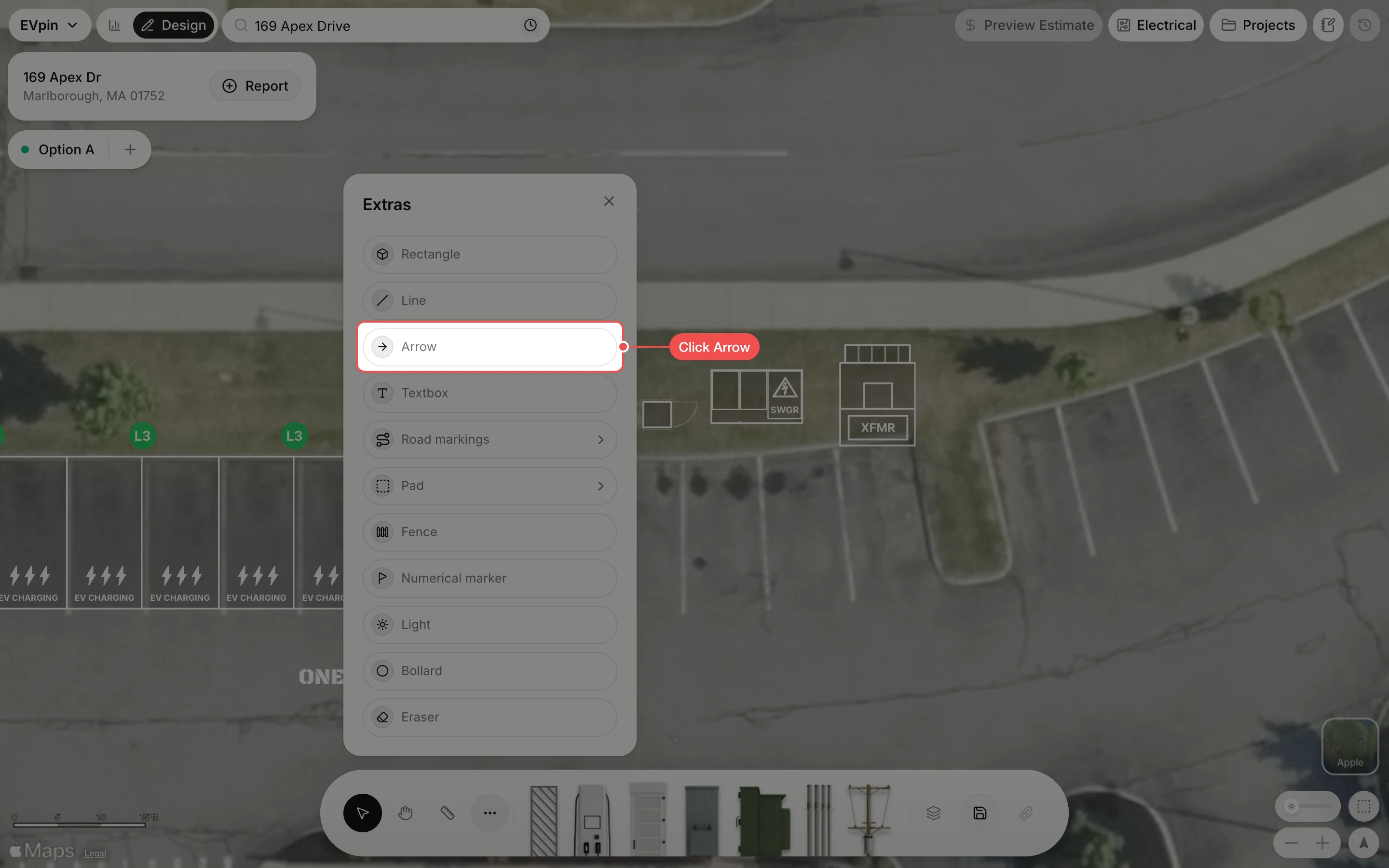
Drag from tail to tip
Drag from where the arrow starts to where it points. The head is drawn where you let go.
What's next
- How to add a road marking to letter the pavement.