How to show the width of stalls on a design
Label each stall with its width under the row, from the right-click menu on the Design page.
By the end each stall in your row will have its width written under it, so anyone reading the plan can check the sizes. You need a design with charging stalls on it, as in How to add charging stalls to a design.
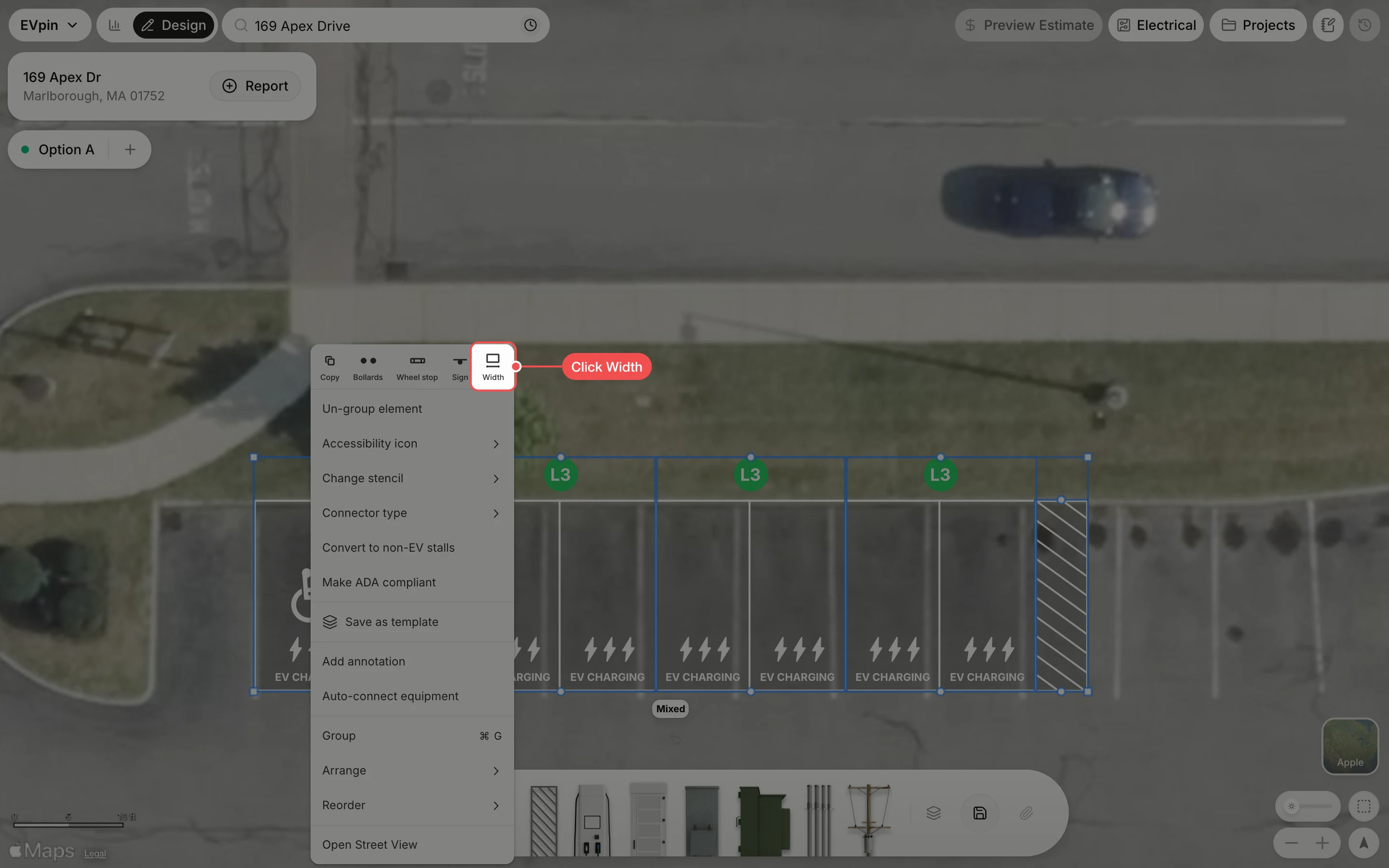
Click Width
Drag a box around the stalls, right-click one of them, then click Width at the top of the menu.
Check the widths
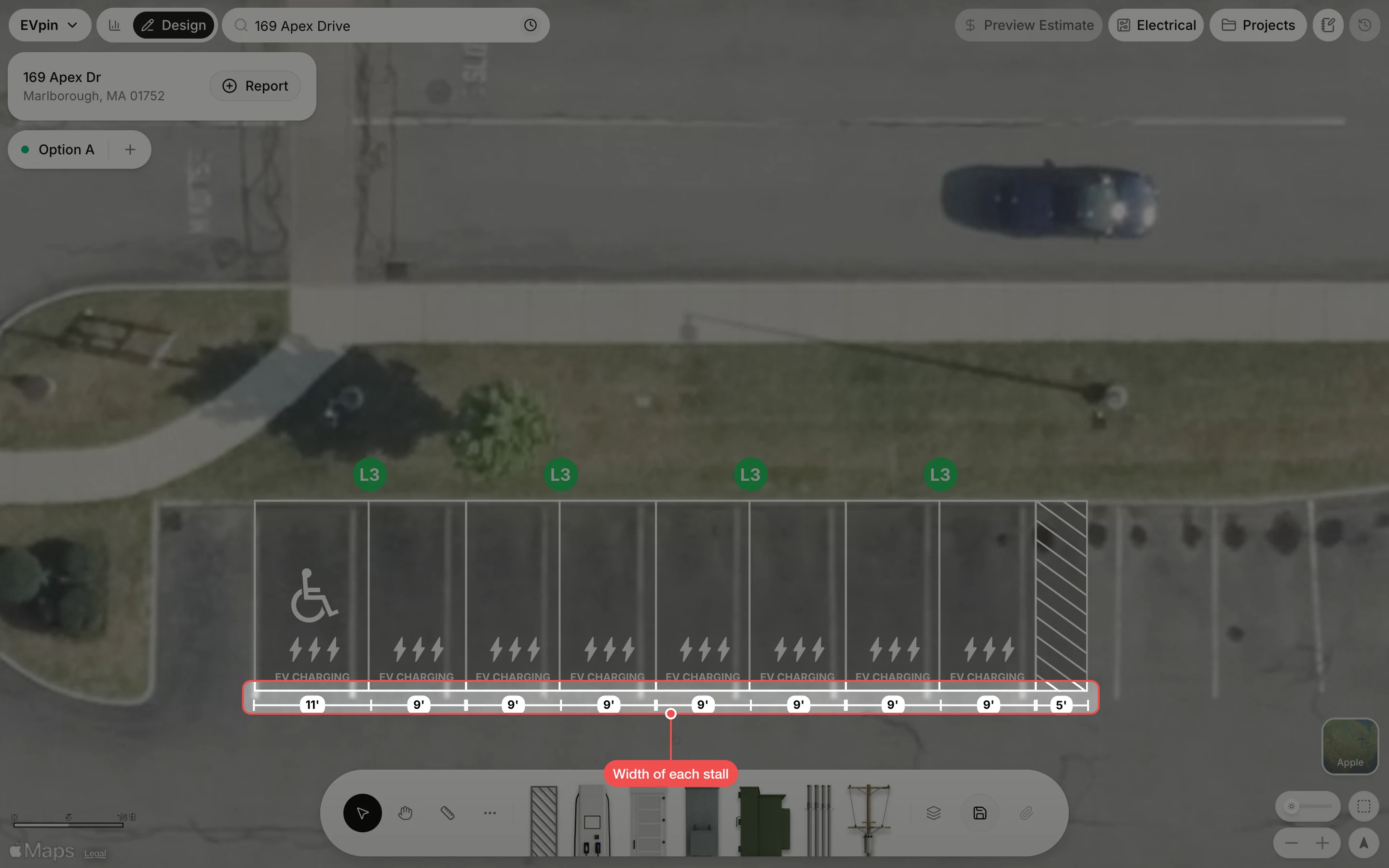
A dimension line runs under the row with the width of each stall, here one 11' stall, seven 9' stalls and the 5' access aisle. Save the design to keep the labels.
What's next
- How to change the width of stalls if a stall needs to be wider.