How to show the length of a conduit run
Label a conduit run with its length from the right-click menu on the Design page.
By the end your conduit run will have its length written on it, so anyone reading the plan can check the distance. Runs you draw by hand show their length already; runs made by auto-connect start without it. You need a design with a conduit run on it, as in How to draw a conduit run.
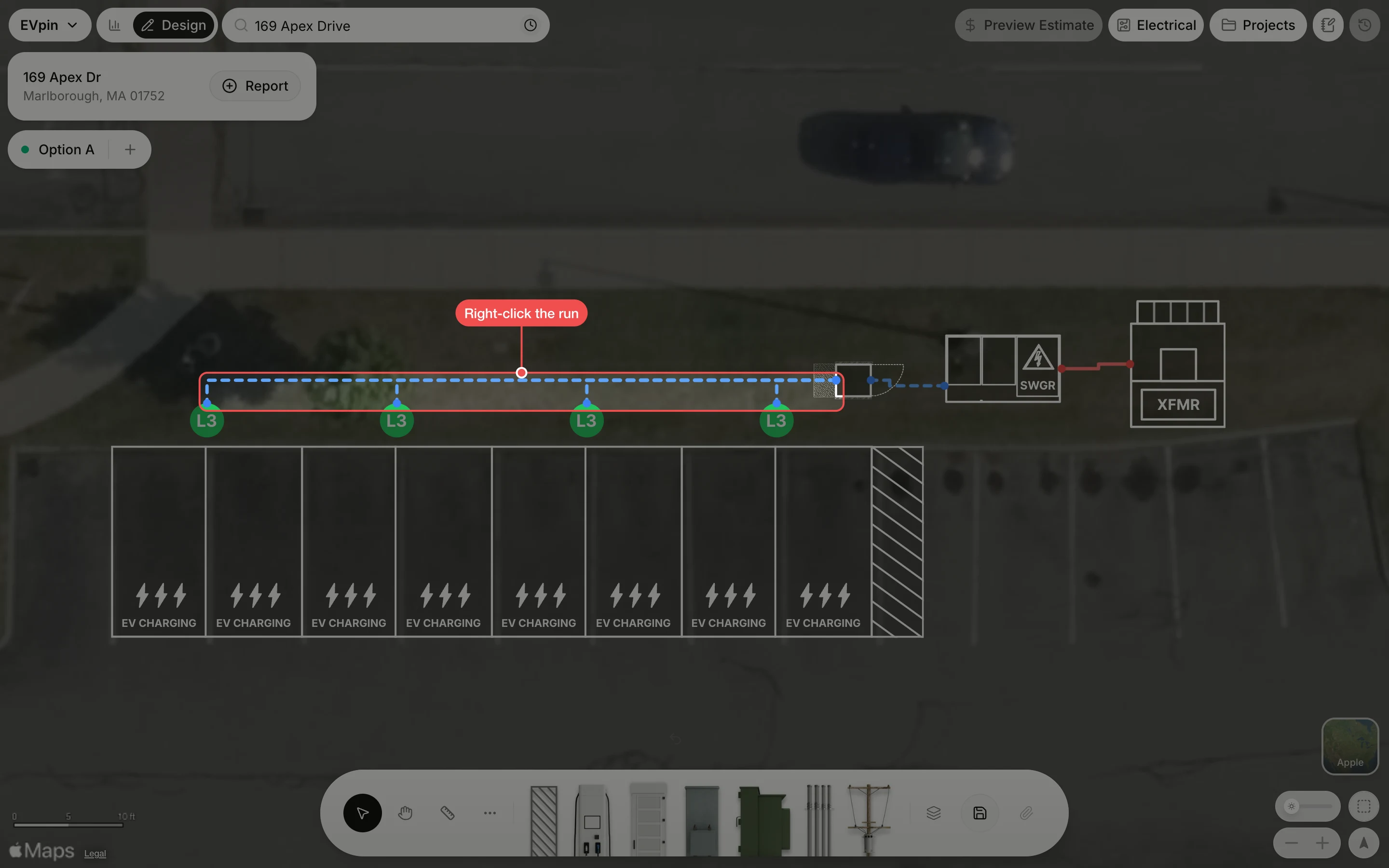
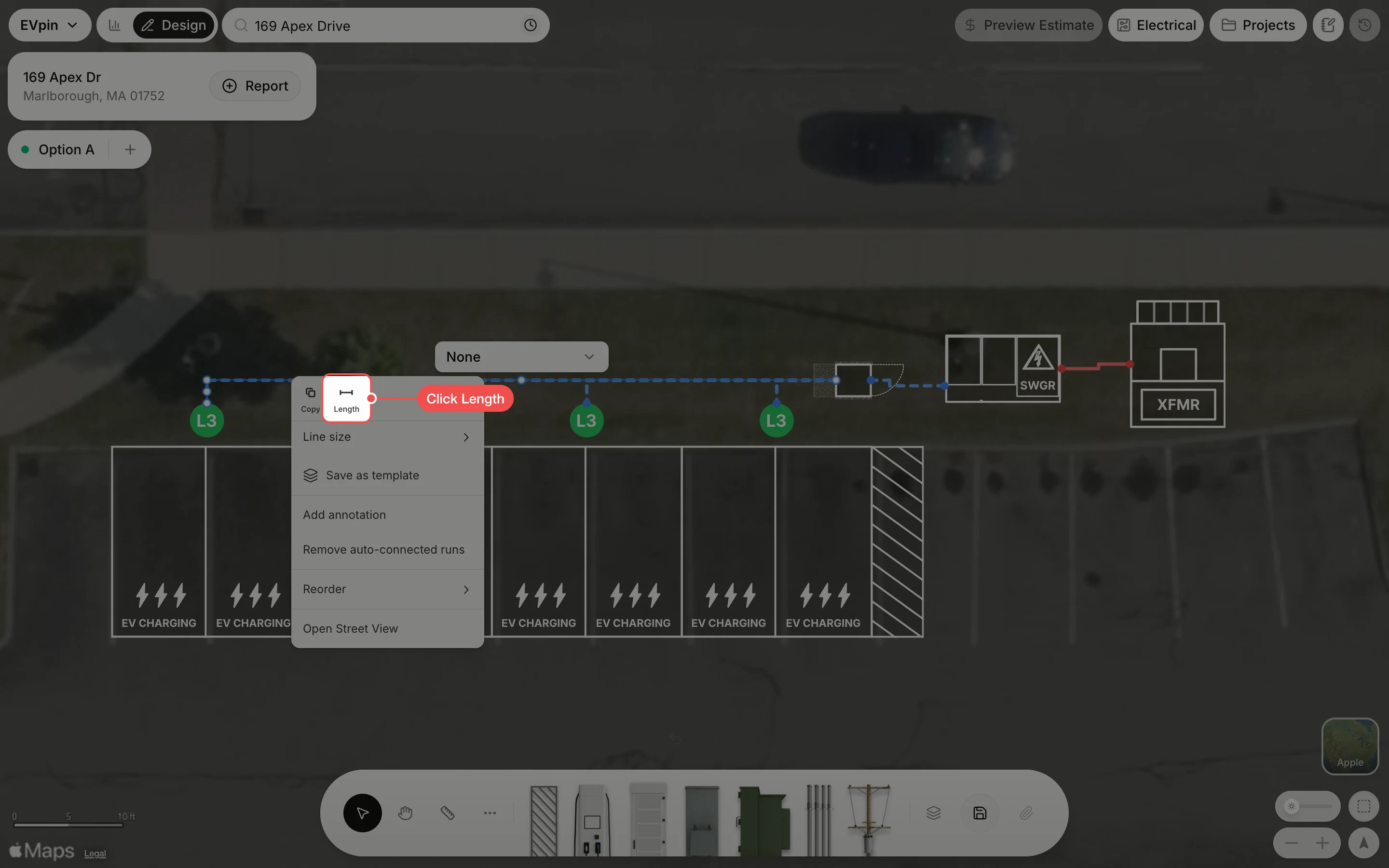
Right-click the run
Right-click the conduit run you want to label. Here it is the secondary run from the first charger to the power cabinet.
Check the length
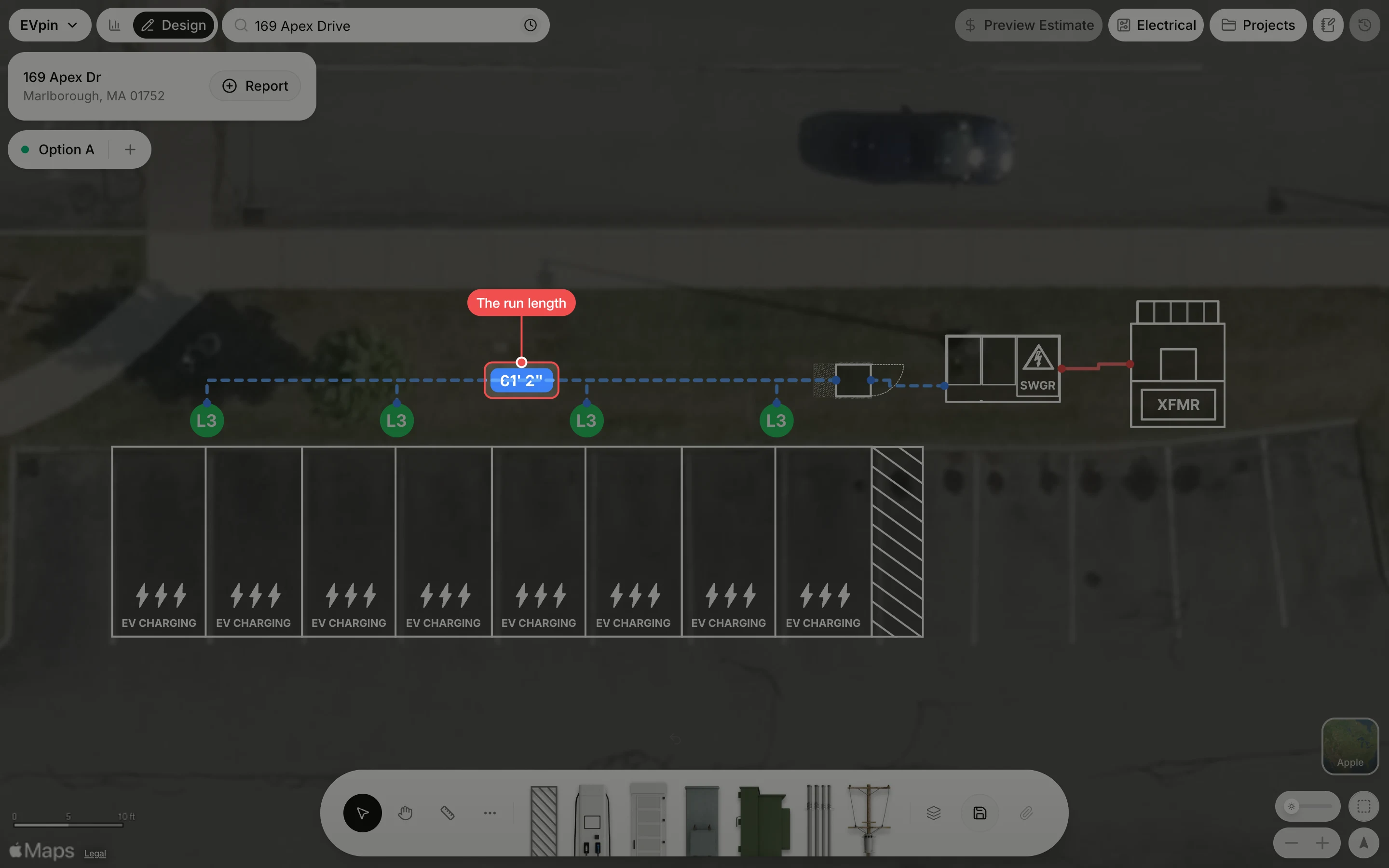
The run's length shows in a badge on the line, here 61' 2". Save the design to keep the label.
What's next
- How to change the line size of a conduit run to make the run easier to see.