How to change the line size of a conduit run
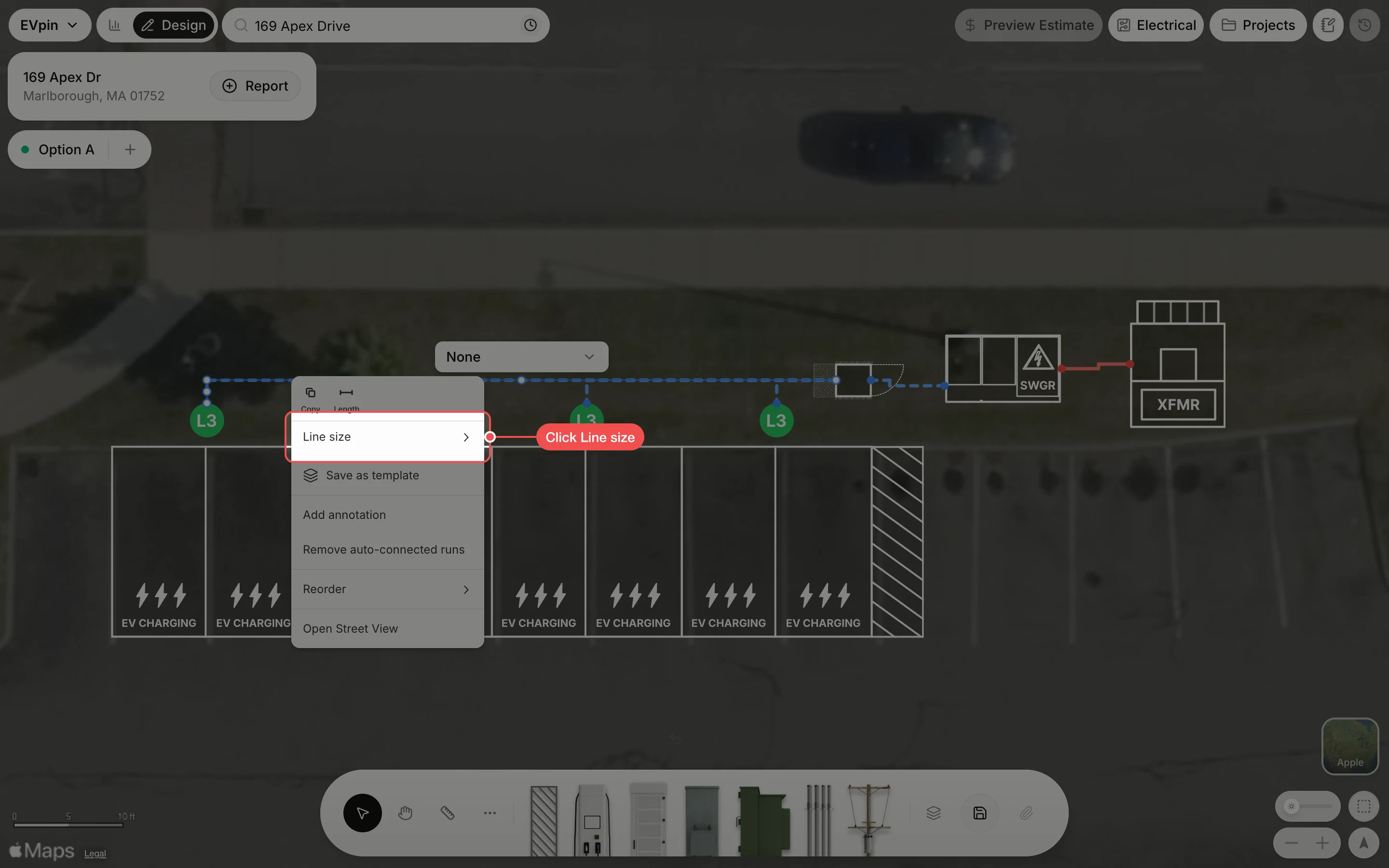
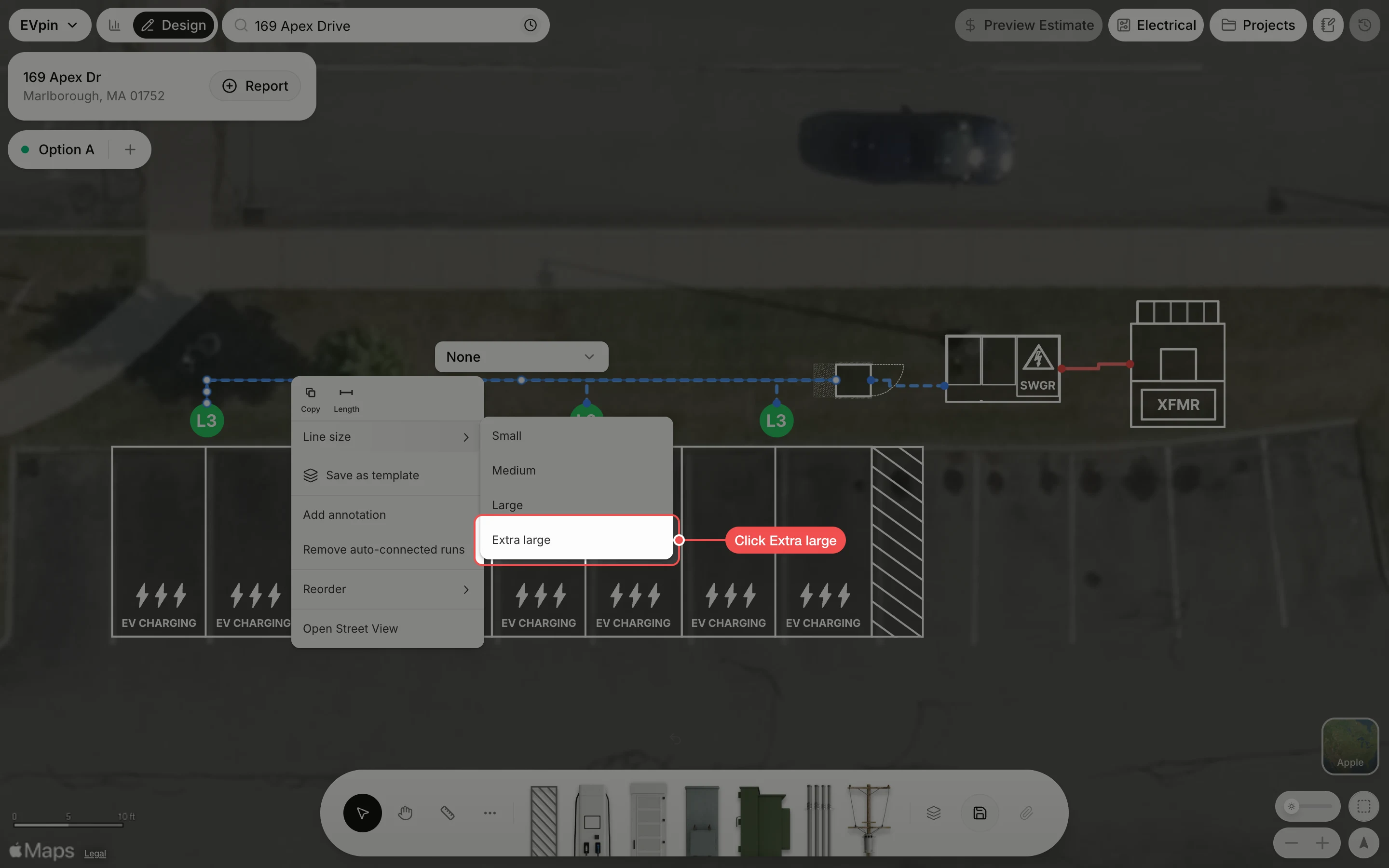
Draw a conduit run with a thicker line from the right-click menu on the Design page.
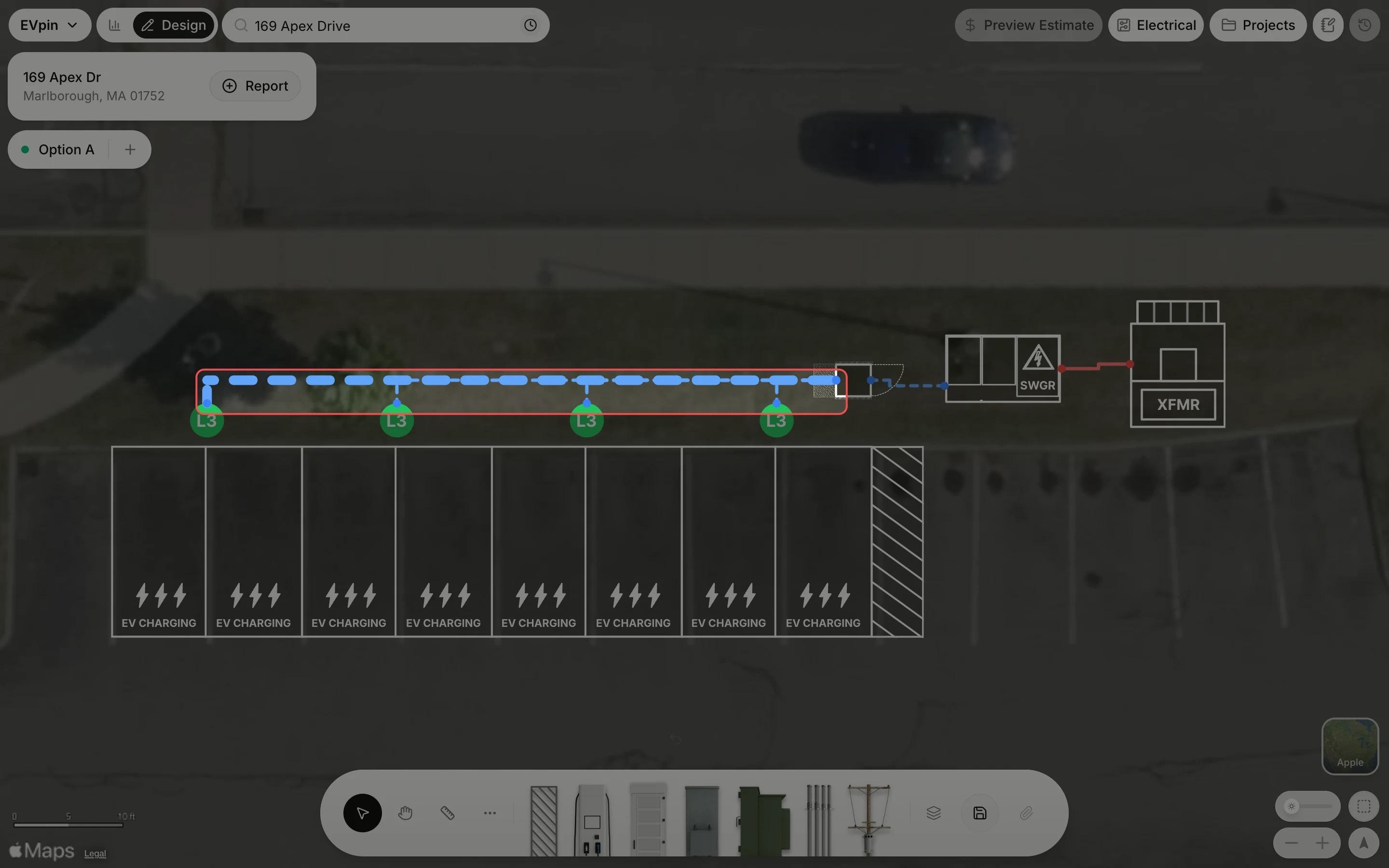
By the end your conduit run will be drawn with a thicker line, so it stands out on the plan. You need a design with a conduit run on it, as in How to draw a conduit run.
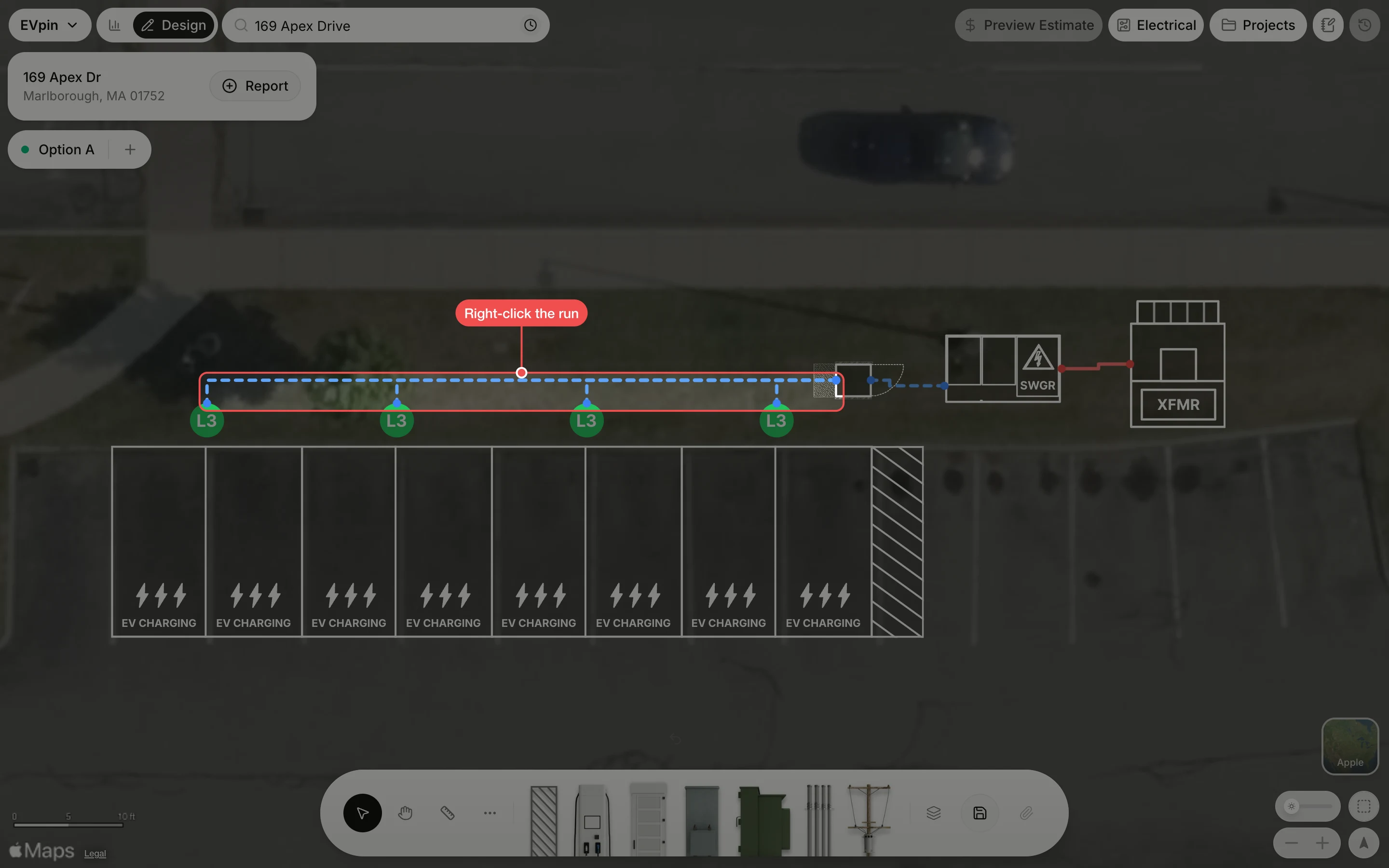
Right-click the run
Right-click the conduit run you want to change. Here it is the secondary run from the first charger to the power cabinet.
What's next
- How to show the length of a conduit run to label the run with its length.