How to show the accessibility icon on a stall
Paint the accessibility symbol on the left or right stall of a charger from the right-click menu on the Design page.
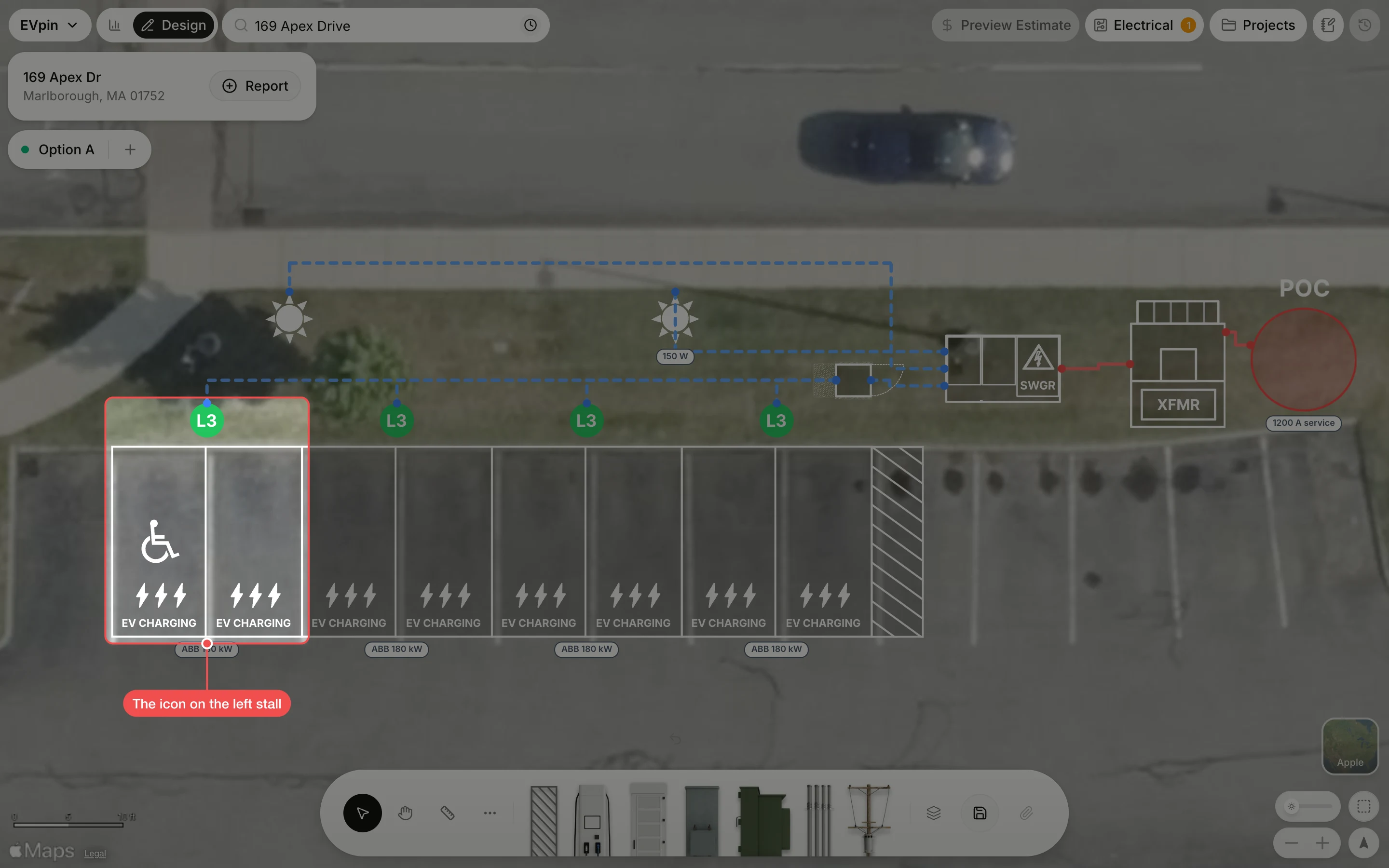
By the end one of your stalls will carry the accessibility symbol. You need a design with charging stalls on it, as in How to add charging stalls to a design.
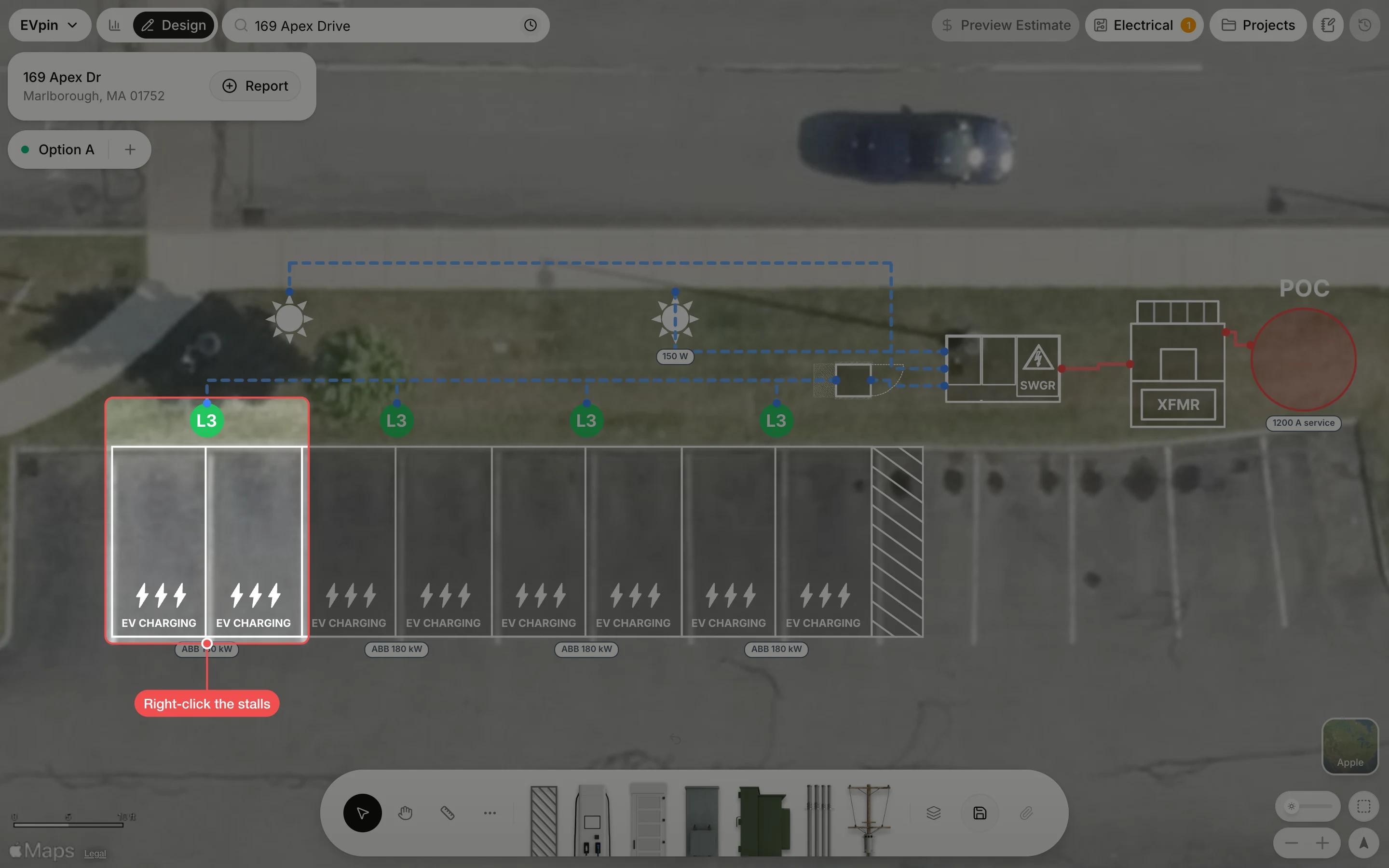
Turn on the stall's icon
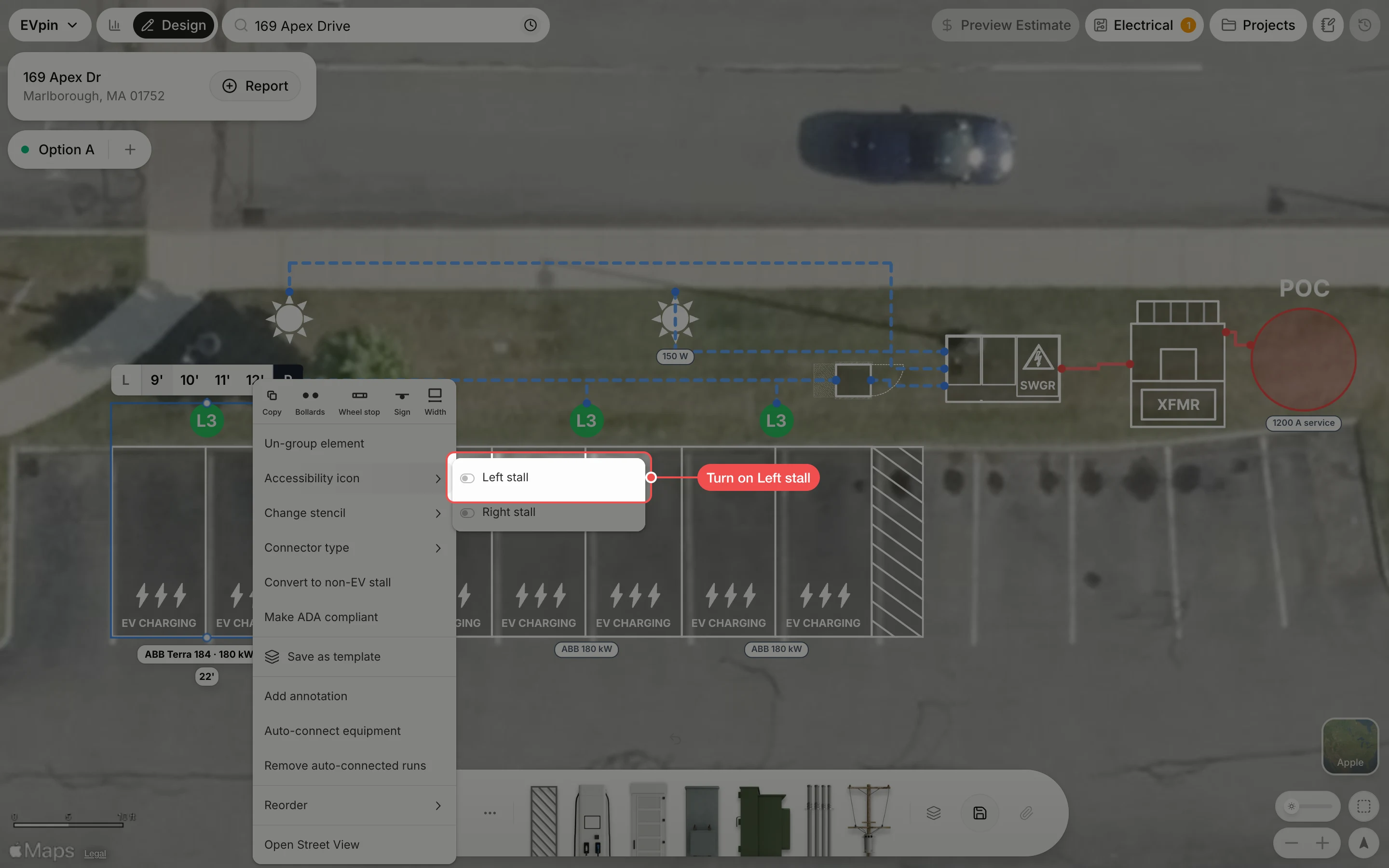
Point to Accessibility icon, then turn on Left stall or Right stall. For a stall with one port, click Show accessibility icon instead.
What's next
- How to make stalls ADA compliant to widen the stall and add an access aisle.