How to request a 3D mockup of a design
Ask the EVpin team for a 3D mockup of a saved design option, with the charger and vehicle you choose.
By the end you will have asked for a 3D mockup of one design option. The EVpin team reviews every mockup and emails you when it is ready to view in the report. You need a design with stalls and equipment placed, as in How to auto-connect equipment. Each design option gets one mockup.
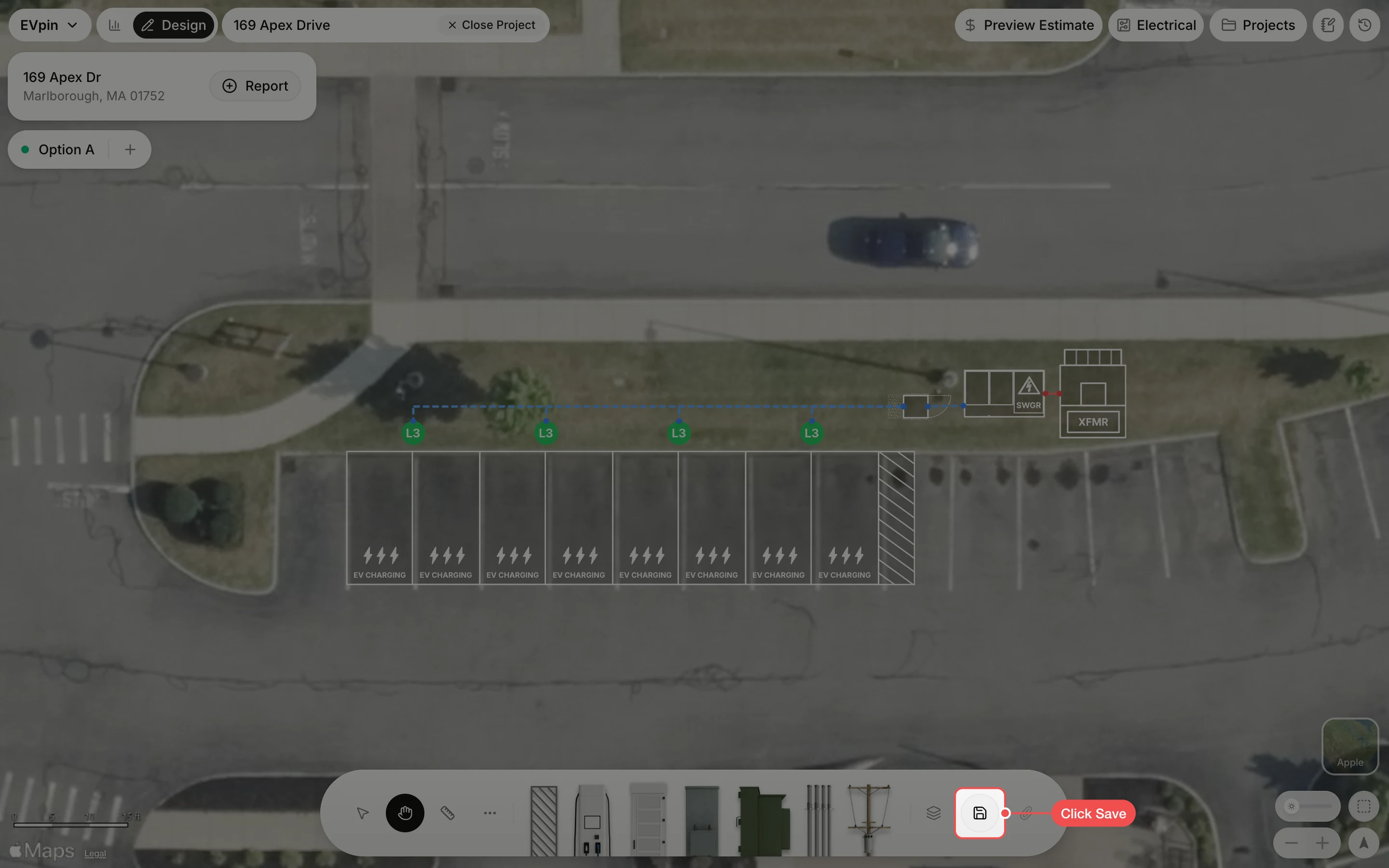
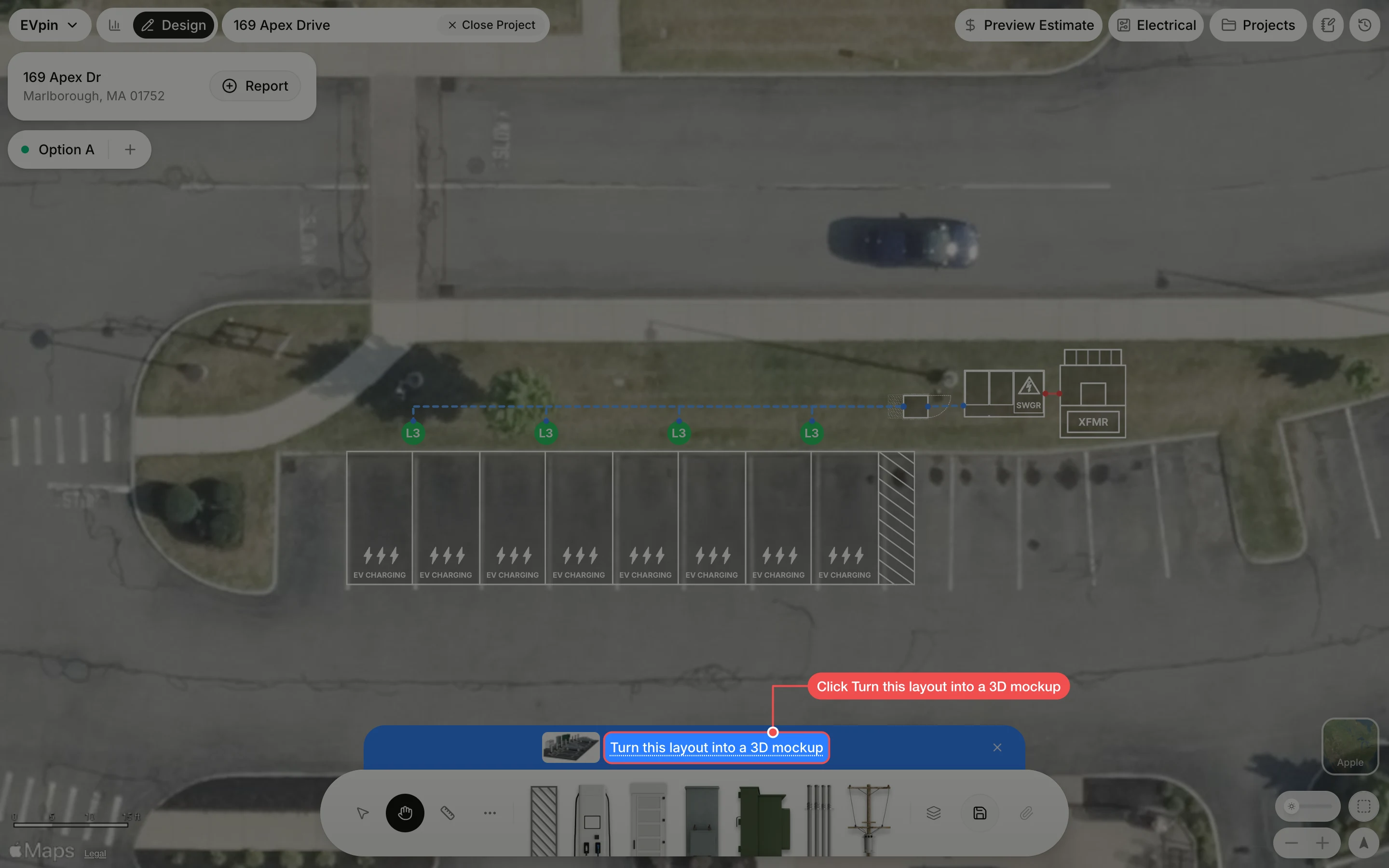
Click the charger model
Under Charger model, click the charger to show. The list only offers chargers that match the stalls in the layout; type in the search box to narrow it.
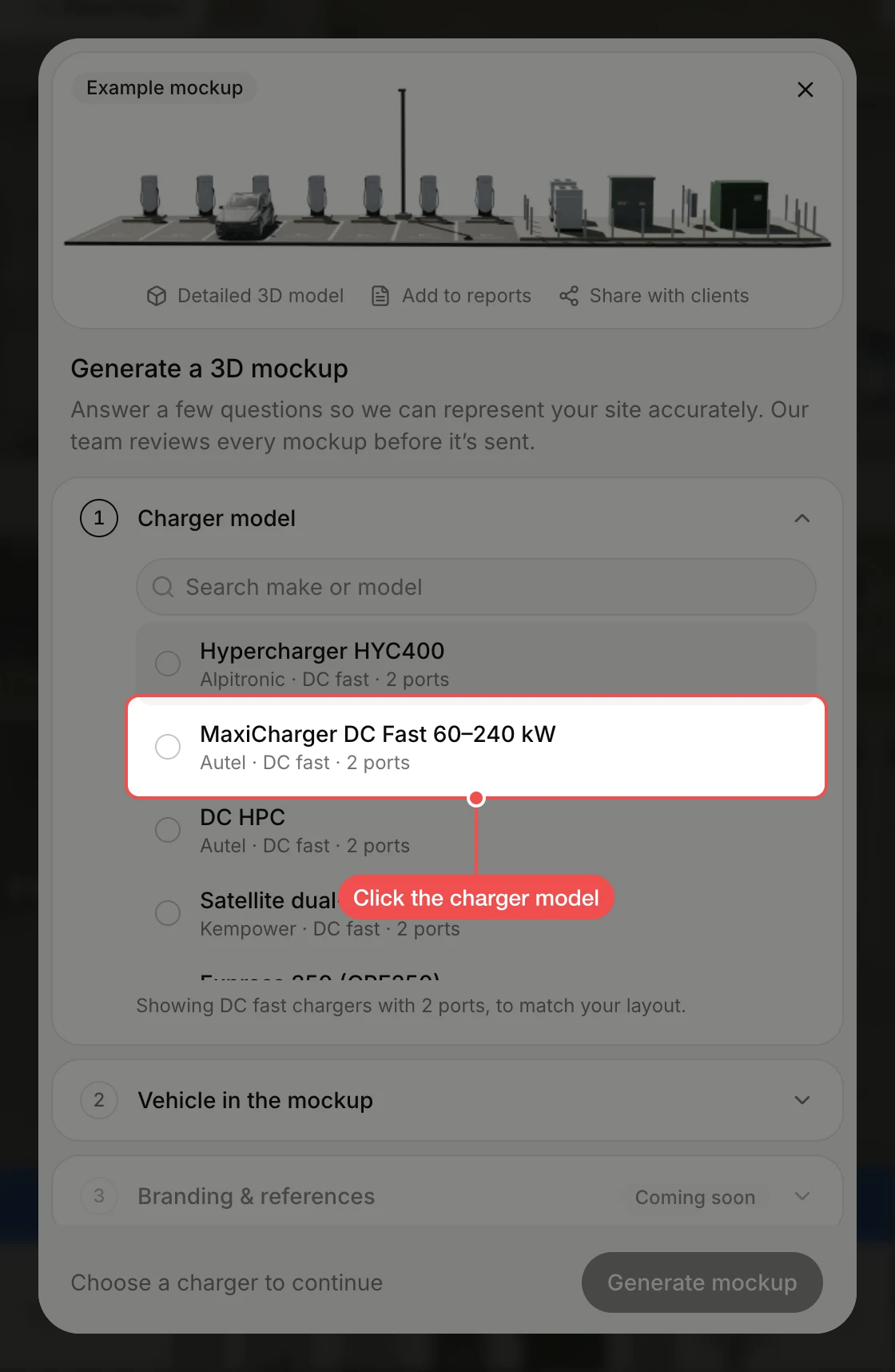
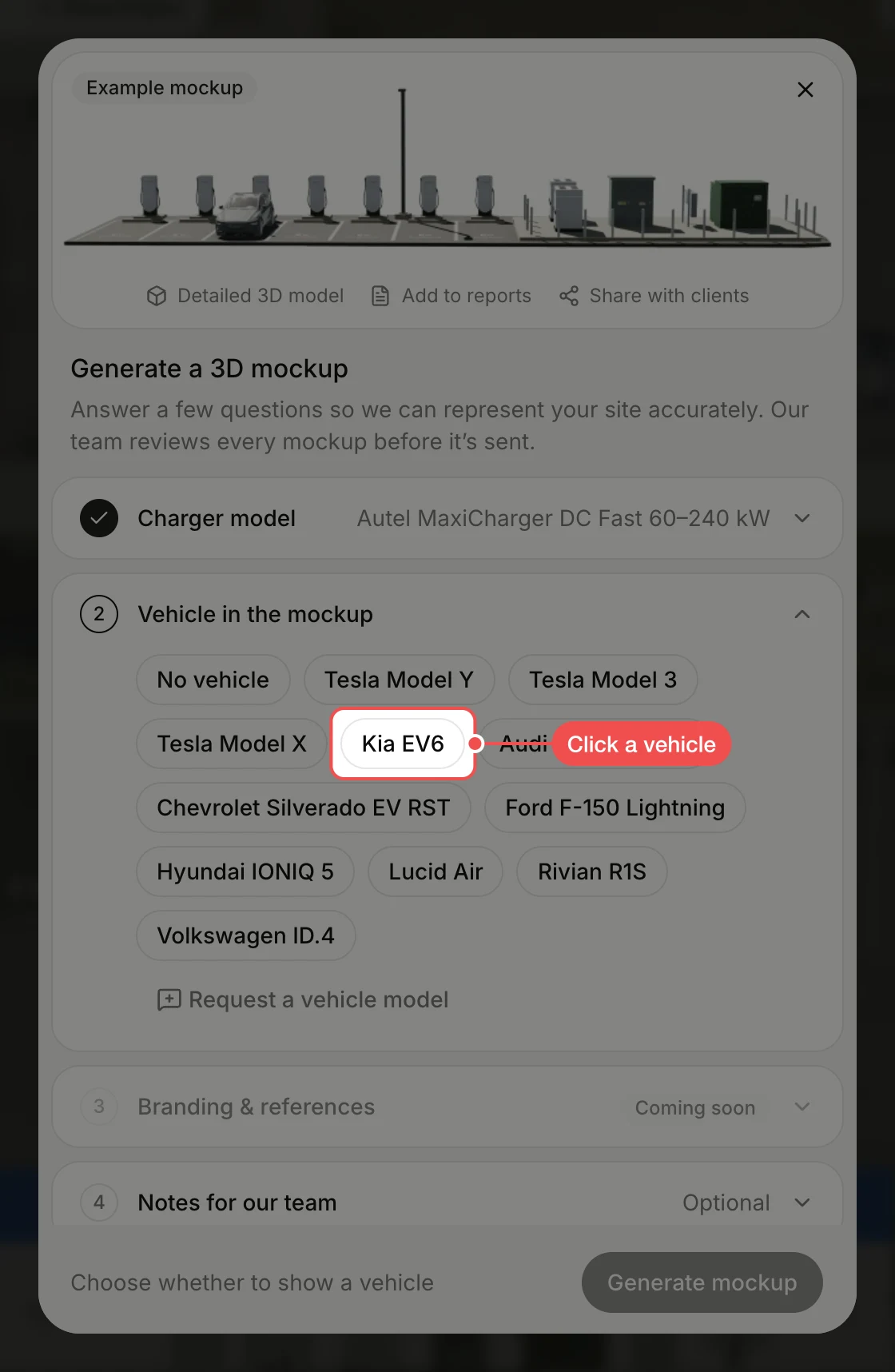
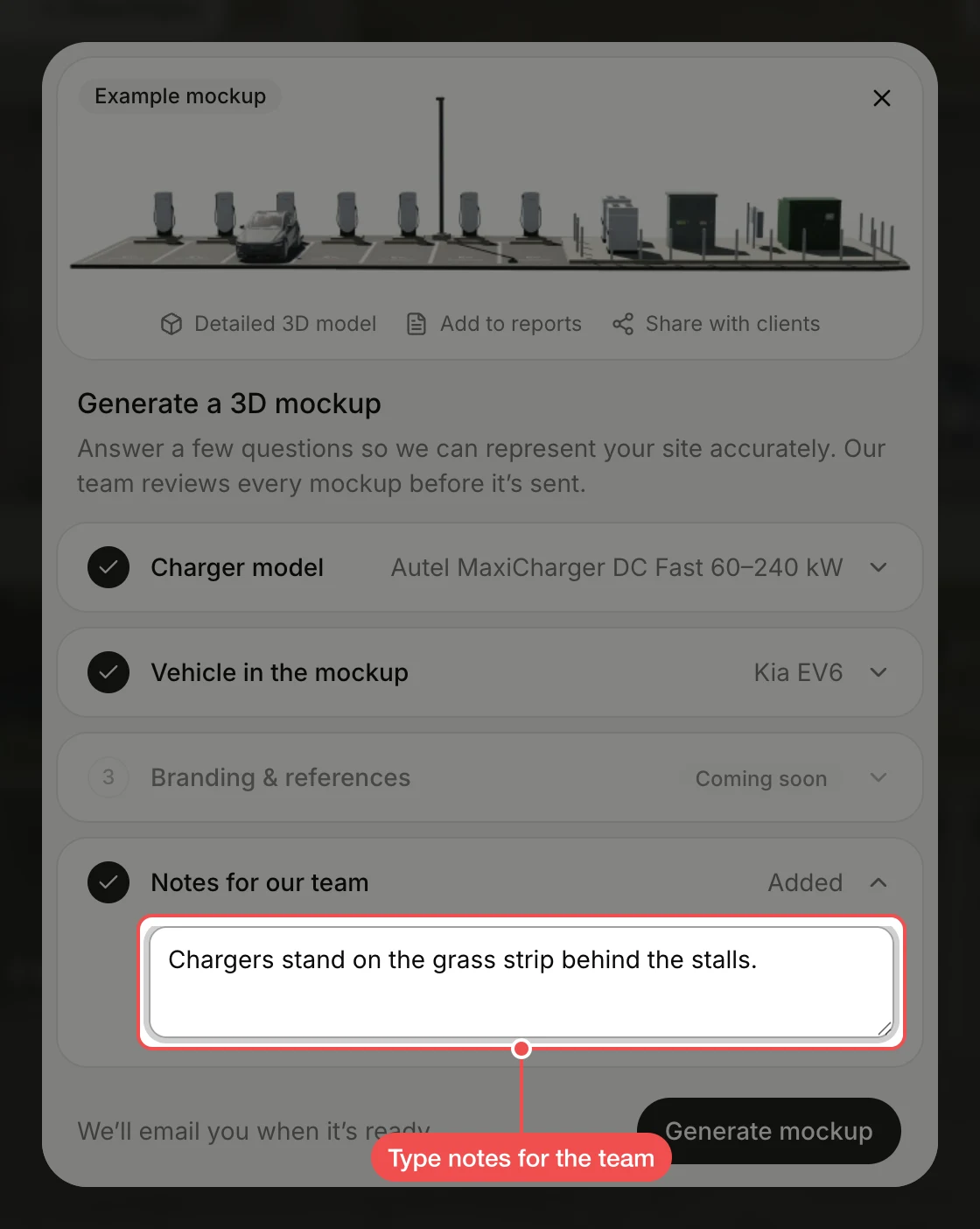
Type notes for the team
Notes are optional. Click Notes for our team and type anything the team should know about the site.
Send the request
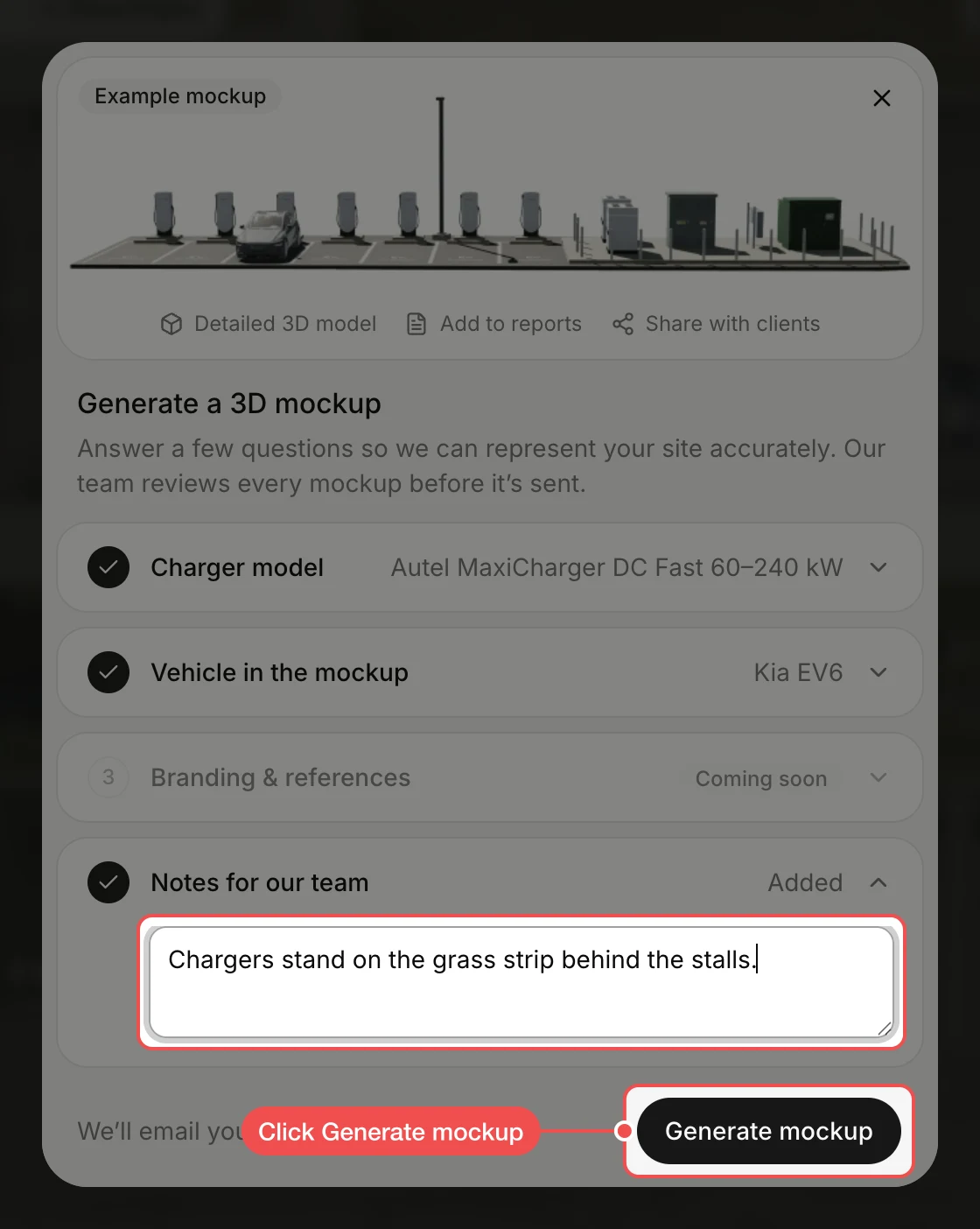
Click Generate mockup. The dialog confirms the request, and the banner shows the mockup as in progress until it is ready.
What's next
- How to generate a report from the Design page where the finished mockup appears.