How to manage your templates
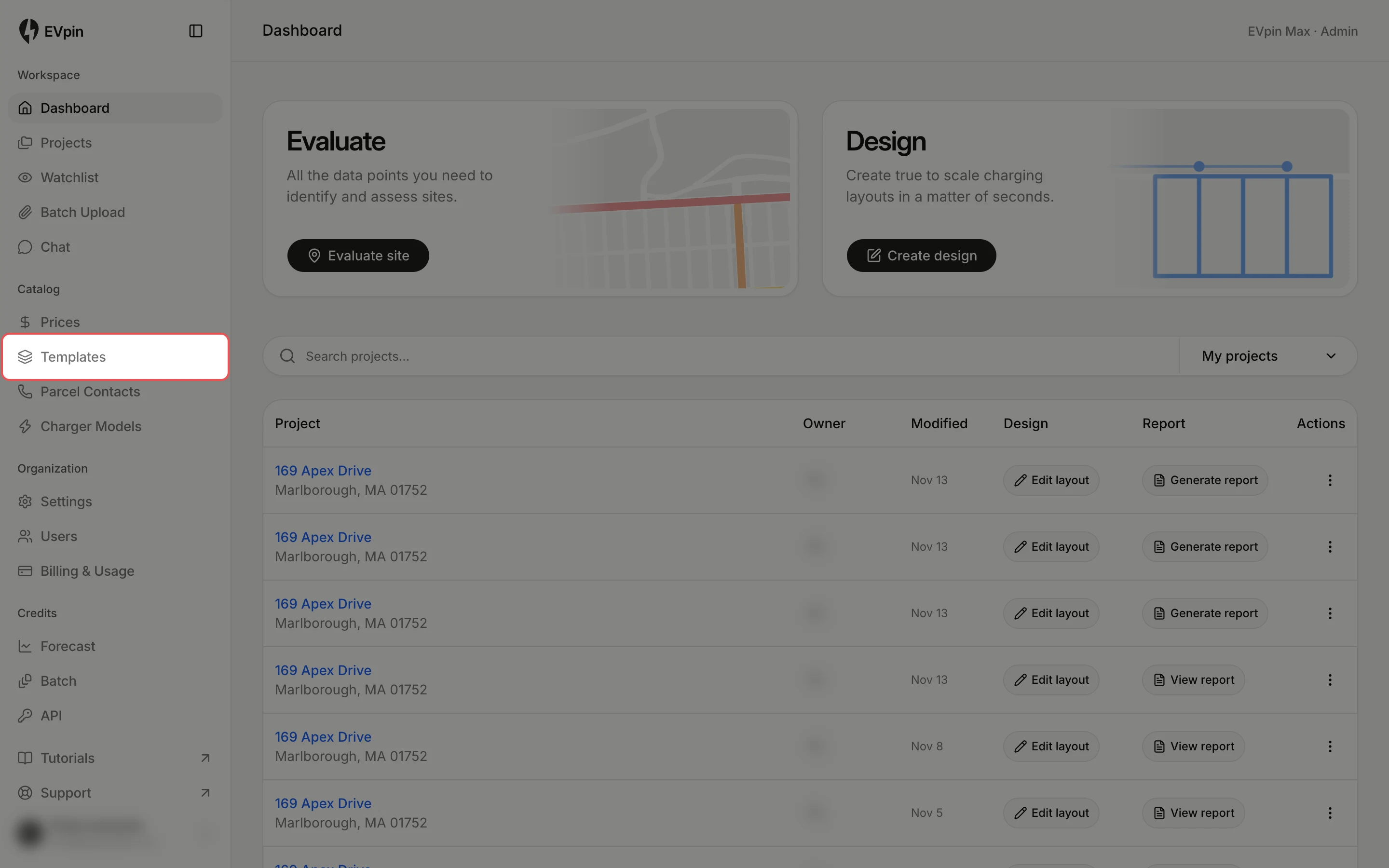
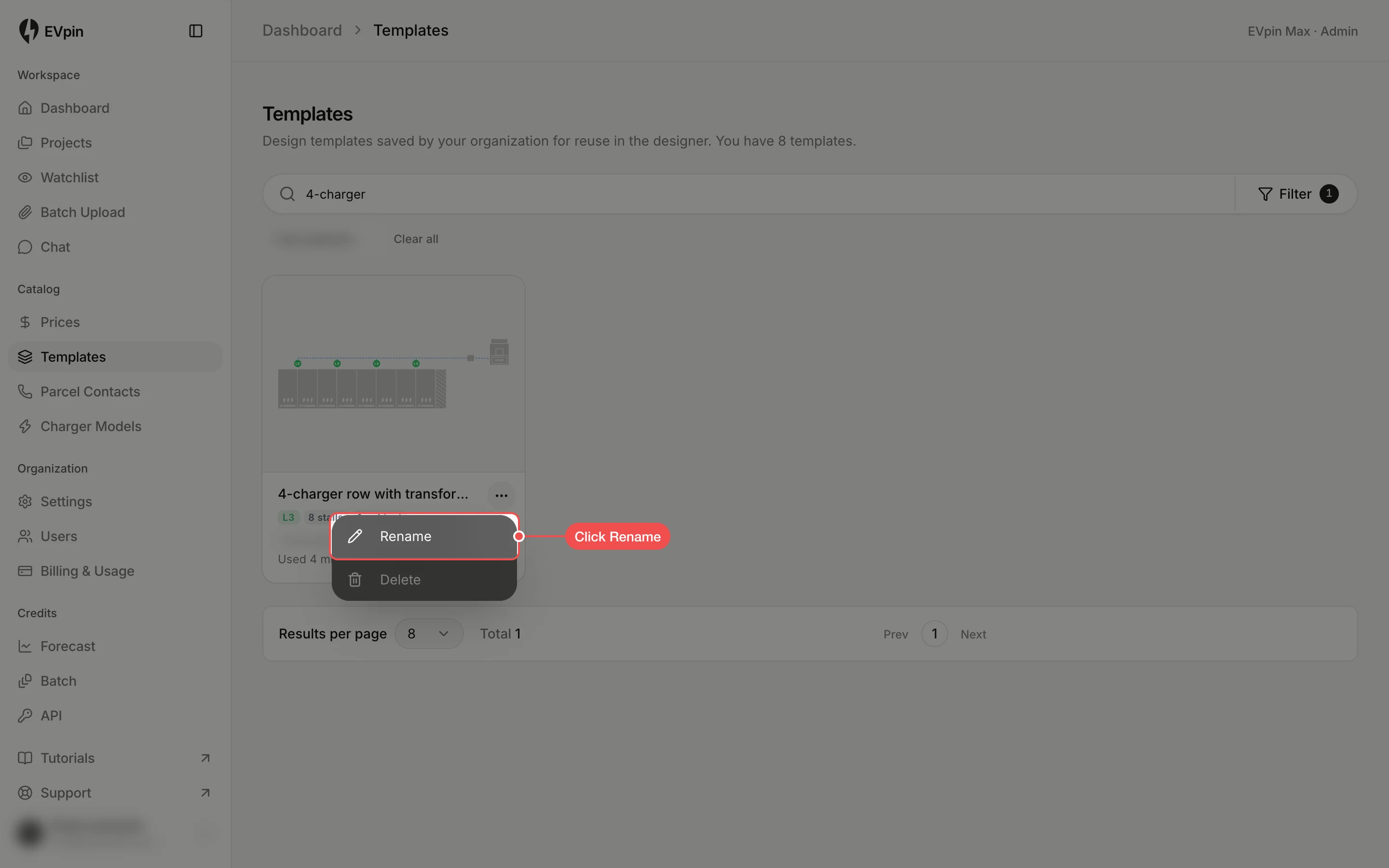
Find, rename and delete your organization's design templates on the Templates page.
The Templates page lists every template saved in your organization, with a preview and tags that EVpin adds from its contents (charger level, stall count, cabinets). You need at least one template, as in How to save part of a design as a template.
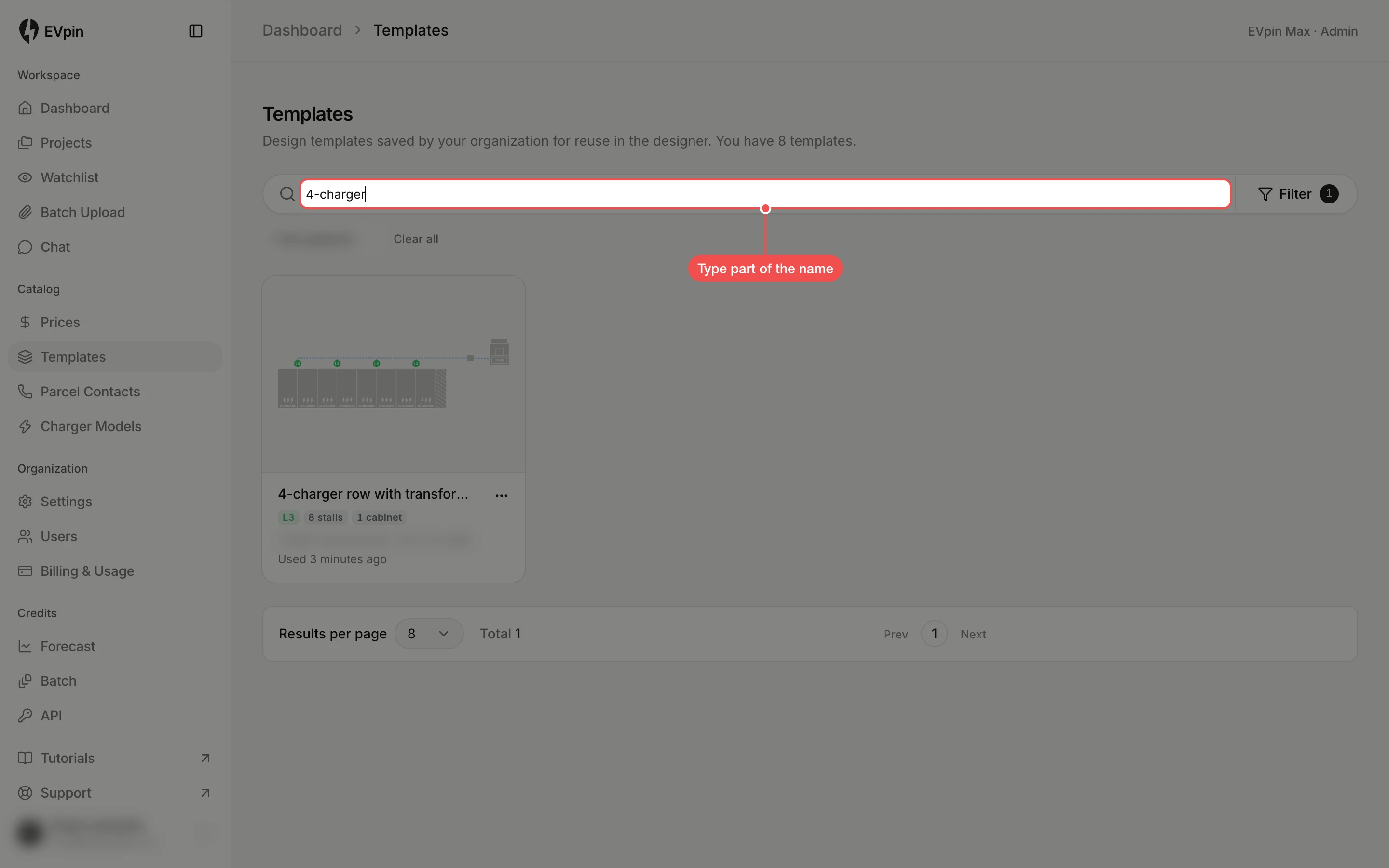
Find a template
The page opens on the templates you created, with your name under the search box. Click Clear all there to see everyone’s. Type part of the name in Search templates… to narrow the list.
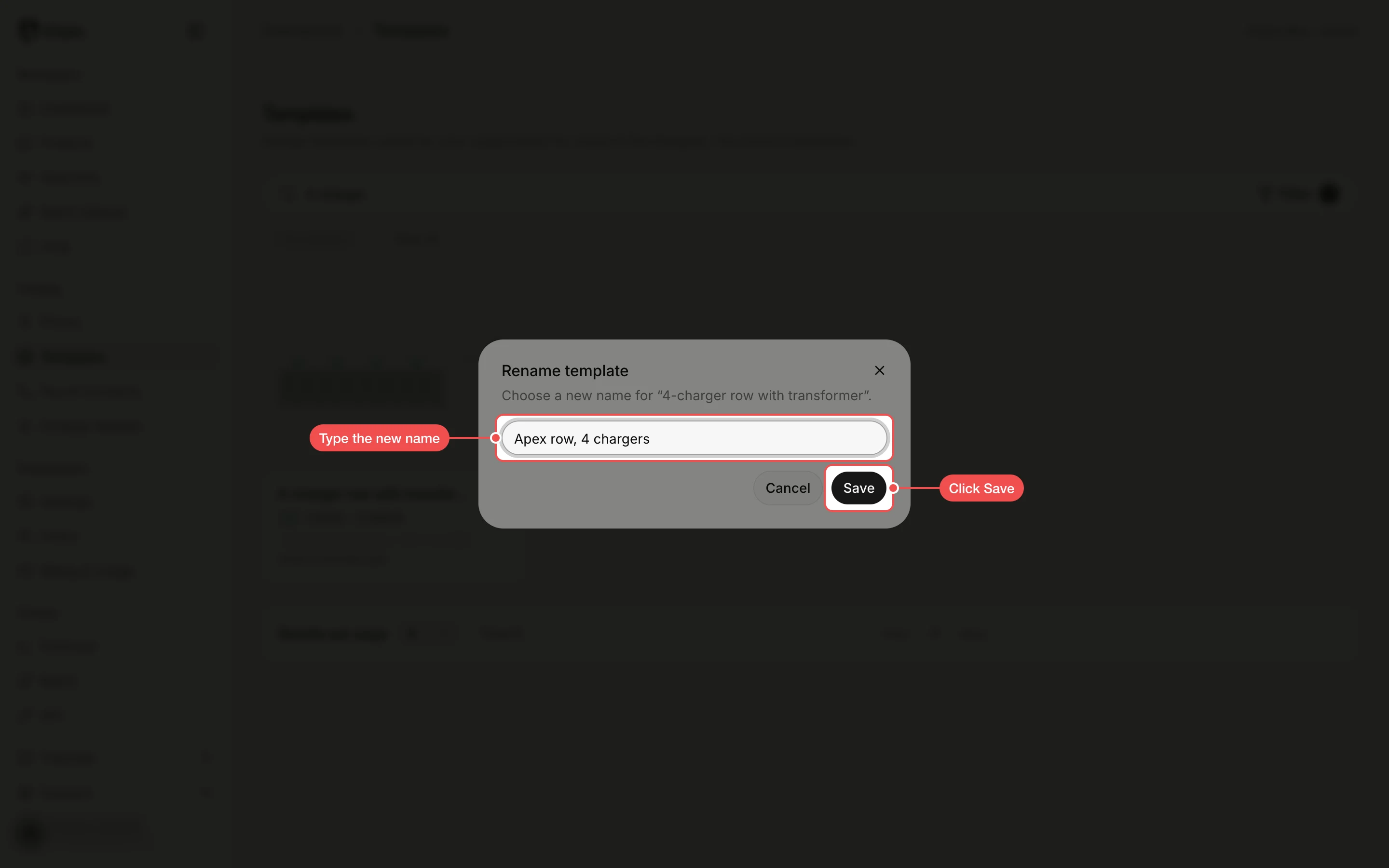
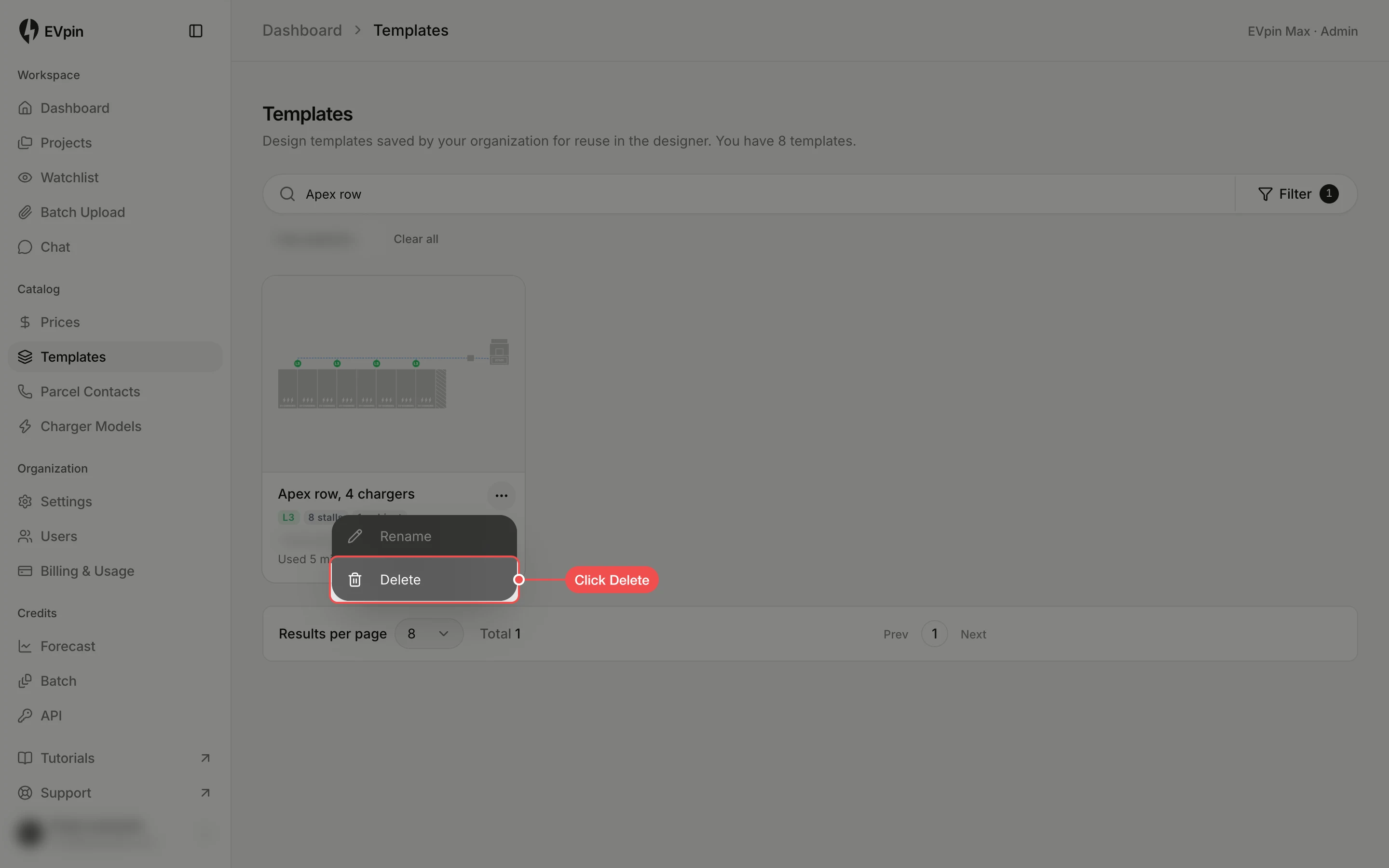
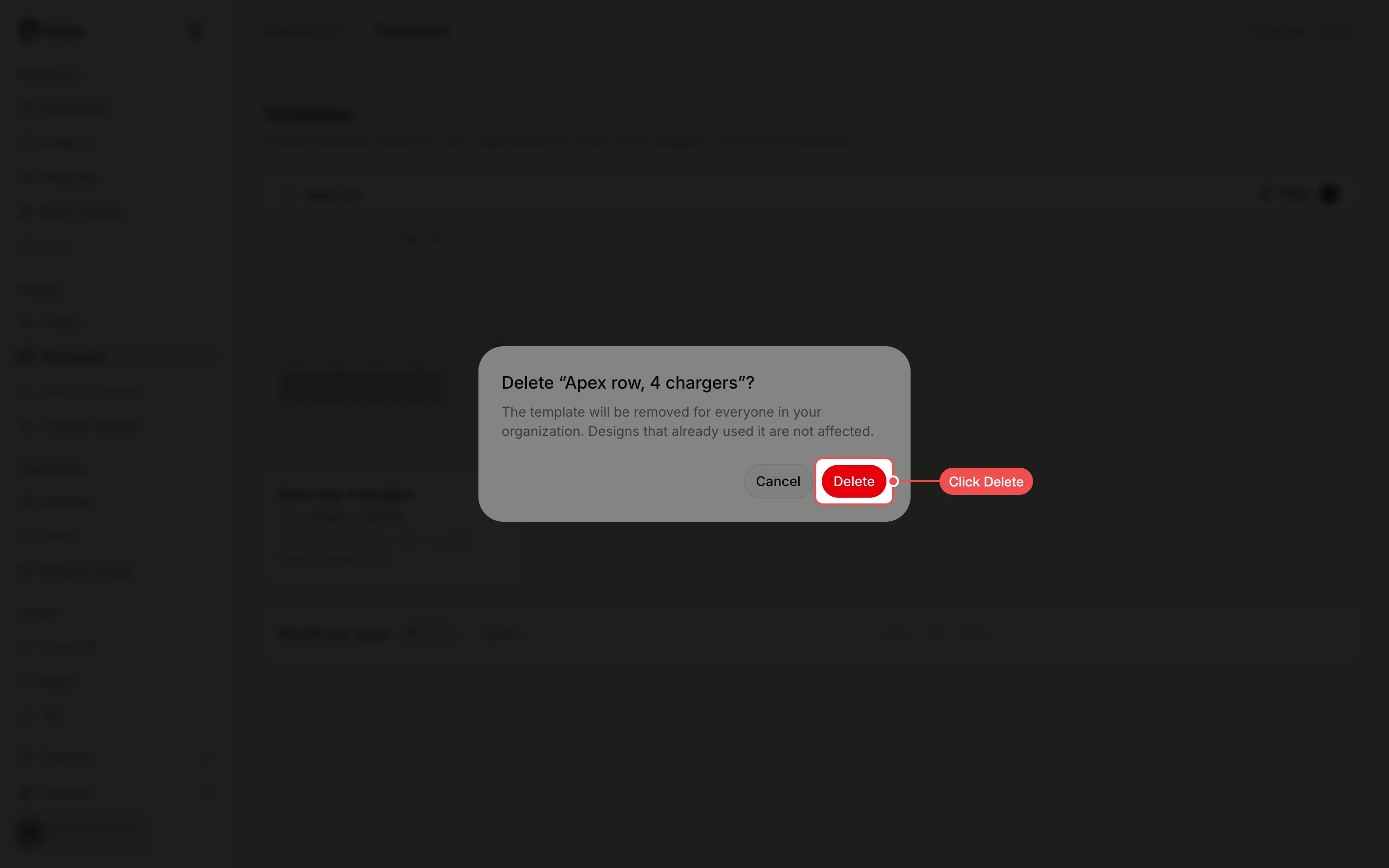
Confirm the delete
Click Delete. The template is removed for everyone in your organization; designs that already used it keep their equipment.