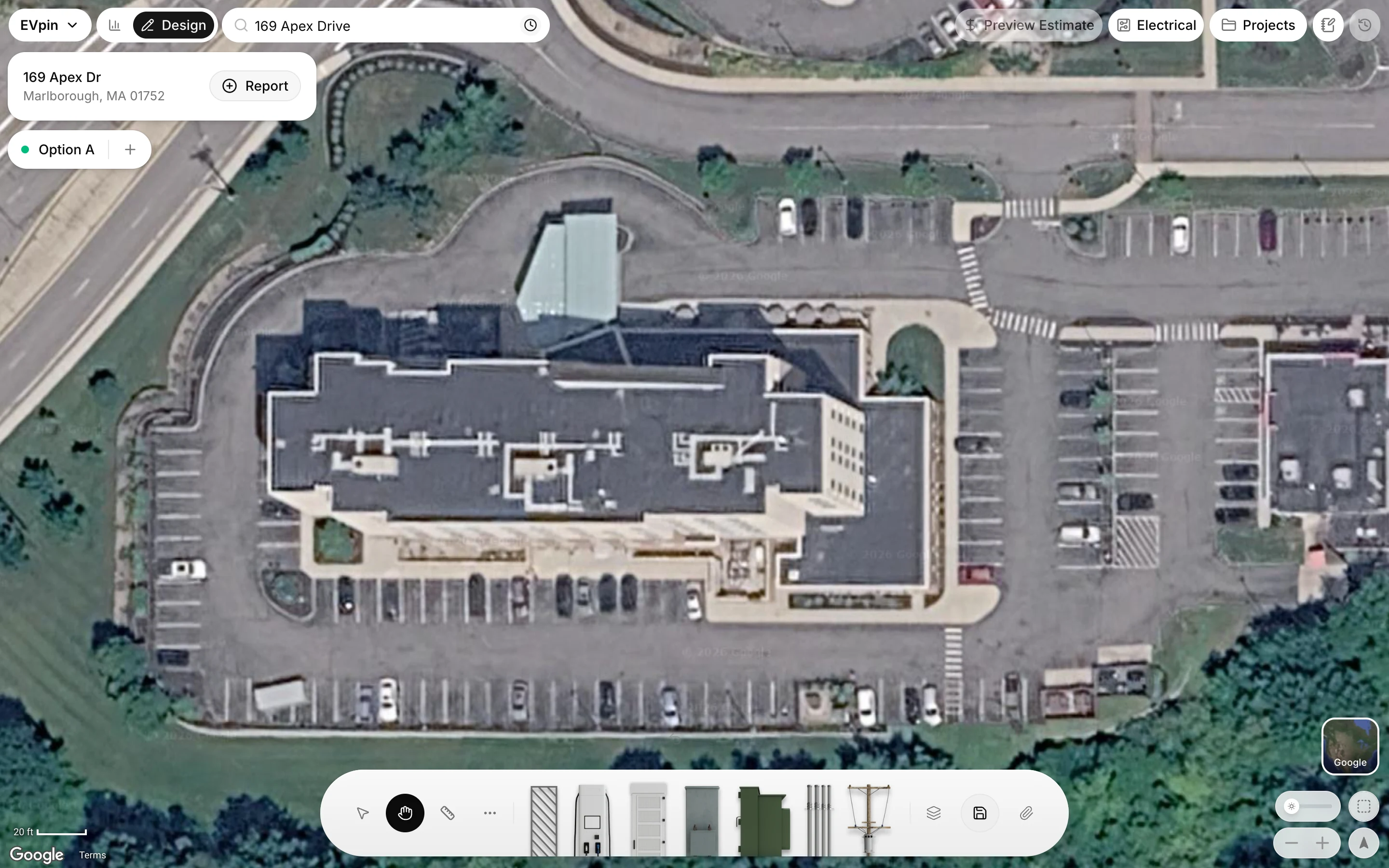
How to change the map background on the Design page
Switch the Design page's aerial imagery between Apple and Google before you start drawing.
The Design page draws on aerial imagery from Apple or Google. When one is blurry, dated or hidden by trees, the other often shows the site better. By the end your design will sit on the imagery you picked. Choose it before you add anything: once the design has shapes on it, the switch is locked.
Open the map background picker
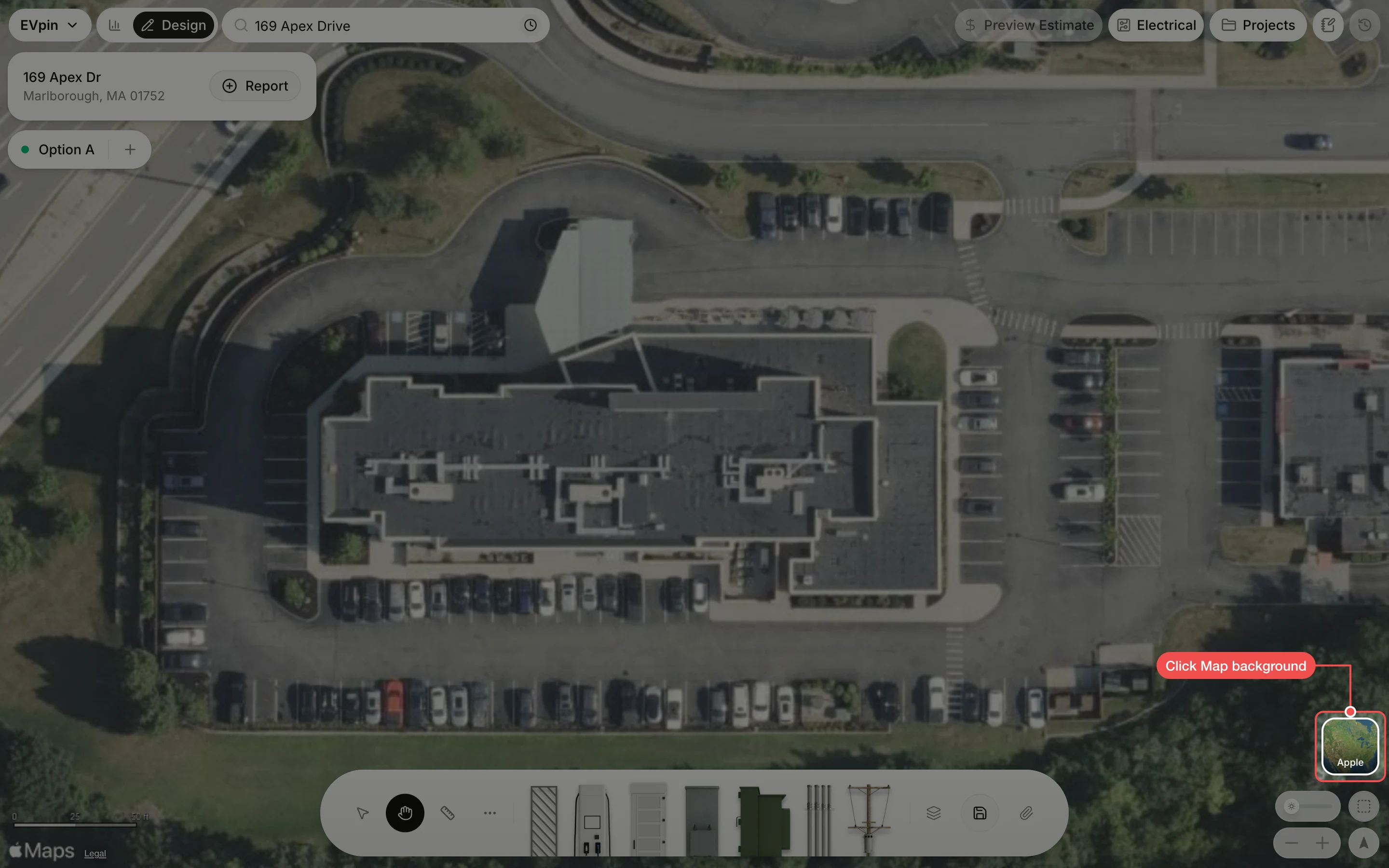
With the address picked and nothing drawn yet, click Map background, the thumbnail in the bottom-right corner. Its label shows the imagery in use.
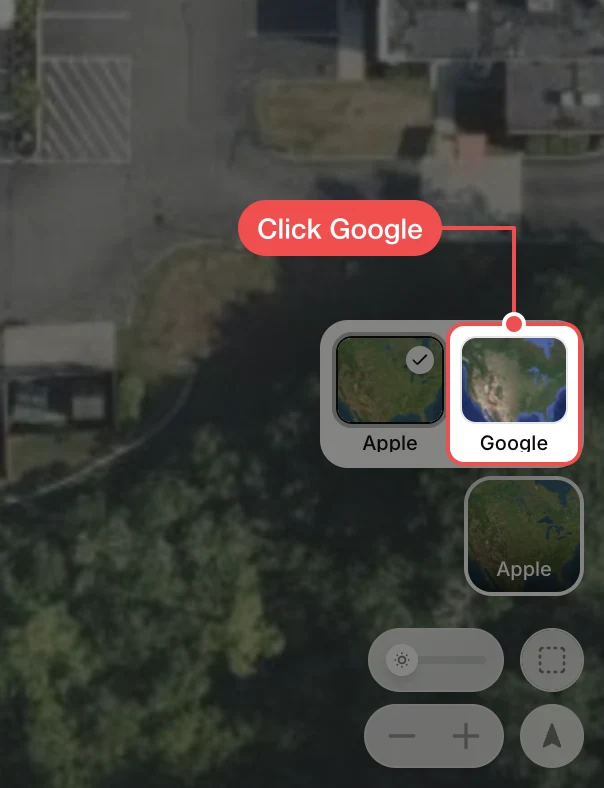
Check the map
The map redraws with the new imagery at the same spot and the thumbnail shows its name.