How to add another design option
Add a second layout option to a design and switch between the options.
By the end your design will hold a second option you can change without touching the first. You need a design with equipment on it, as in How to add charging stalls to a design.
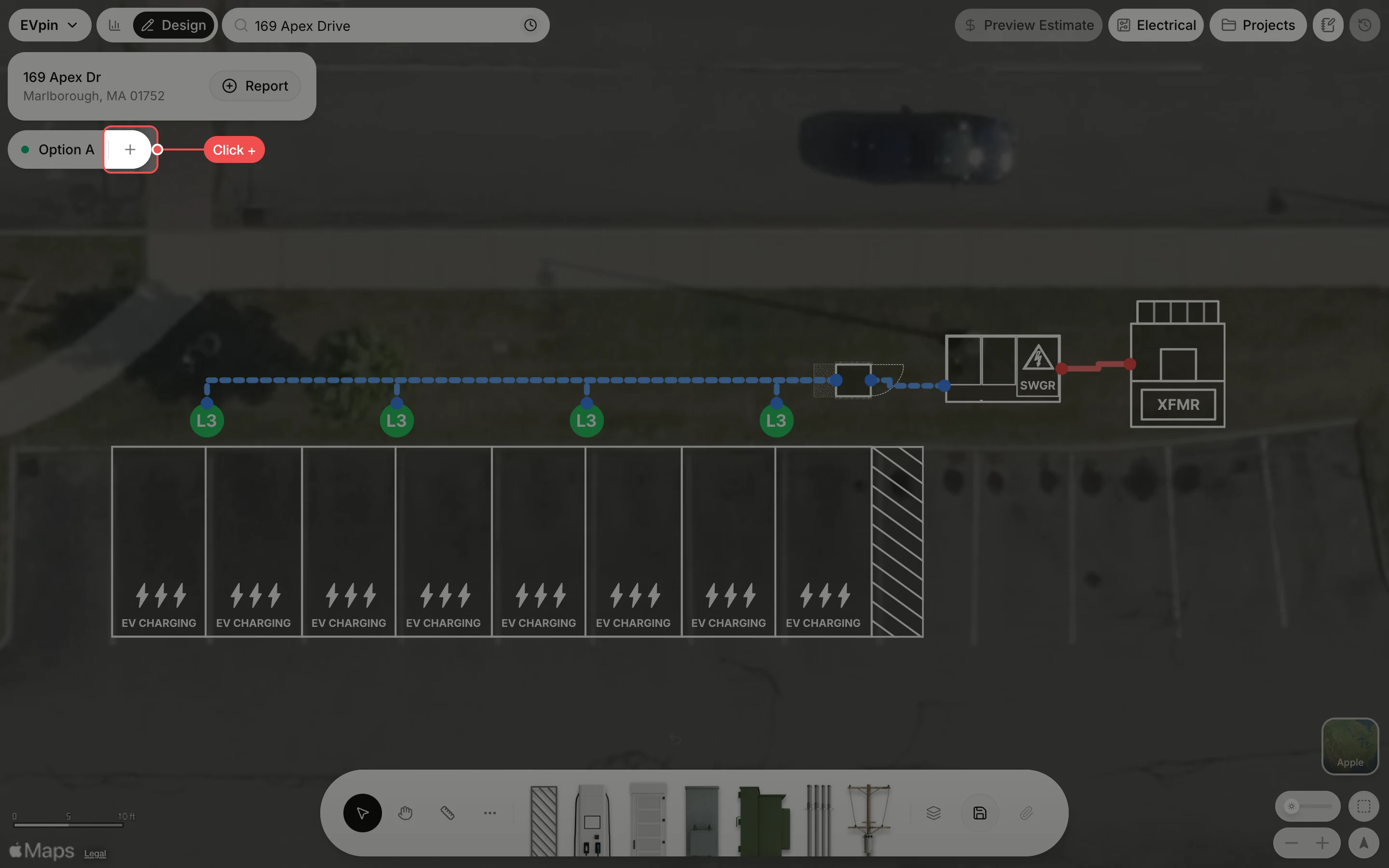
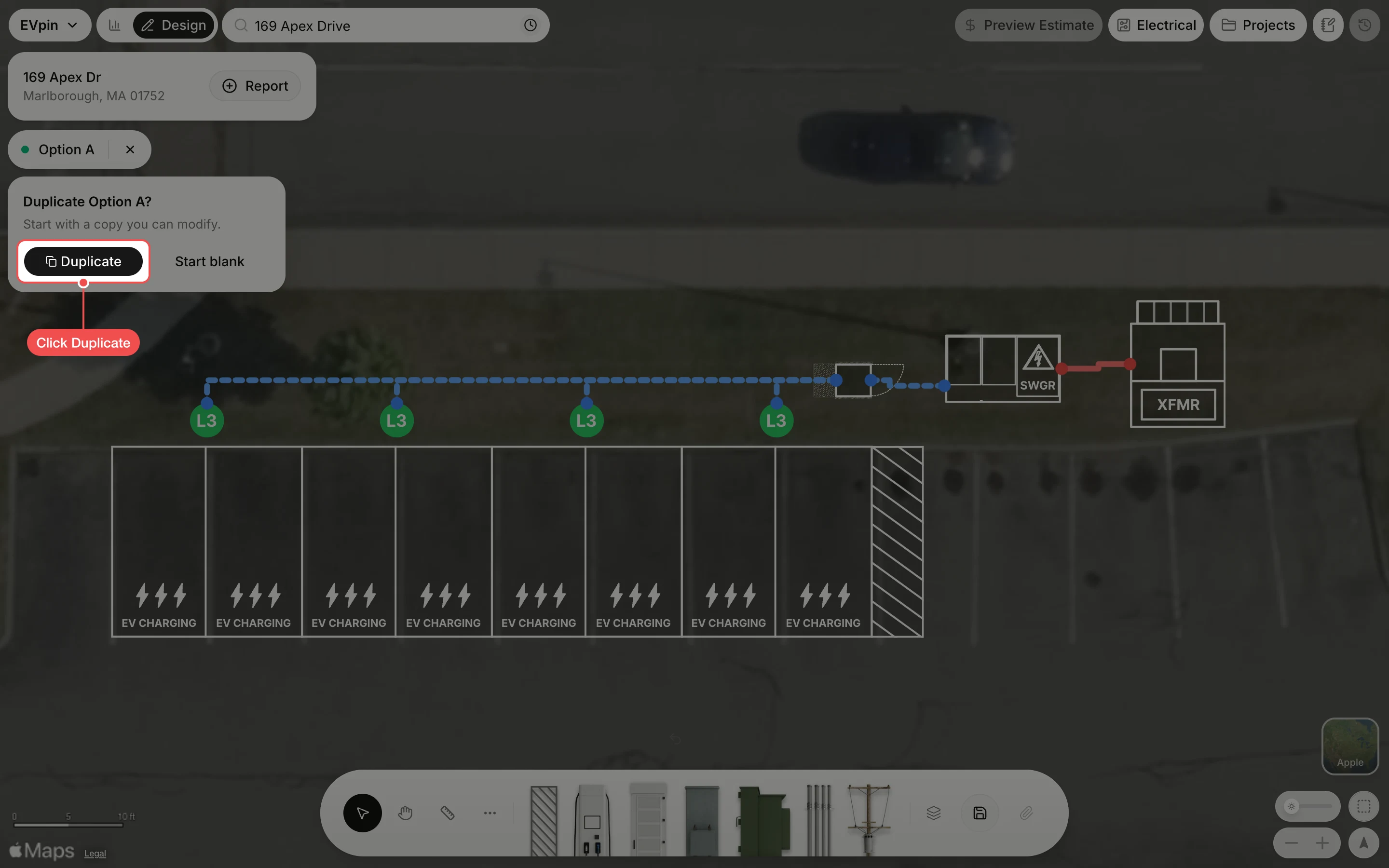
Duplicate the current option
Click Duplicate to start Option B from a copy of Option A, with the same stalls, transformer, switchgear, cabinet and conduit runs. Start blank gives you an empty map instead.
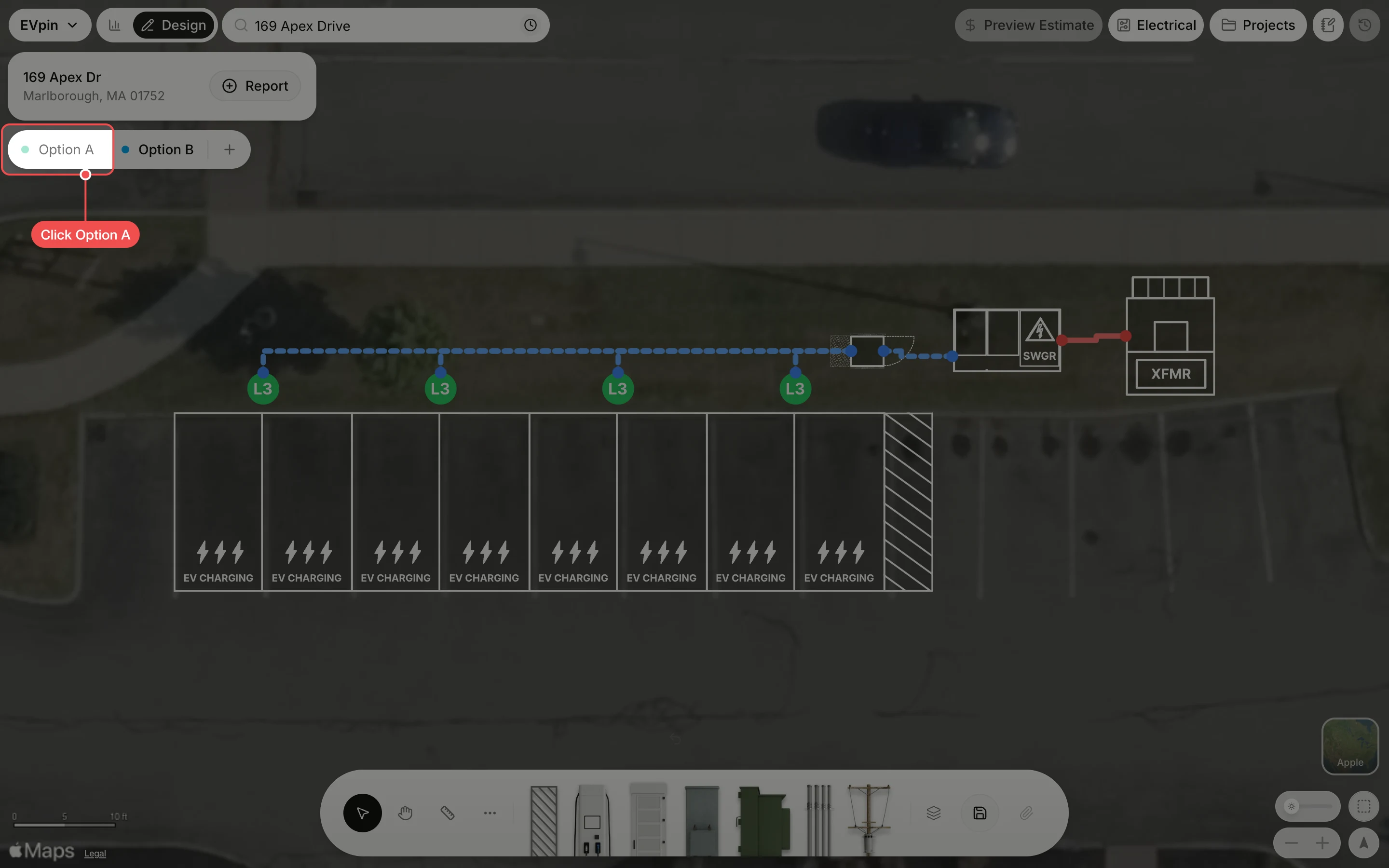
Switch back to Option A
Option B is now open, and any change you make stays in it. Click Option A in the options bar to go back to the first layout. Option B stays in the bar for when you want it again.
What's next
- How to generate a report from the Design page to share the options with a client.