How to add a meter pedestal
Place a meter pedestal on a design where the utility meters the service that feeds the chargers.
A meter pedestal is the post that holds the utility meter for the charging service. EVpin treats it as a service source, and the single line diagram draws a utility meter whenever one is placed. By the end your design will have a meter pedestal beside the utility pole. You need a design with the utility equipment placed, as in How to add a utility pole.
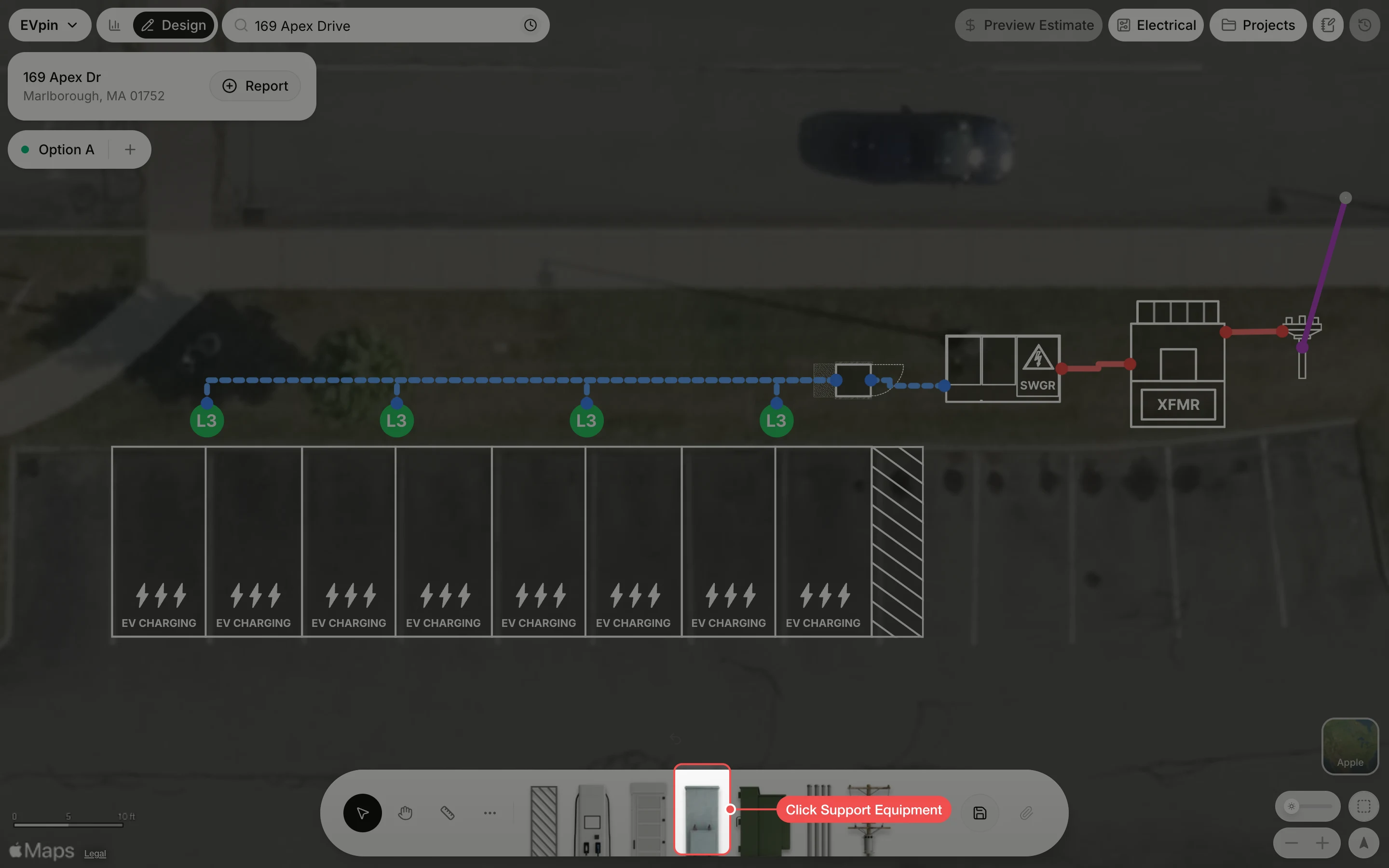
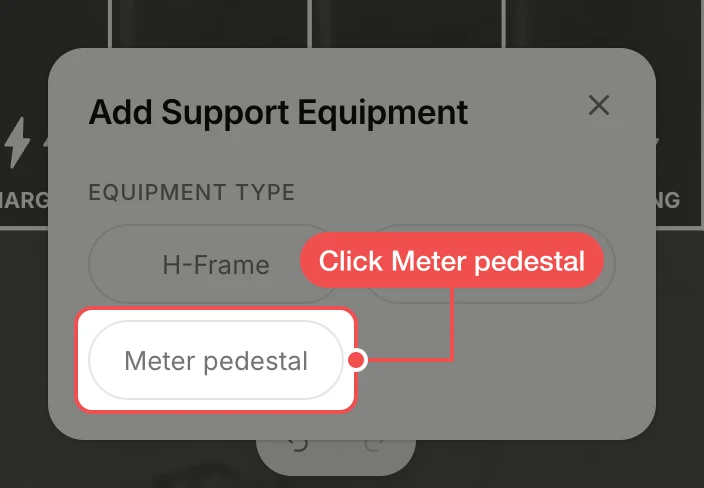
Click Meter pedestal
In Add Support Equipment, click Meter pedestal. A 3' × 4' pedestal appears selected in the middle of the map.
Drag it into place
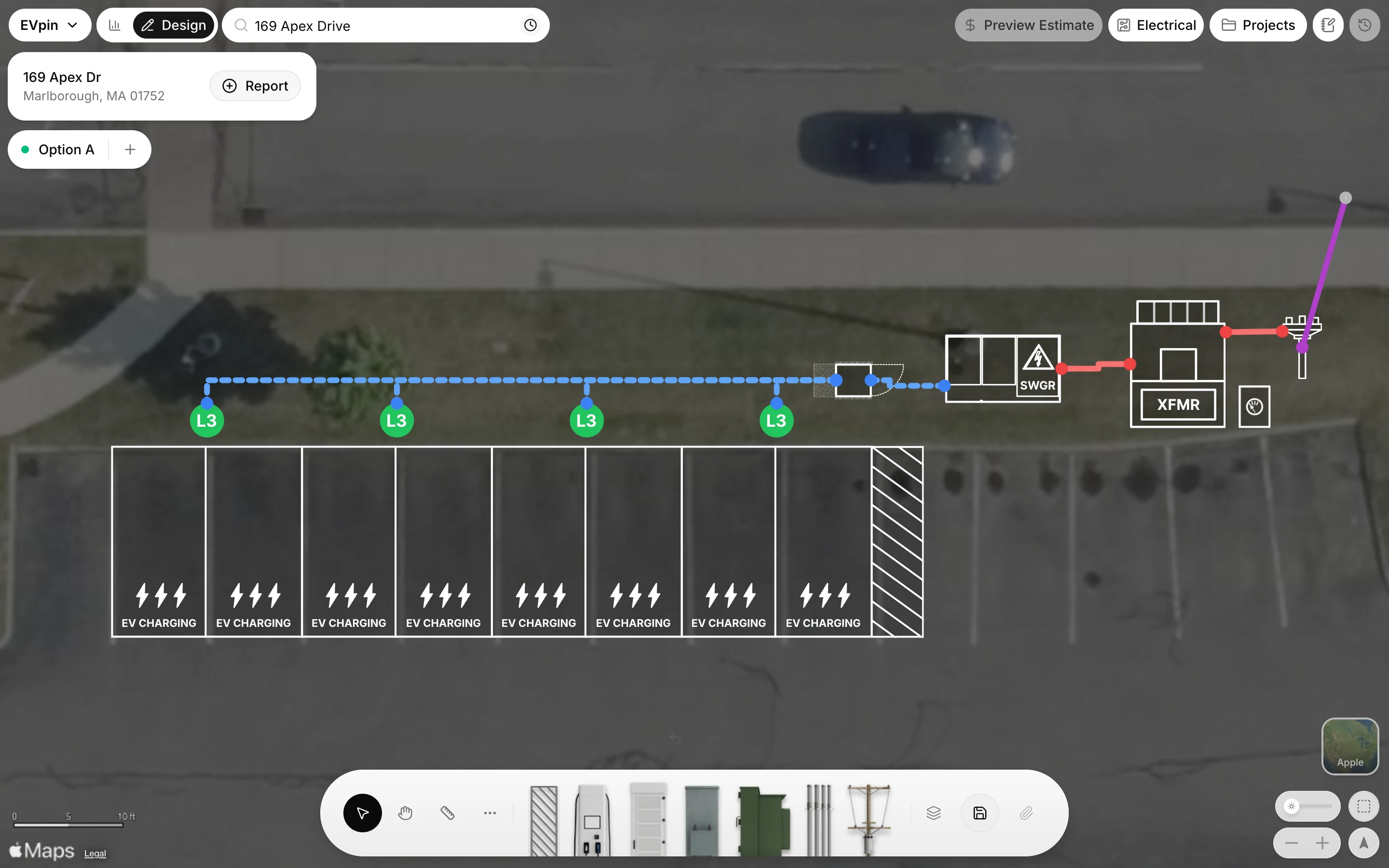
Drag the pedestal onto clear ground where the meter stands, here on the grass between the transformer and the utility pole.
What's next
- How to view a design's single line diagram to see the meter in the diagram.