
Design EV sites your team can actually trust
Create conceptual layouts to scale in minutes and send them to your client with your own branding. No training required.
Sam
Jake
Trusted by half of the EV charging industry






































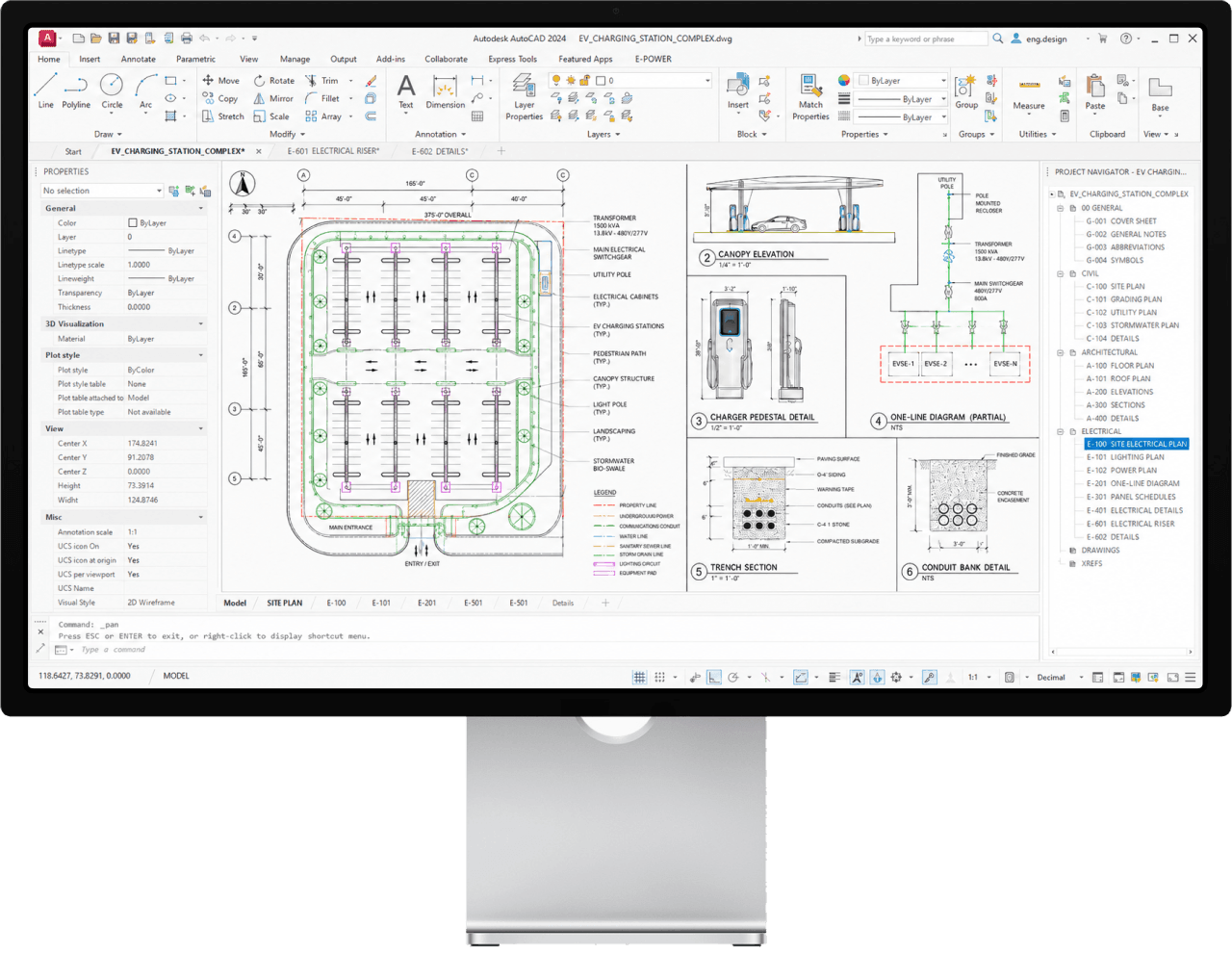
Every site layout you ship is held up by an engineer with AutoCAD open.
Site Acquisition
9:02 AMNew parcel on Folsom Blvd. Can we get a quick layout?
Sales finds a promising parcel on Monday. The drawing comes back Friday. The customer asked for one more charger on the walk home, so now it's another week.
Open the page. Ship a layout. Zero training required.
Search the address
Type in the address and start designing on top of the map.
Insert stalls
Enter the desired number of stalls to generate a scaled layout.
Add equipment
Add any equipment you need. Power, safety, wiring, and more.
Send the report
Share an interactive site layout with clients. No login required.
Powerful when you dig in.
Search an address. Place chargers. To real-world scale.
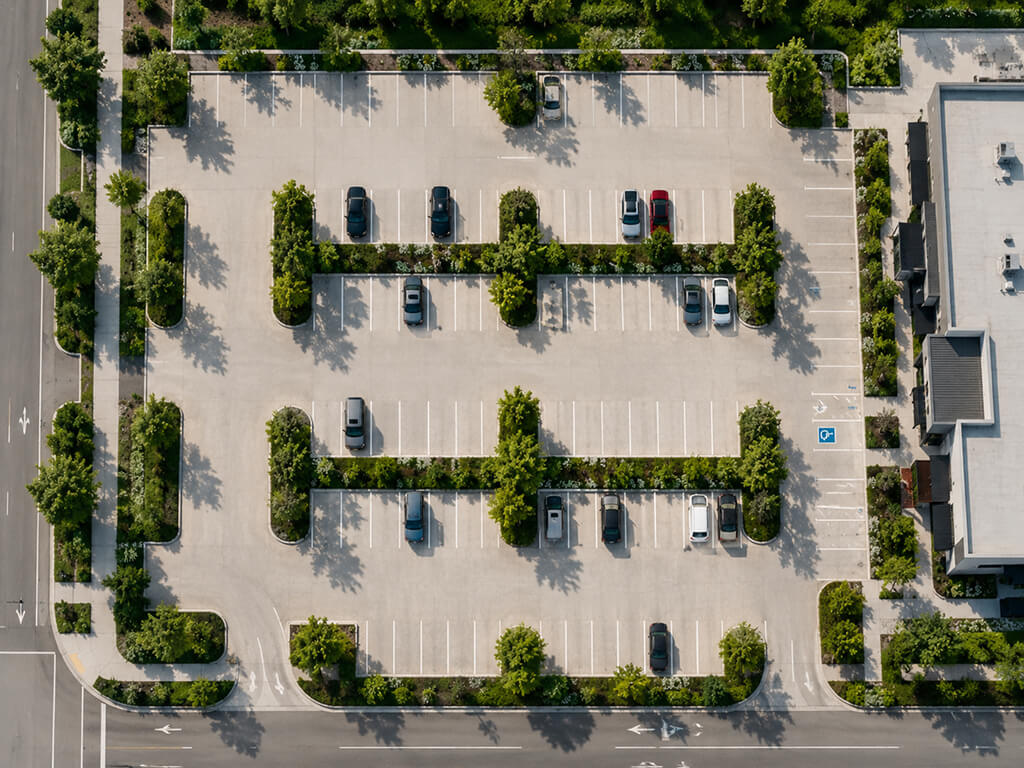
Type a street address and EVpin loads the parcel, parking lines, and curb cuts. Click and drag to draw stalls — they snap to the grid you actually have.
Sam
Skip the menu. Right-click anything for what you need.
Duplicate a row of chargers, swap a 150kW for a 350kW, mirror a stall — all from the contextual menu. Power-user shortcuts surface where your hand already is.
Jake
Pin notes to the layout. Decisions live with the design.
Numbered markers tie comments, callouts, and questions to the exact spot on the canvas. The notes panel becomes a decision log your team can scan in seconds.

Mila
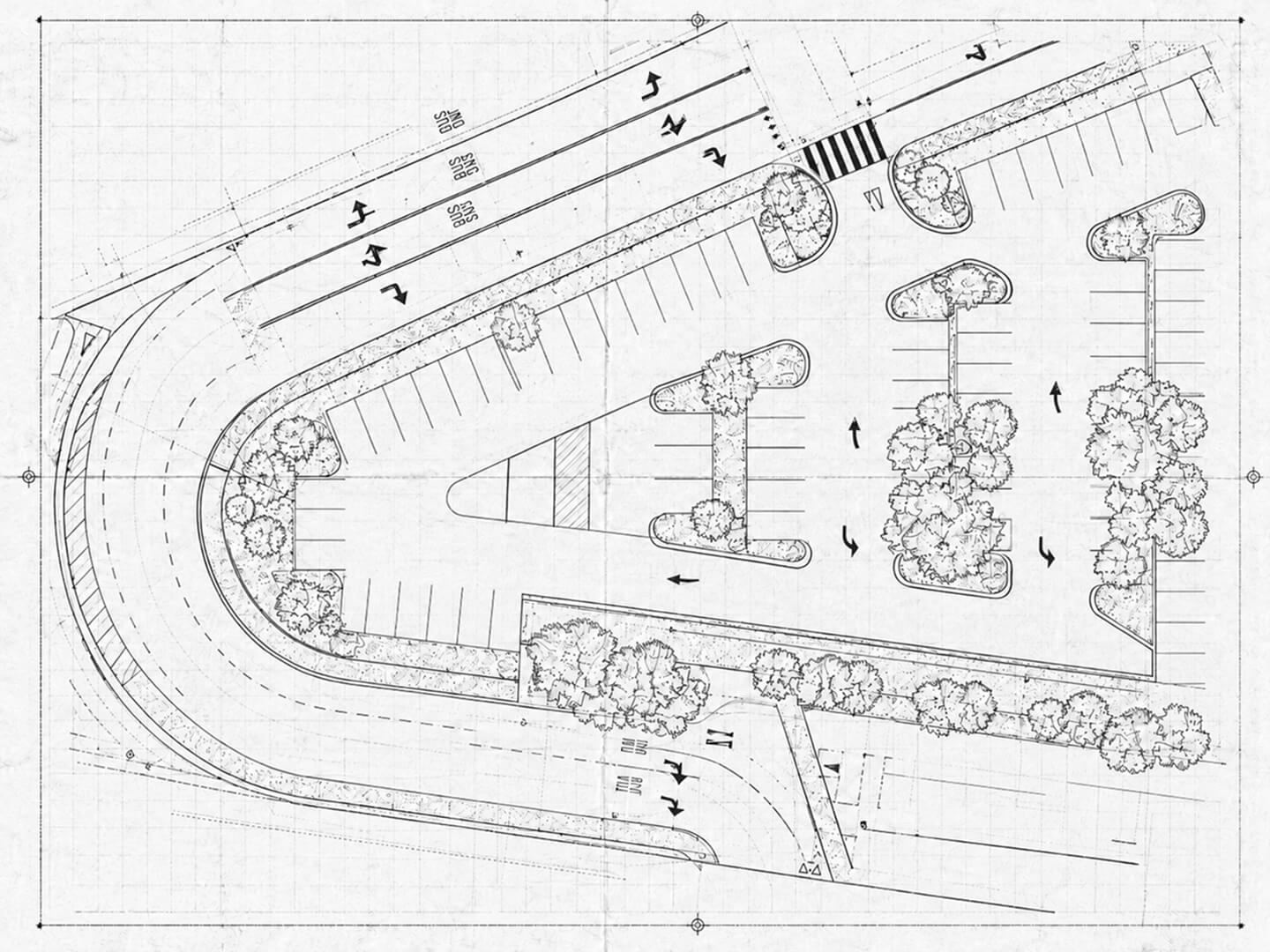
Drop in a PDF, image or a napkin sketch and start drawing on top of it.
Drop your file to start
Up to 50 MB · PDF, JPEG, PNG, WEBP
Sam
Multiple file formats supported
Import a site drawing, as-built, or survey. Drop one reference point to set the scale, then sketch your charging layout right on top.
Your whole team in the canvas. Every project in one place.
Multiplayer cursors
See every teammate's cursor, selection, and edit in real time. No more screenshares to point at a stall.
Notes
Add numerical markers to your layout and write notes corresponding to each marker.
Layout options
Add multiple layout options to one project for your site host to choose from.
Roles & permissions
Restrict access to certain users so that they can only view their own projects.
Portfolio view
Collaborate on projects with your team. Search for any project and filter by owner or status.
Assign projects
Hand off projects from sales to the estimator and back, all in one place.
Where deals get signed.
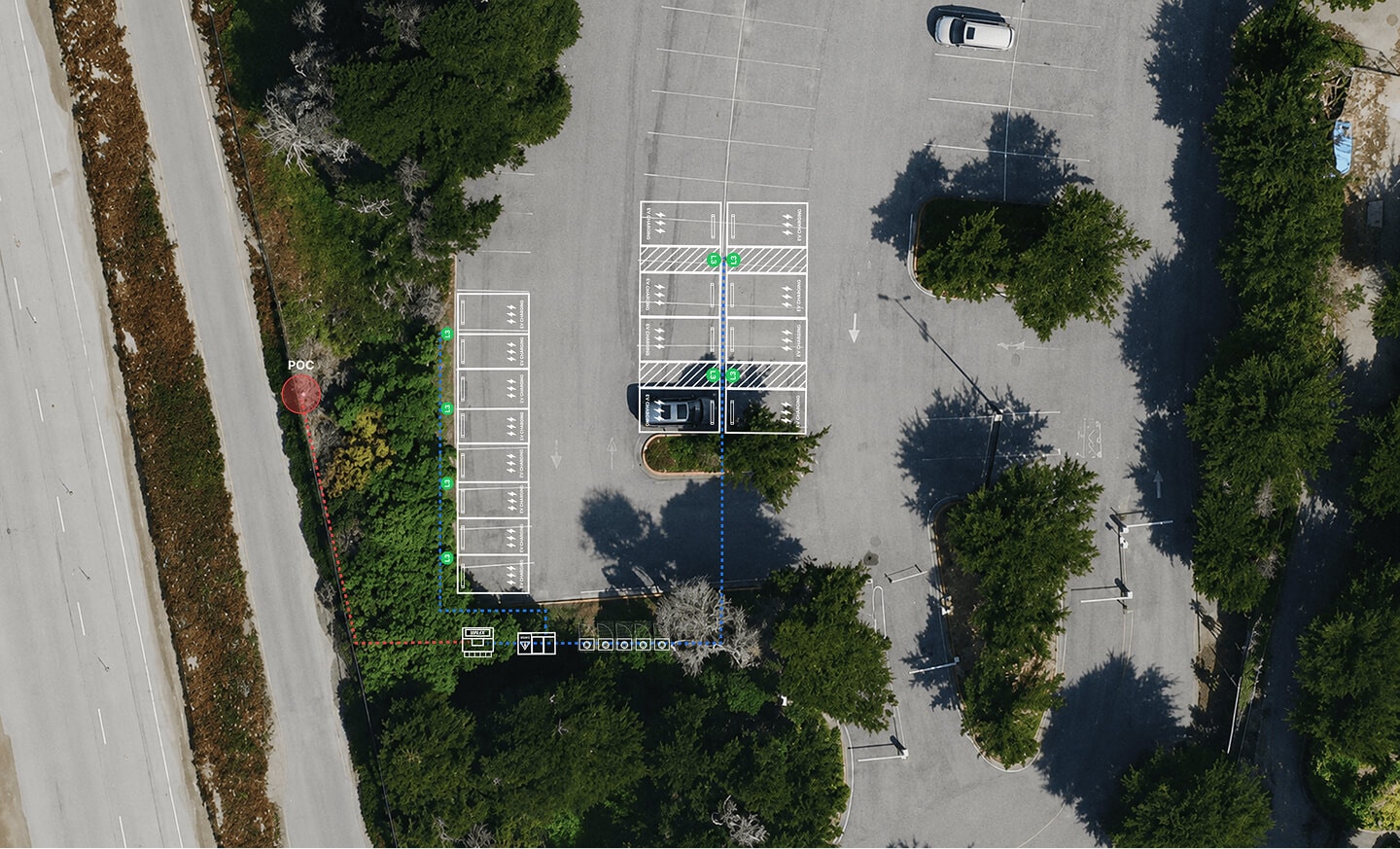
One click turns your design into a branded, interactive report. Share a link and collect client sign-off in the same place.
Customer

Jun 3, 2026
Stop redrawing sites in PowerPoint.
The first site you design might save the deal.
Free to start. No credit card.