How to switch between light and dark mode
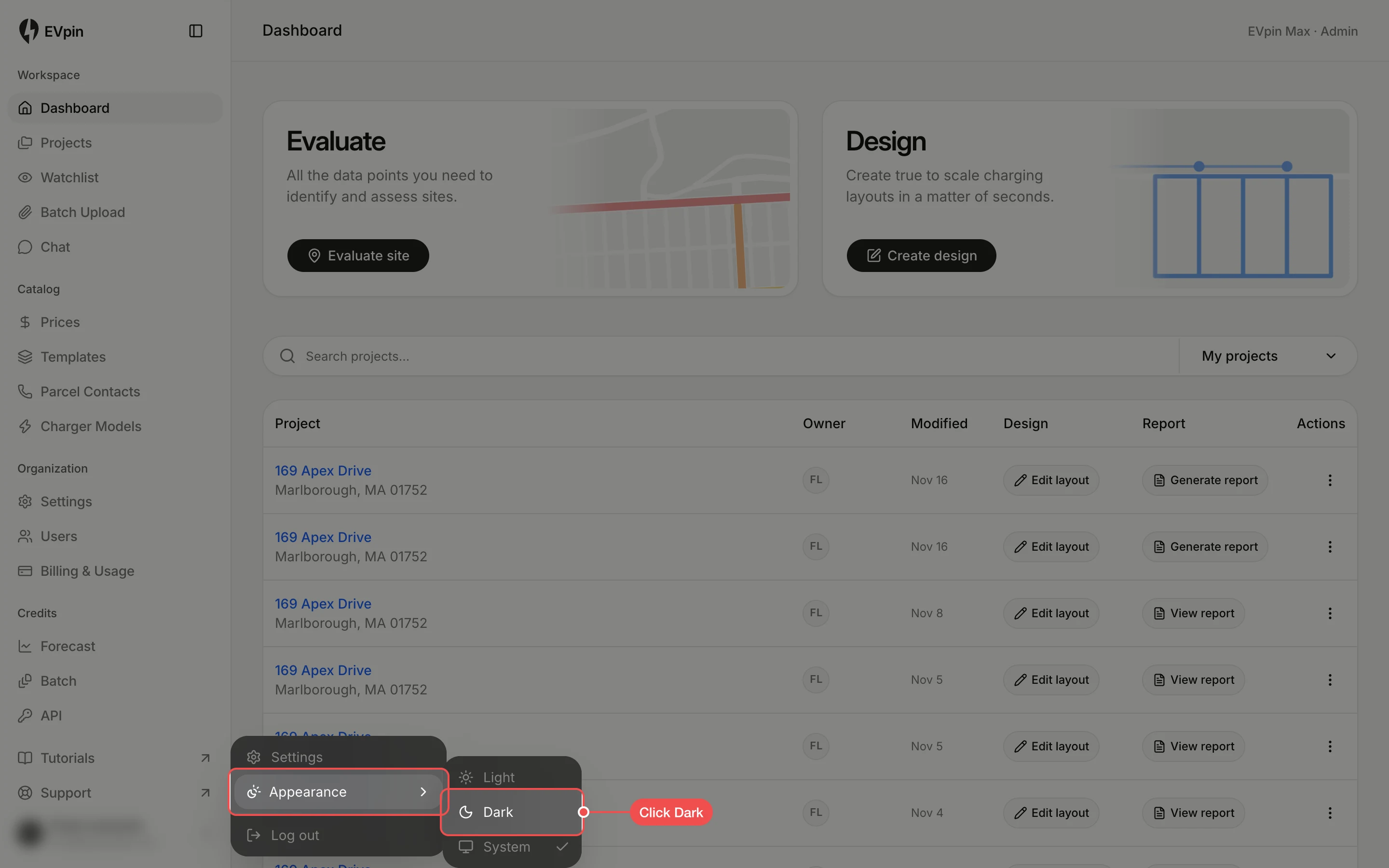
Pick Light, Dark or System under Appearance in your account menu.
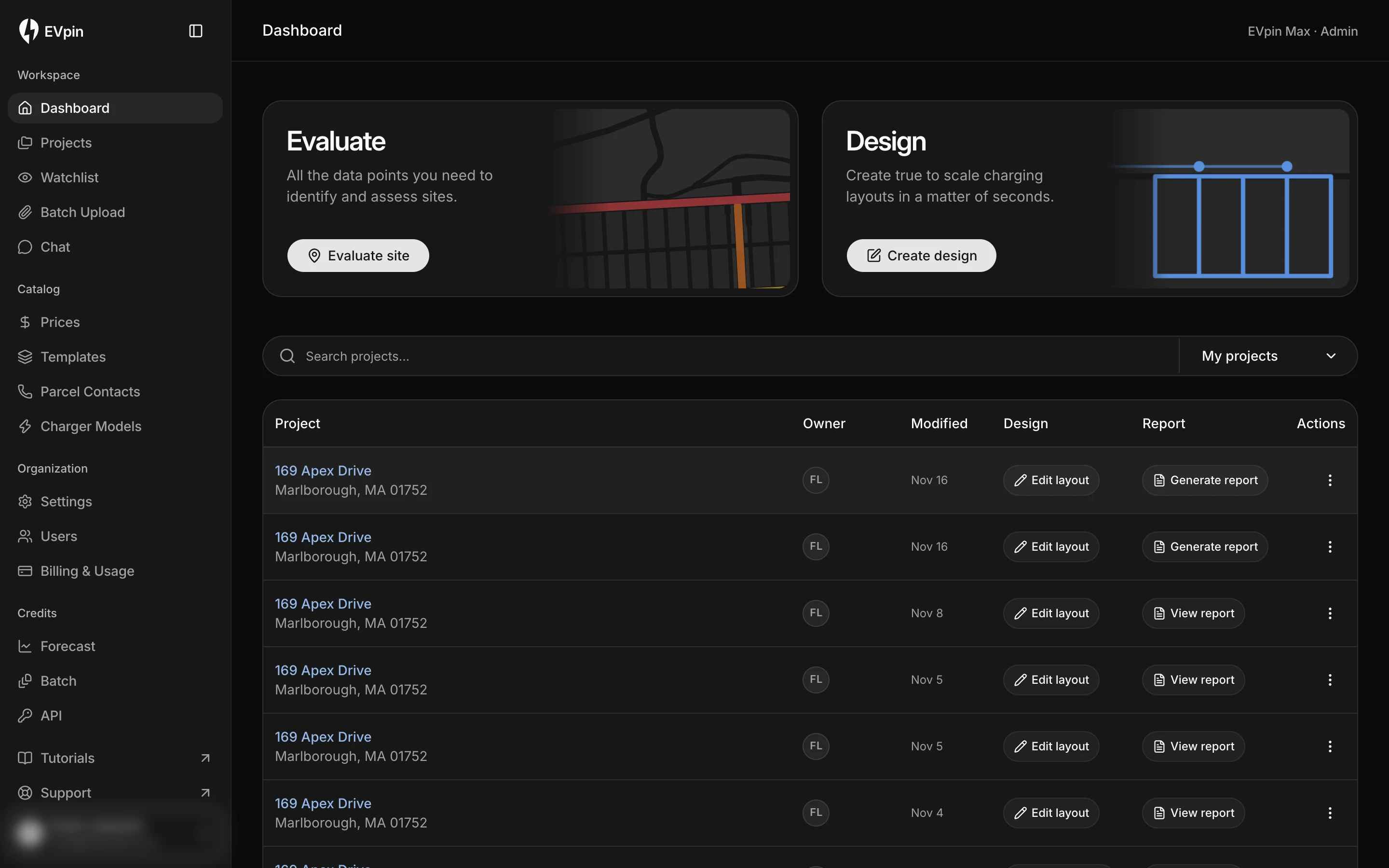
By the end EVpin will show in the colour scheme you picked. The choice is saved in your browser, so set it once on each computer you use.
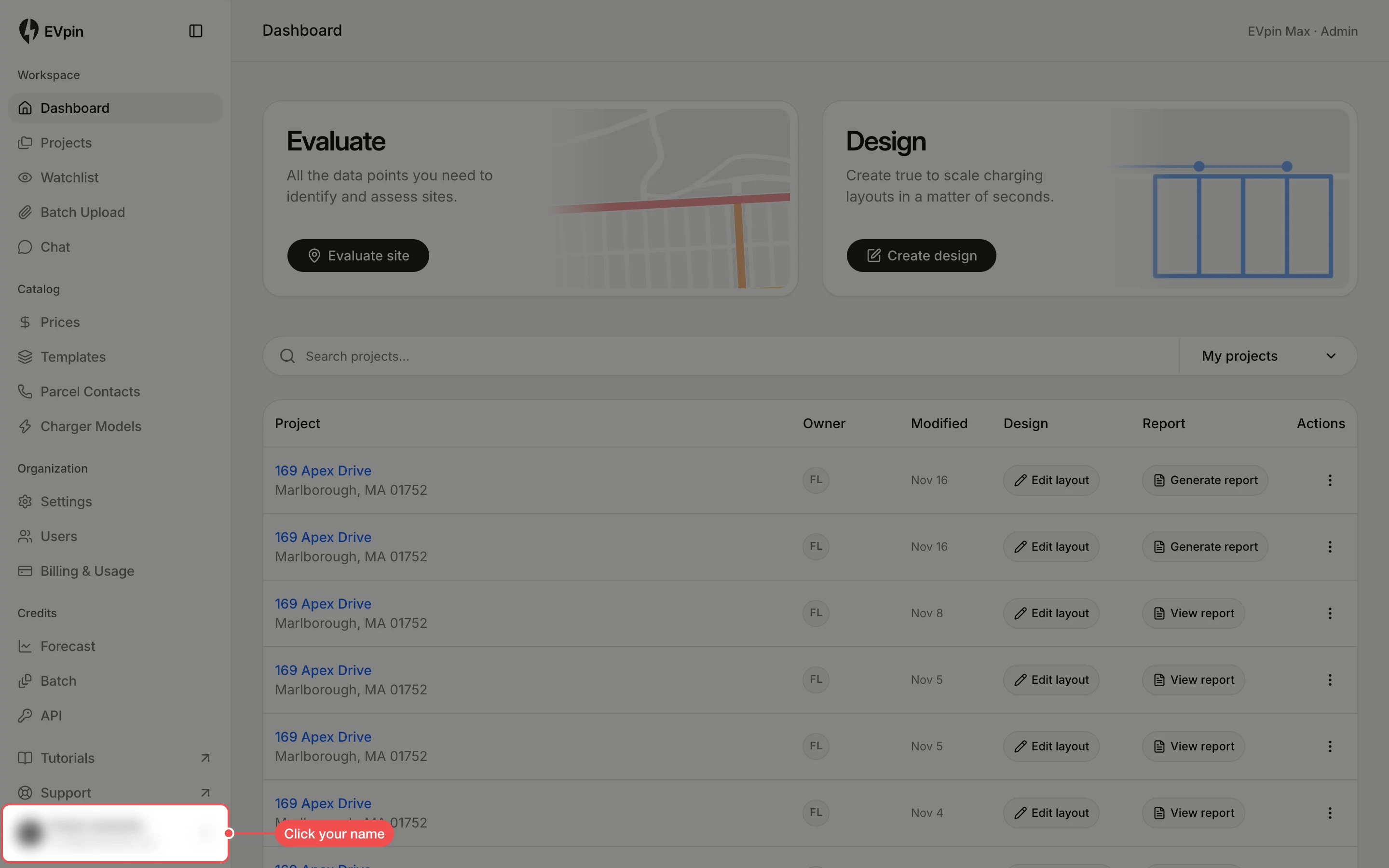
Click a scheme under Appearance
Point at Appearance and click Light, Dark or System. System follows your computer's setting. The tick marks the scheme in use.