How to change the map style on the Evaluate map
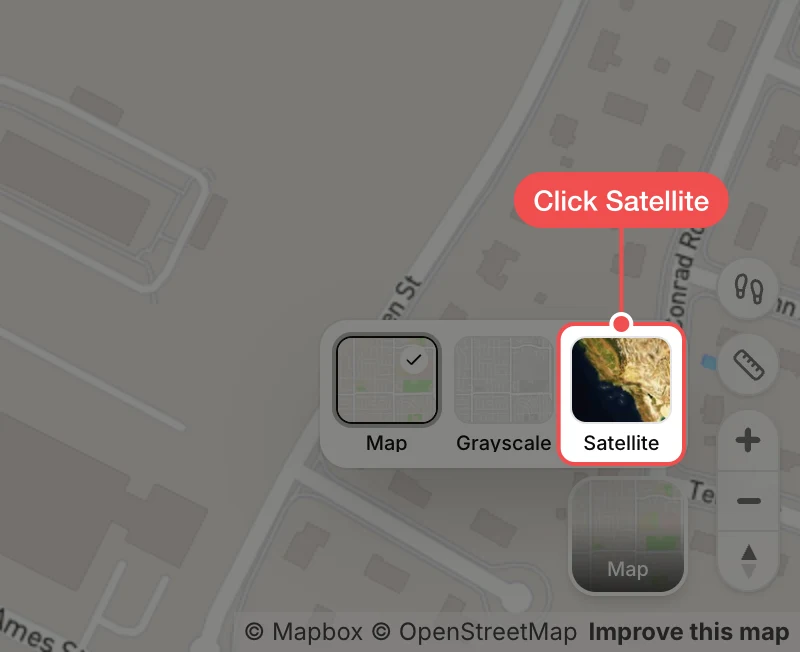
Switch the Evaluate map between the street map, a grayscale map and satellite imagery.
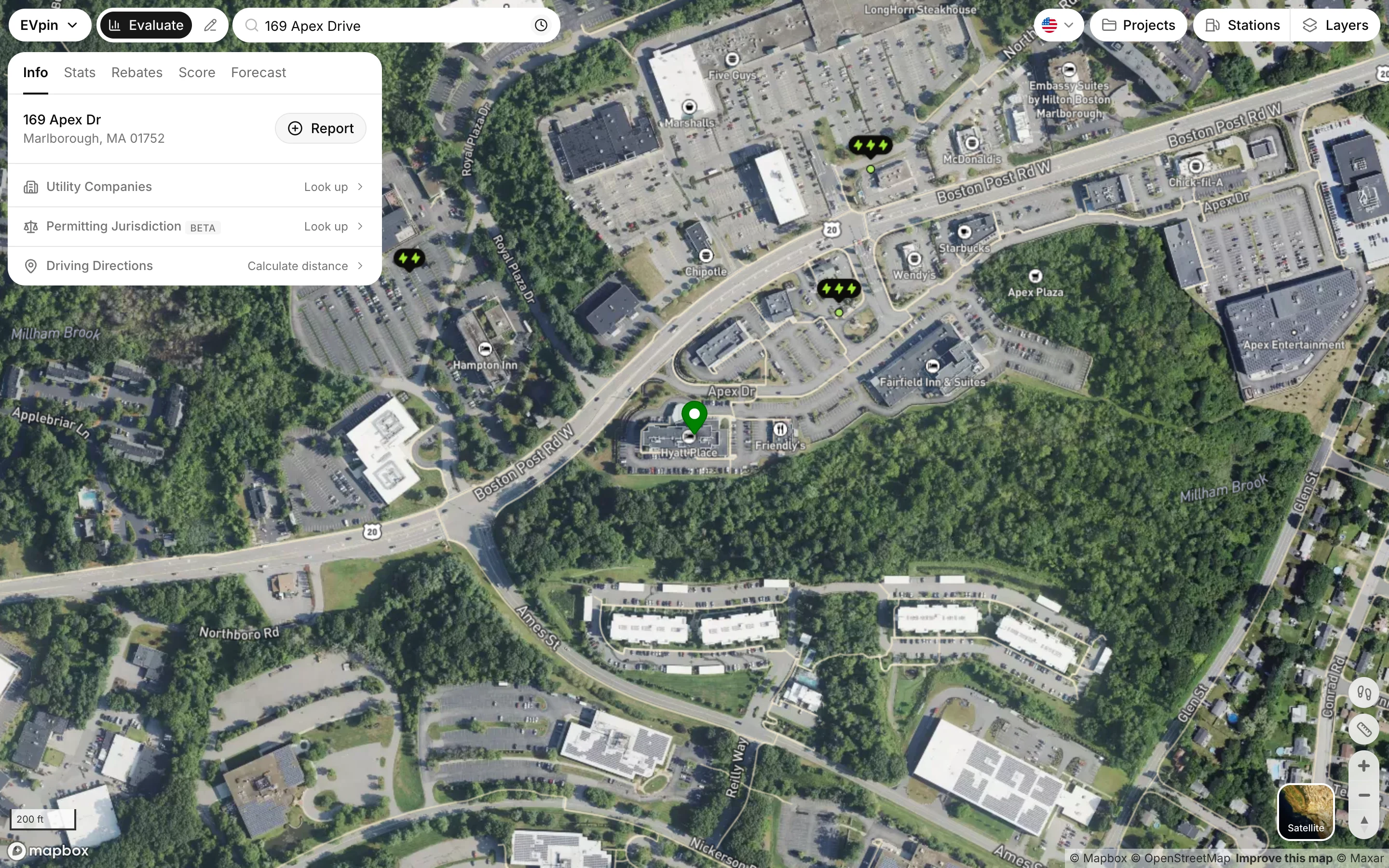
By the end the Evaluate map will show the style you picked: Map, Grayscale or Satellite. EVpin remembers your pick the next time you open the map.
Open the map style picker
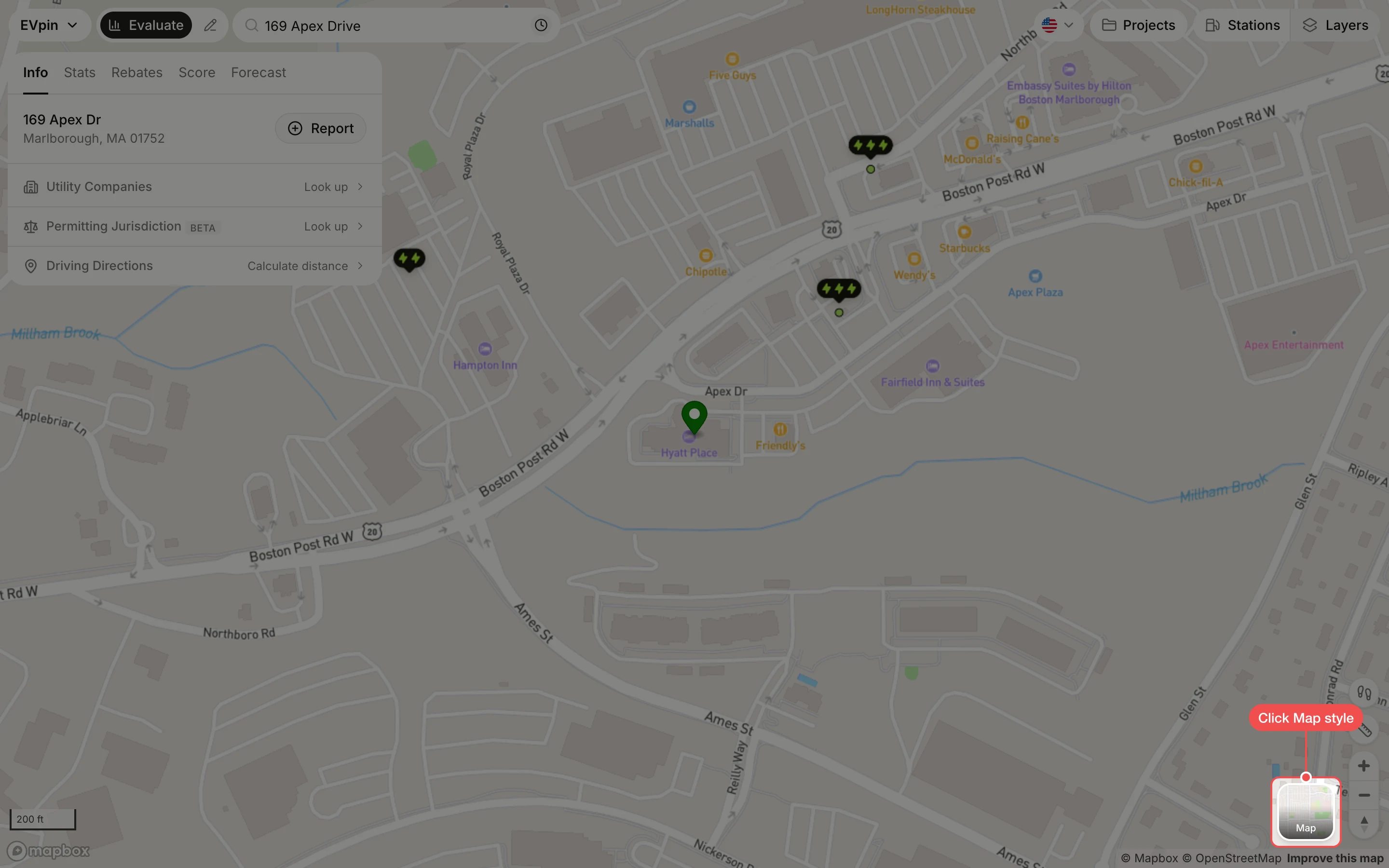
Click Map style, the thumbnail in the bottom-right corner of the map. Its label shows the style in use.