How to add your company logo
Upload your organization's logo so it shows in the header of every report you share.
By the end your company logo will be in the top corner of every report your organization shares, on every tab including the estimate. You need to be an owner or admin of the organization to change it.
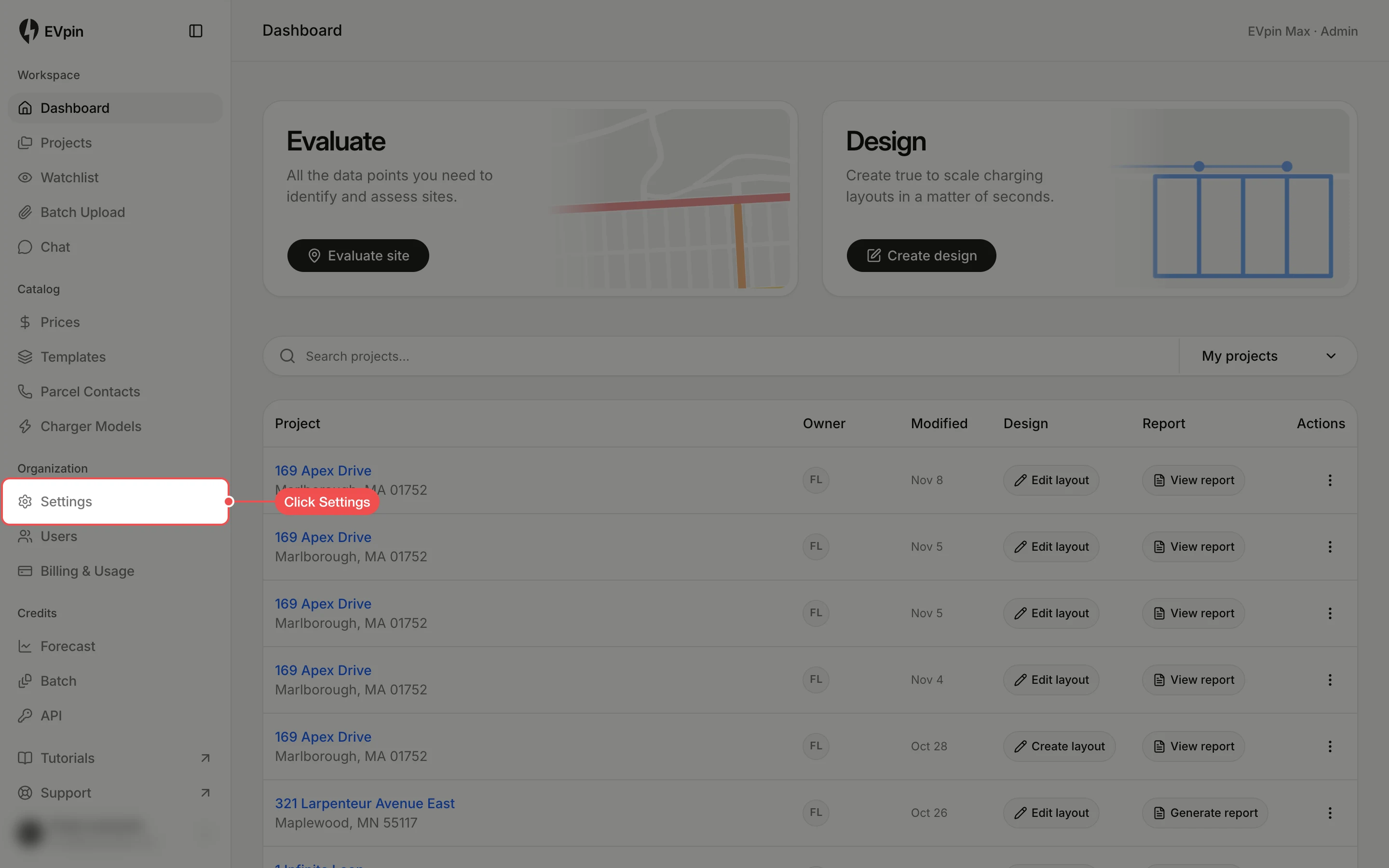
Upload your logo
In the Logo section, click Upload logo. If your organization already has a logo the button says Replace logo.

Open the image file
In the file window that opens, click a PNG, JPEG or SVG under 10 MB, then click Open. The logo is saved right away and shows under Current logo once it is uploaded.
Check it on a report
Open any report from your organization. Your logo is in the top-right corner of the header. Until you upload one, that corner shows the EVpin mark, as in the example below.

To go back to the EVpin logo, click Remove next to Replace logo and confirm.
What's next
- How to invite a teammate to your organization.