How to see your projects on the map
Show your own or your team's saved projects as stars on the Evaluate map and open one from there.
By the end your saved projects will show as stars on the Evaluate map, so you can see where your team is already working before you pick a new site. You need at least one saved project.
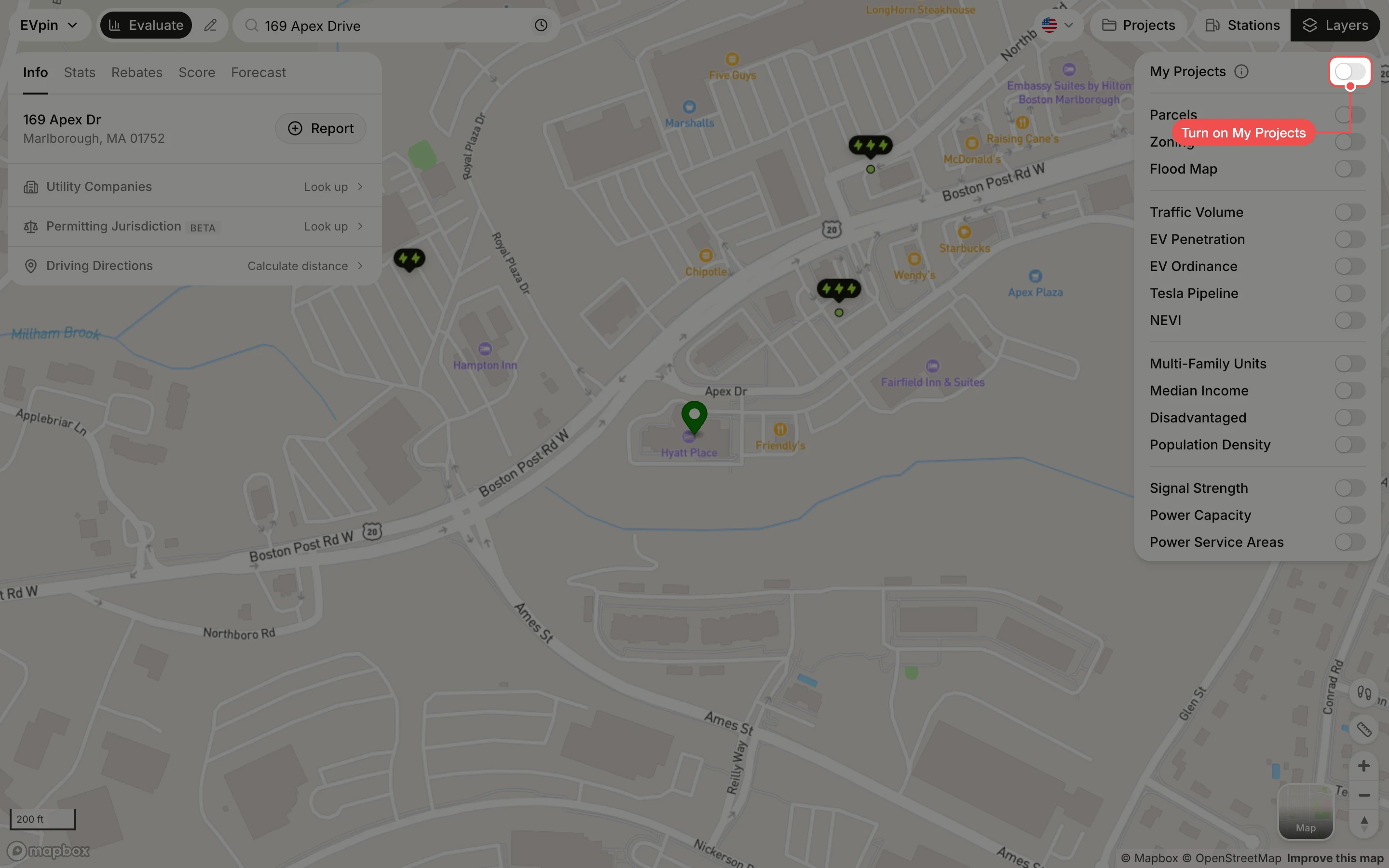
Turn on My Projects
On the Evaluate map, click Layers at the top right if the panel is closed, then turn on My Projects. A star marks each project you created.
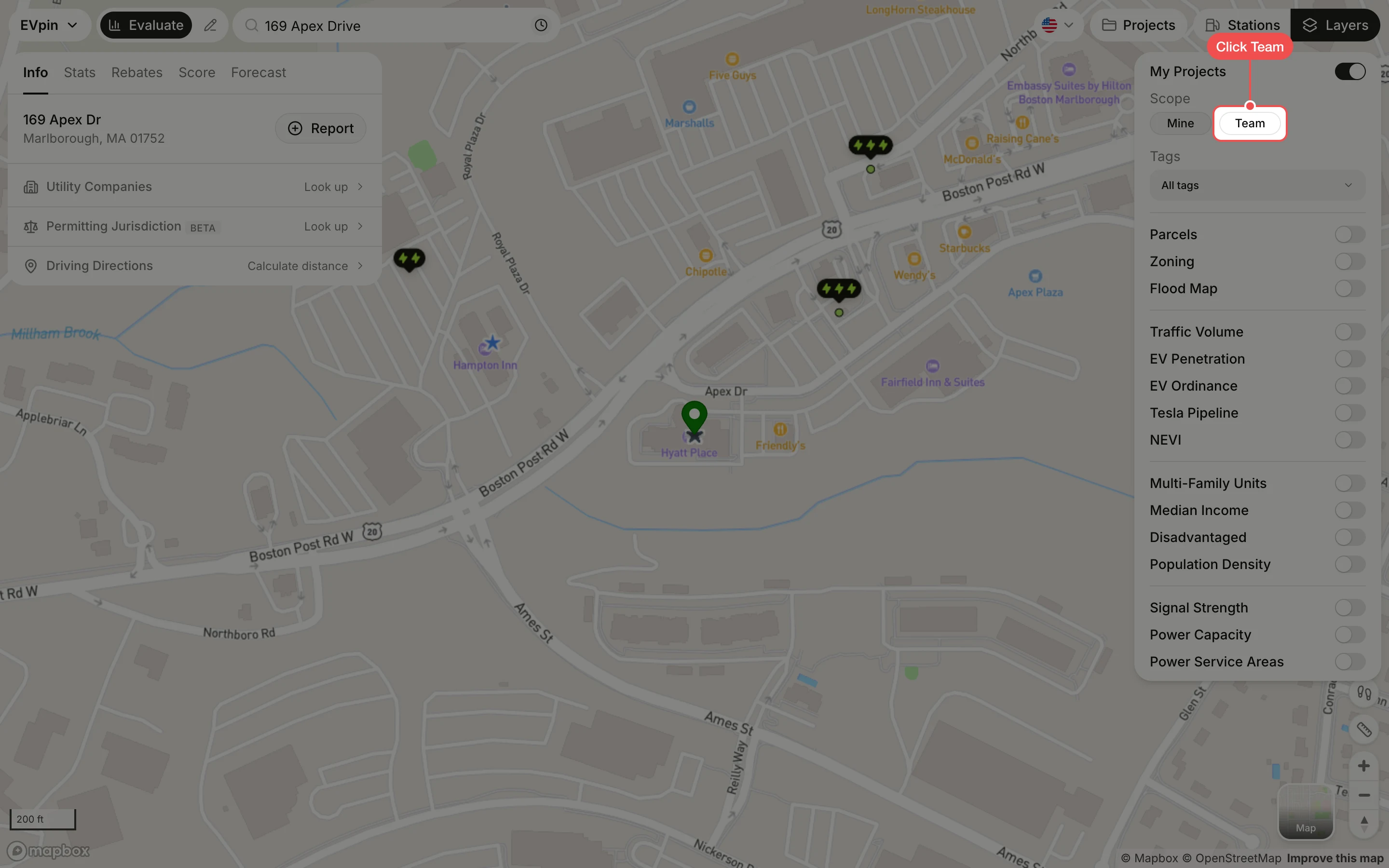
Switch to your team's projects
Under Scope, click Team to add the projects everyone in your organization saved. Use Tags to show only projects with certain tags, and Created by to show one teammate's projects. If there is no Scope, your role only lets you see your own projects.
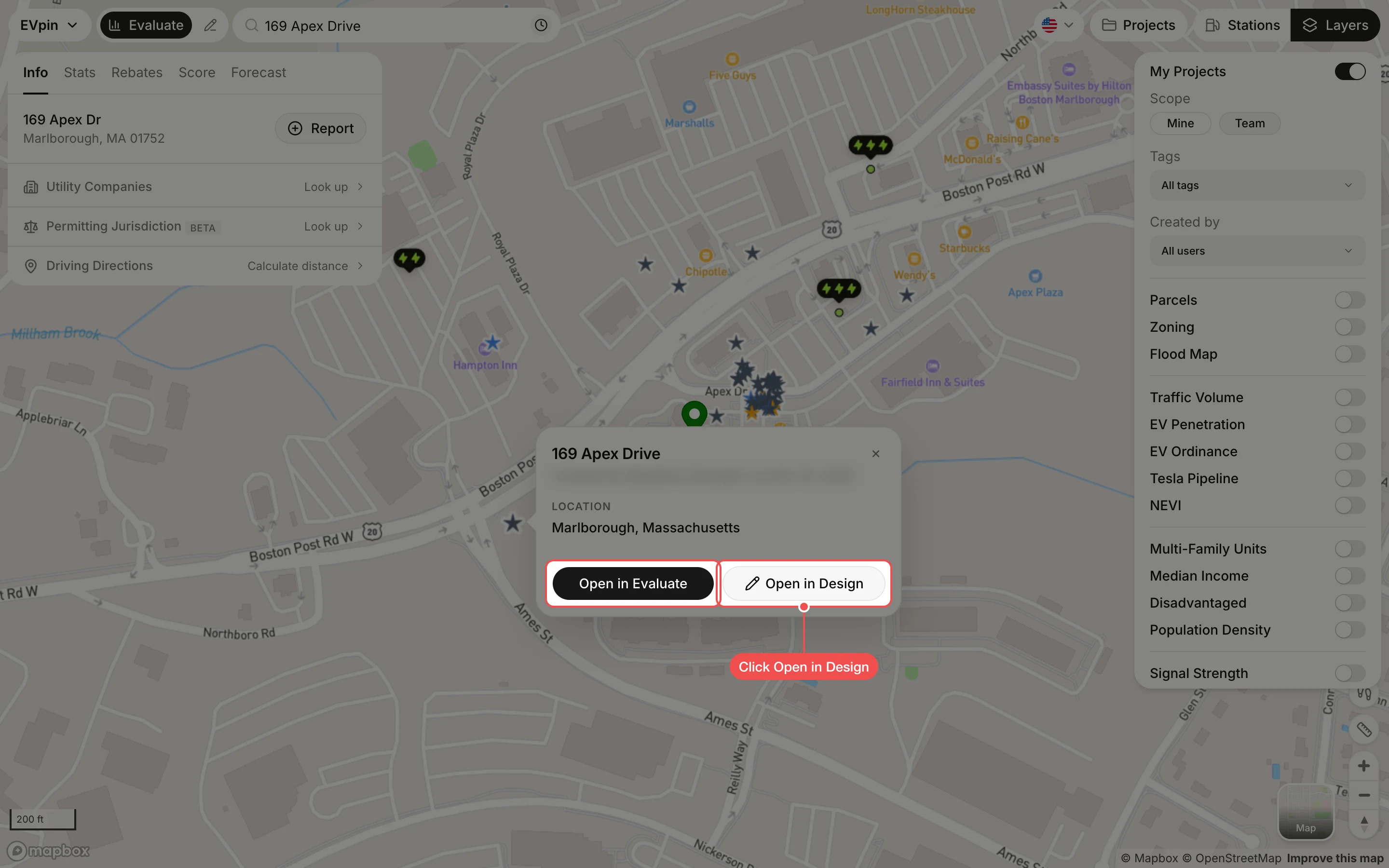
Open a project
Click a star. A popup shows the project's address, who created it and when. Click Open in Design to edit its layout, or Open in Evaluate to load the site's panel.
What's next
- How to see existing charging stations on the map around your projects.