How to save a scope of work as a template
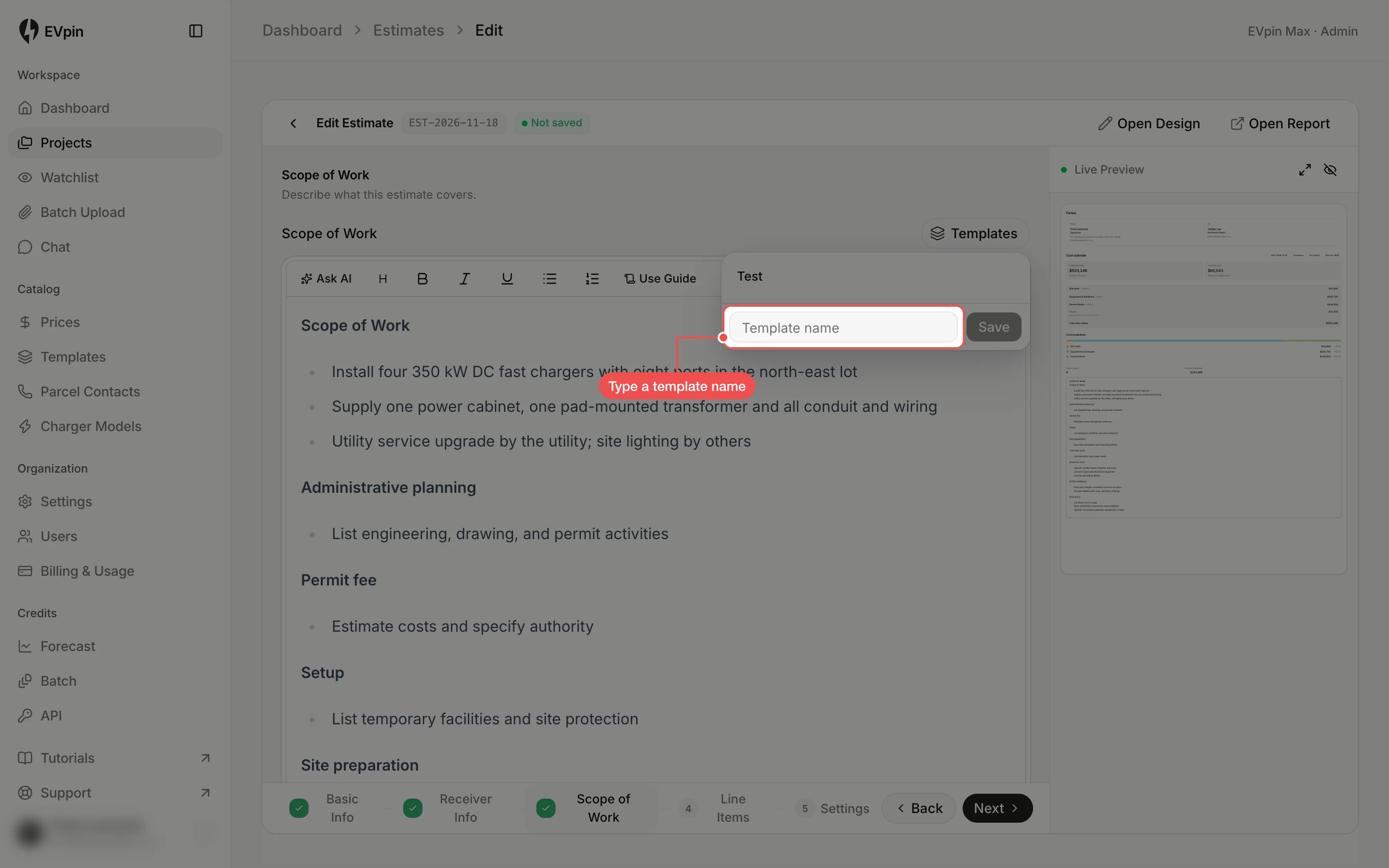
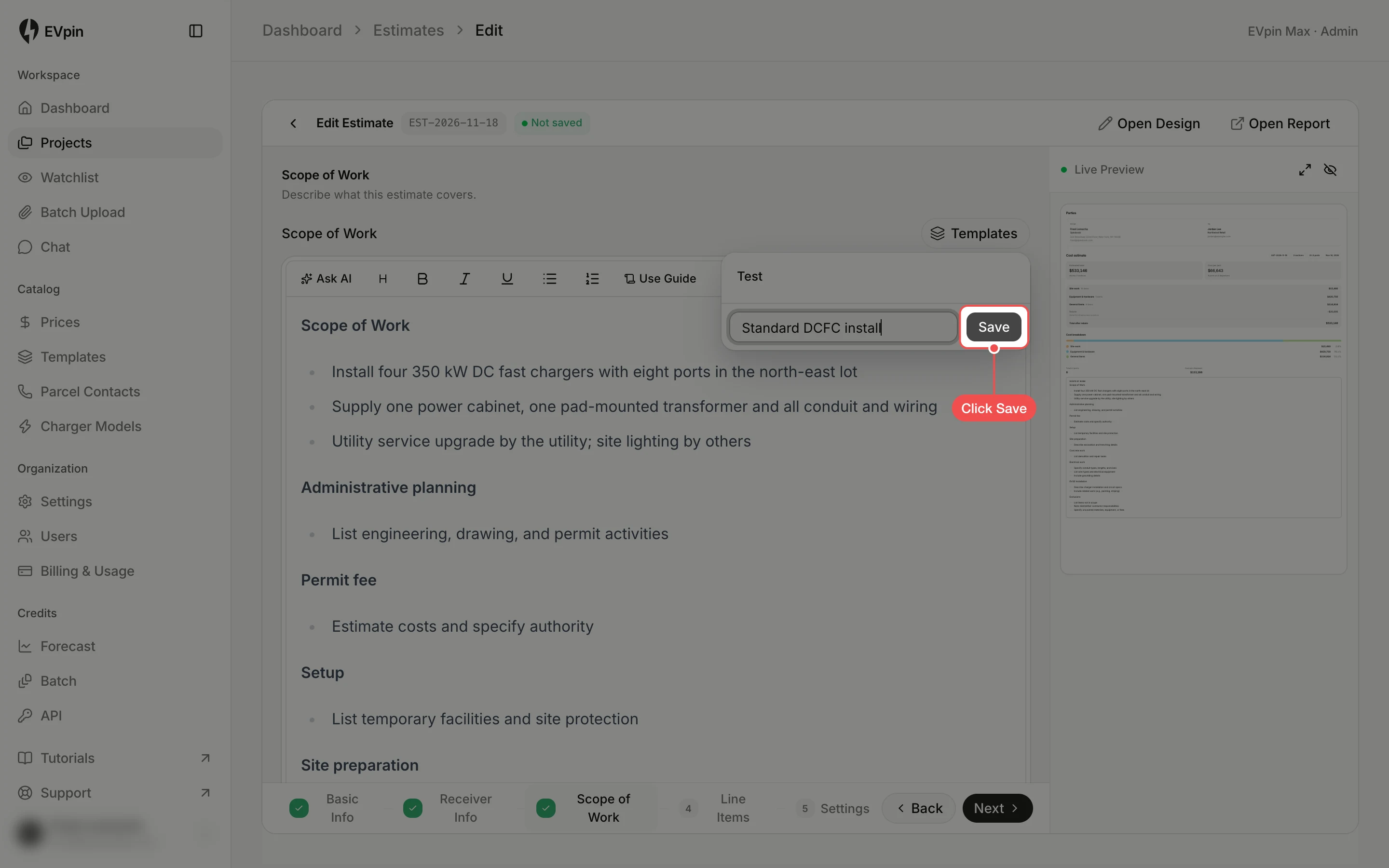
Save an estimate's scope of work as a template your team can drop into the next estimate with one click.
By the end your scope of work will be a template anyone in your workspace can reuse. You need an estimate with a scope of work written, as in How to write the scope of work for an estimate.
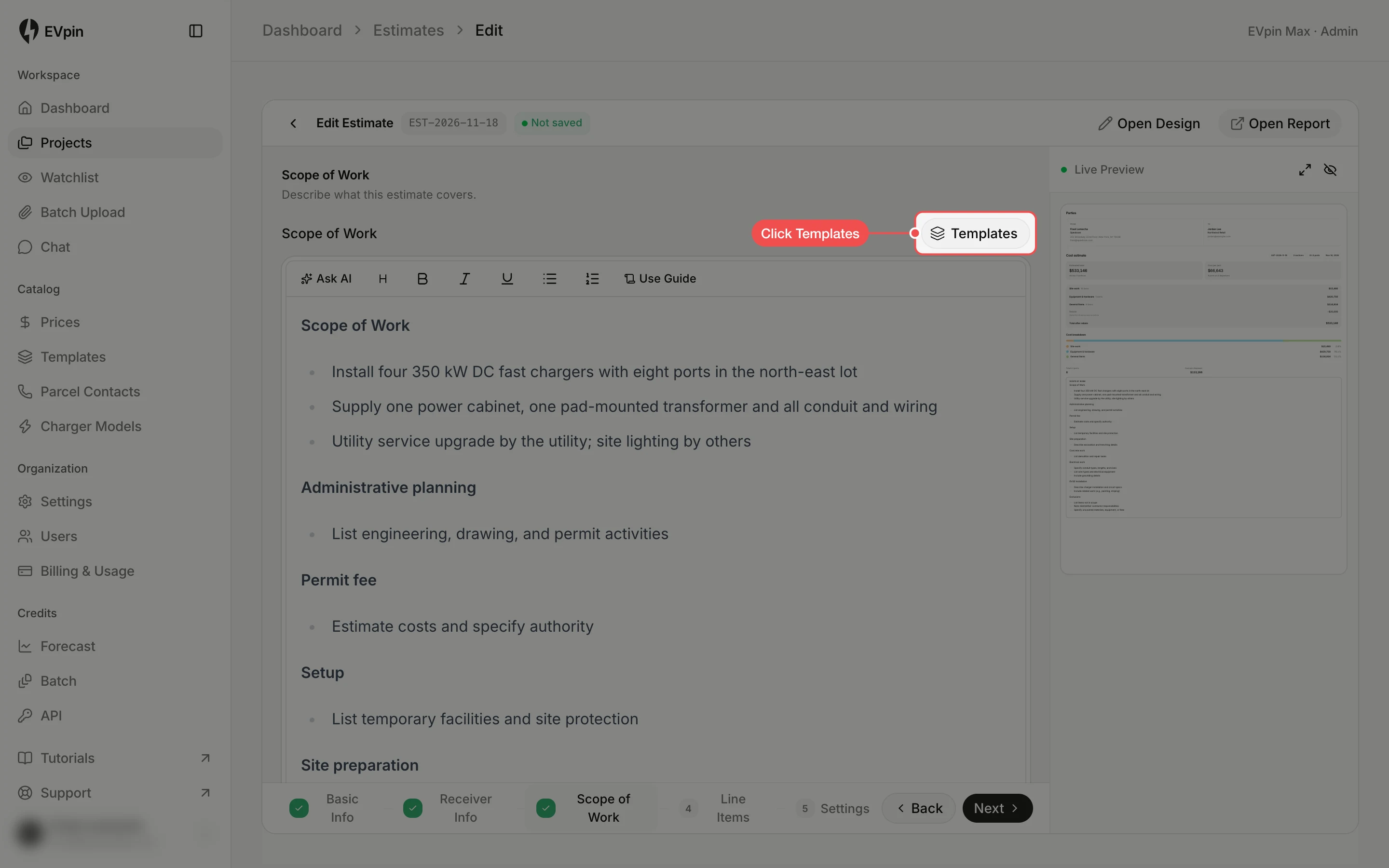
Click Templates
On the Scope of Work page, click Templates above the editor. The list shows the templates already saved in your workspace.
Use it on the next estimate
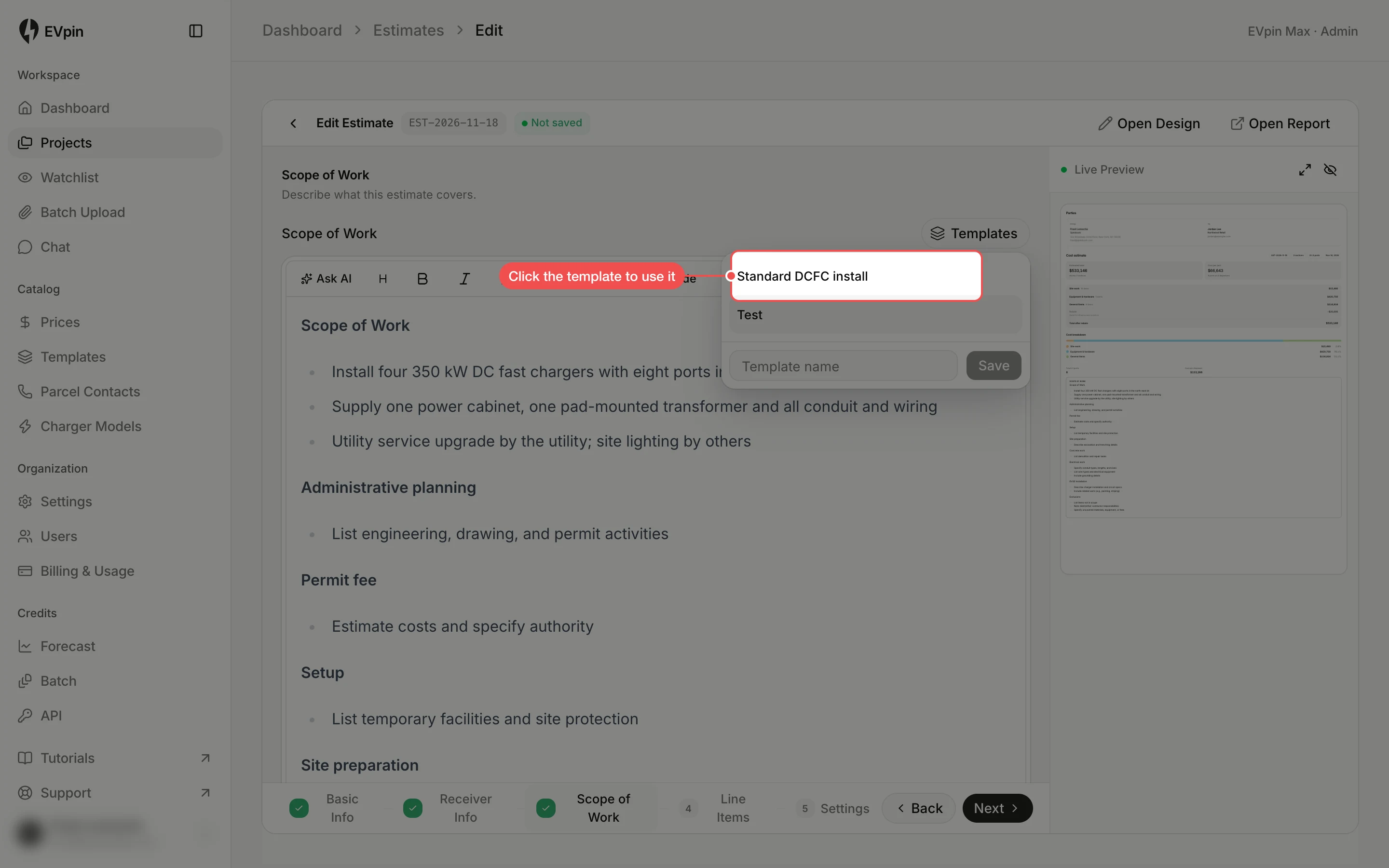
On another estimate, click Templates and click the template's name. Its text replaces what is in the editor.
What's next
- How to add a line item to an estimate to price work the design does not cover.