How to check a design's load calculation
See the chargers' combined load and whether the transformer is big enough, and try another transformer size.
By the end you will know how much of the transformer the chargers use. You need a saved design with electrical design turned on and nothing left on its checklist, as in How to turn on electrical design.
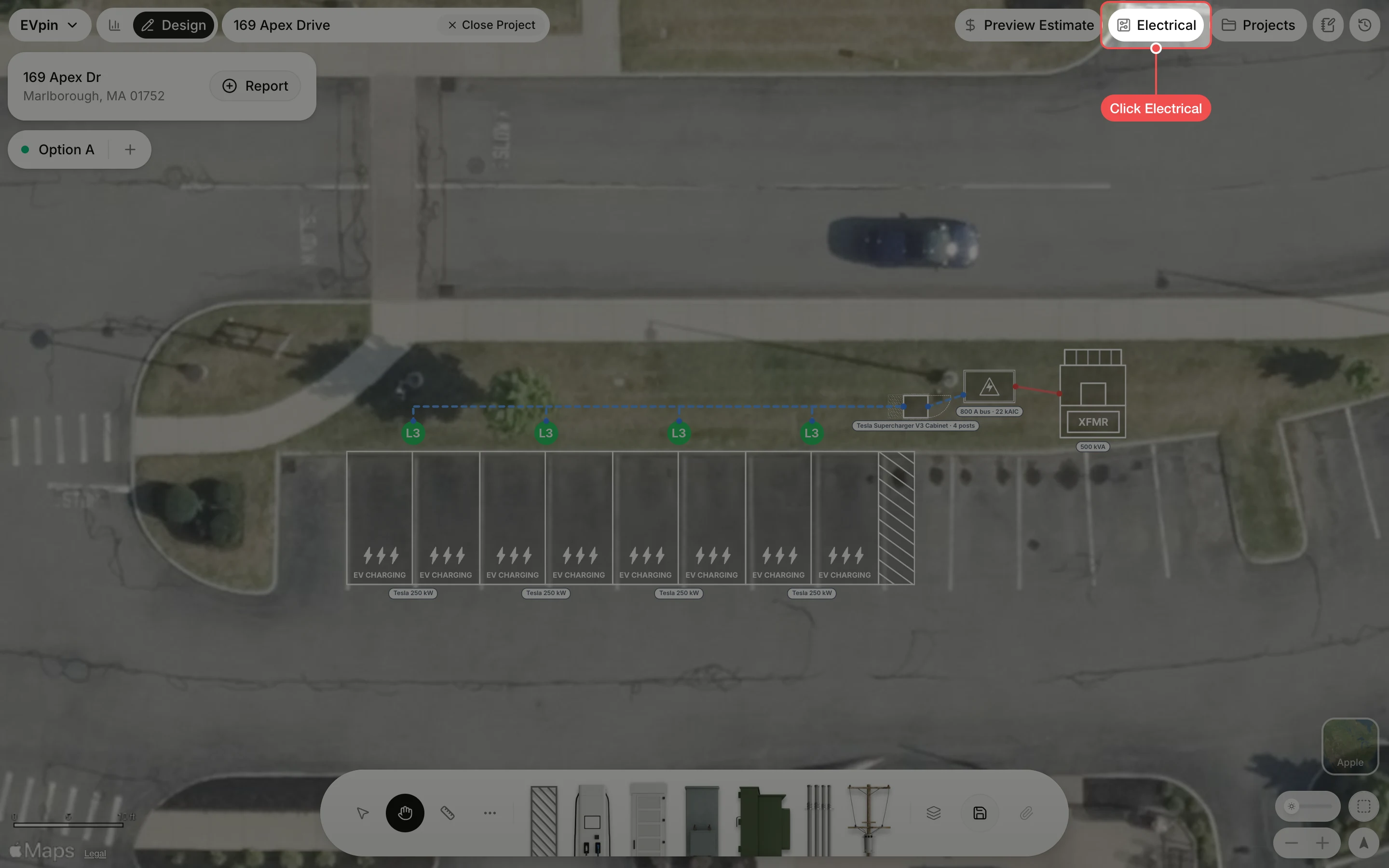
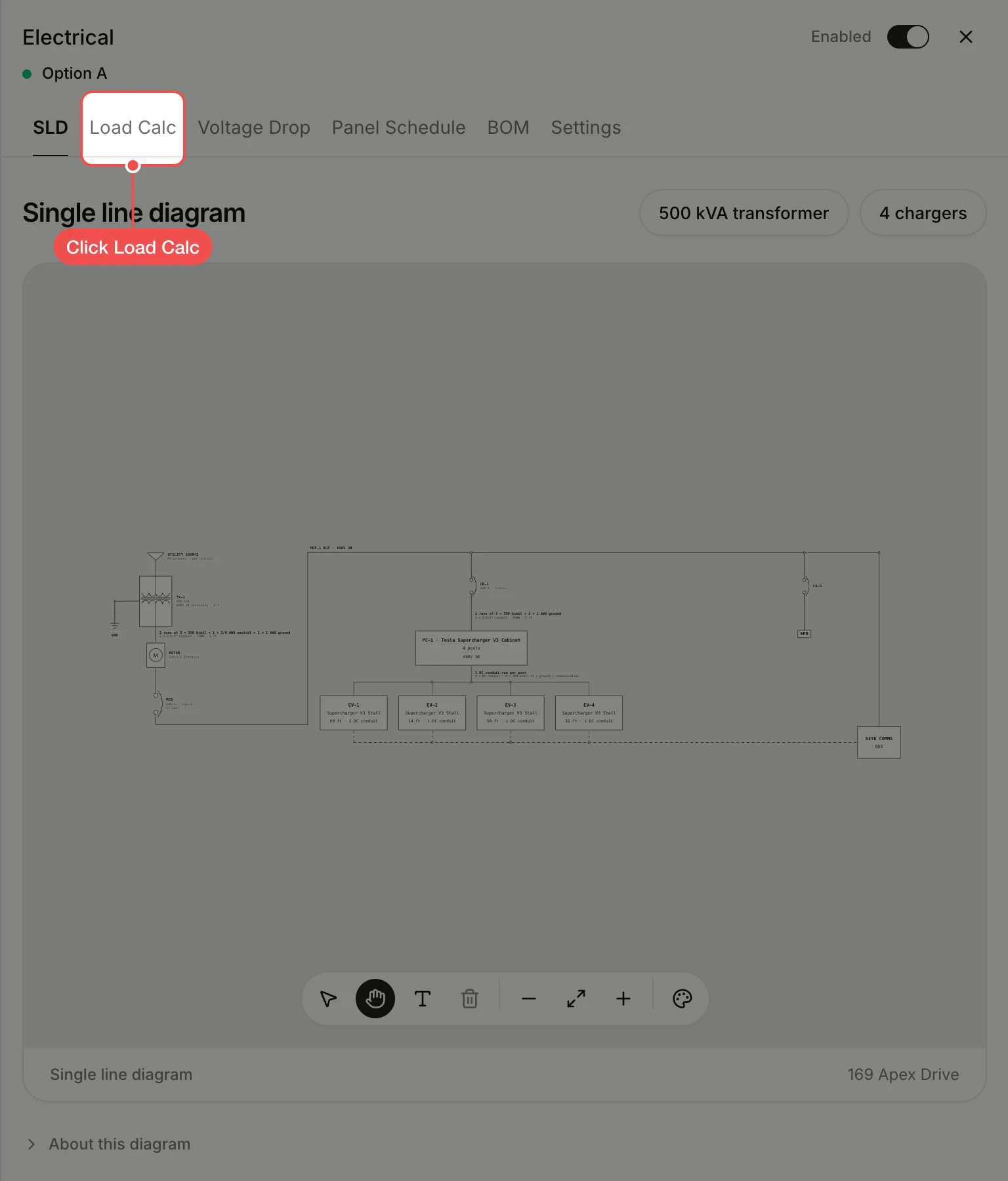
Read the transformer utilization
The table adds up each charger's load. Below it, Transformer utilization shows how much of the transformer the design uses, marked Pass when the transformer is big enough, along with the recommended size.
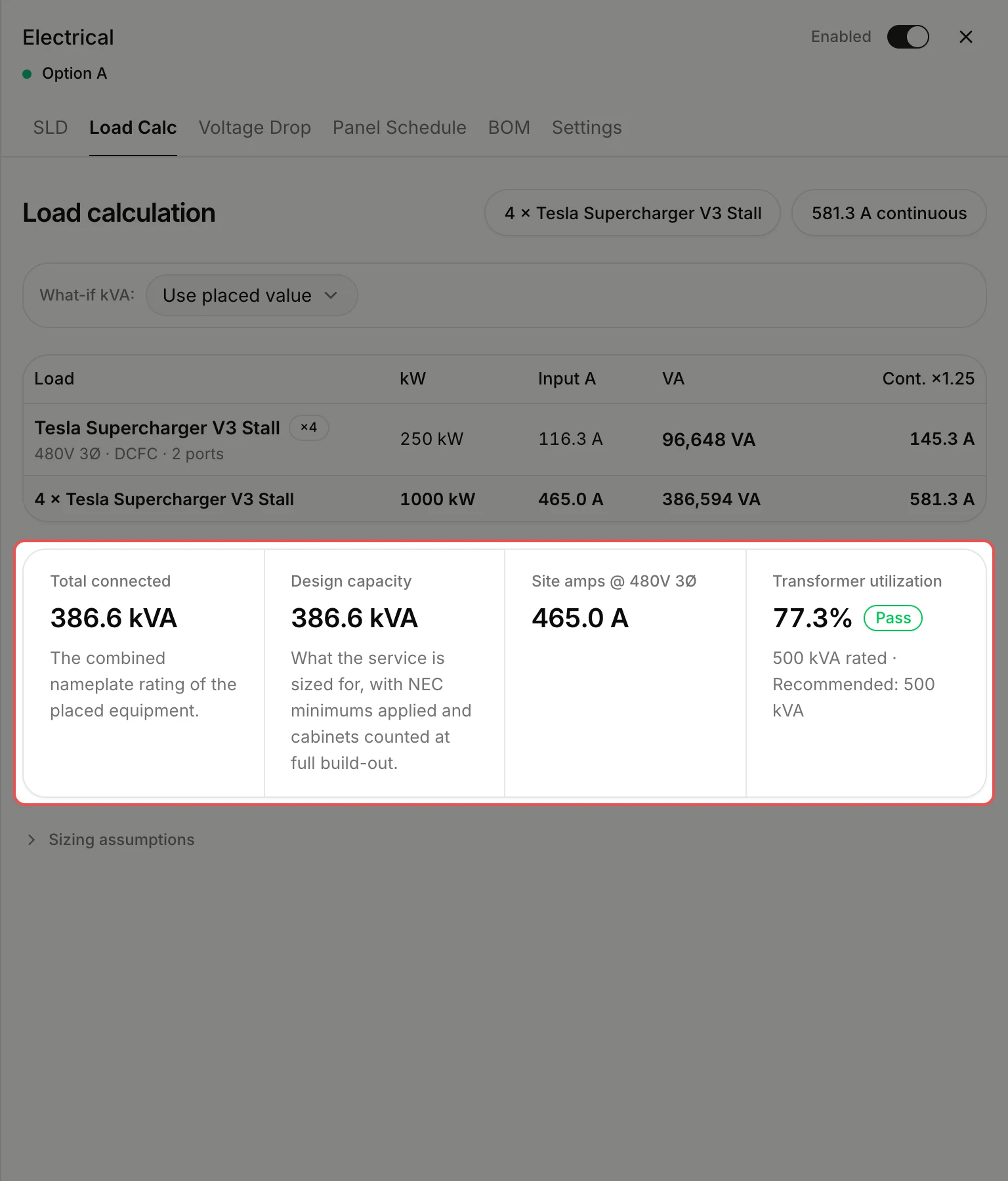
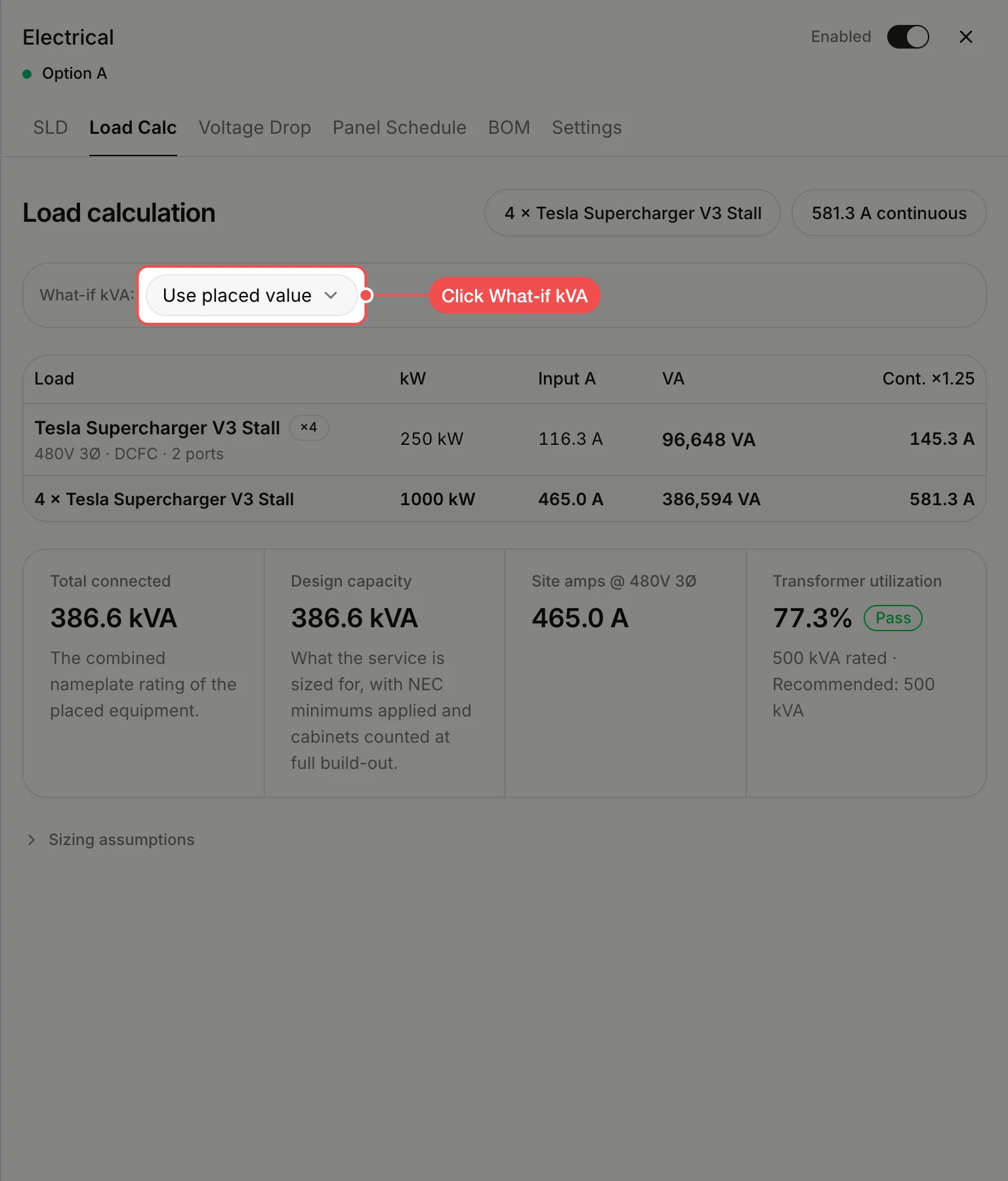
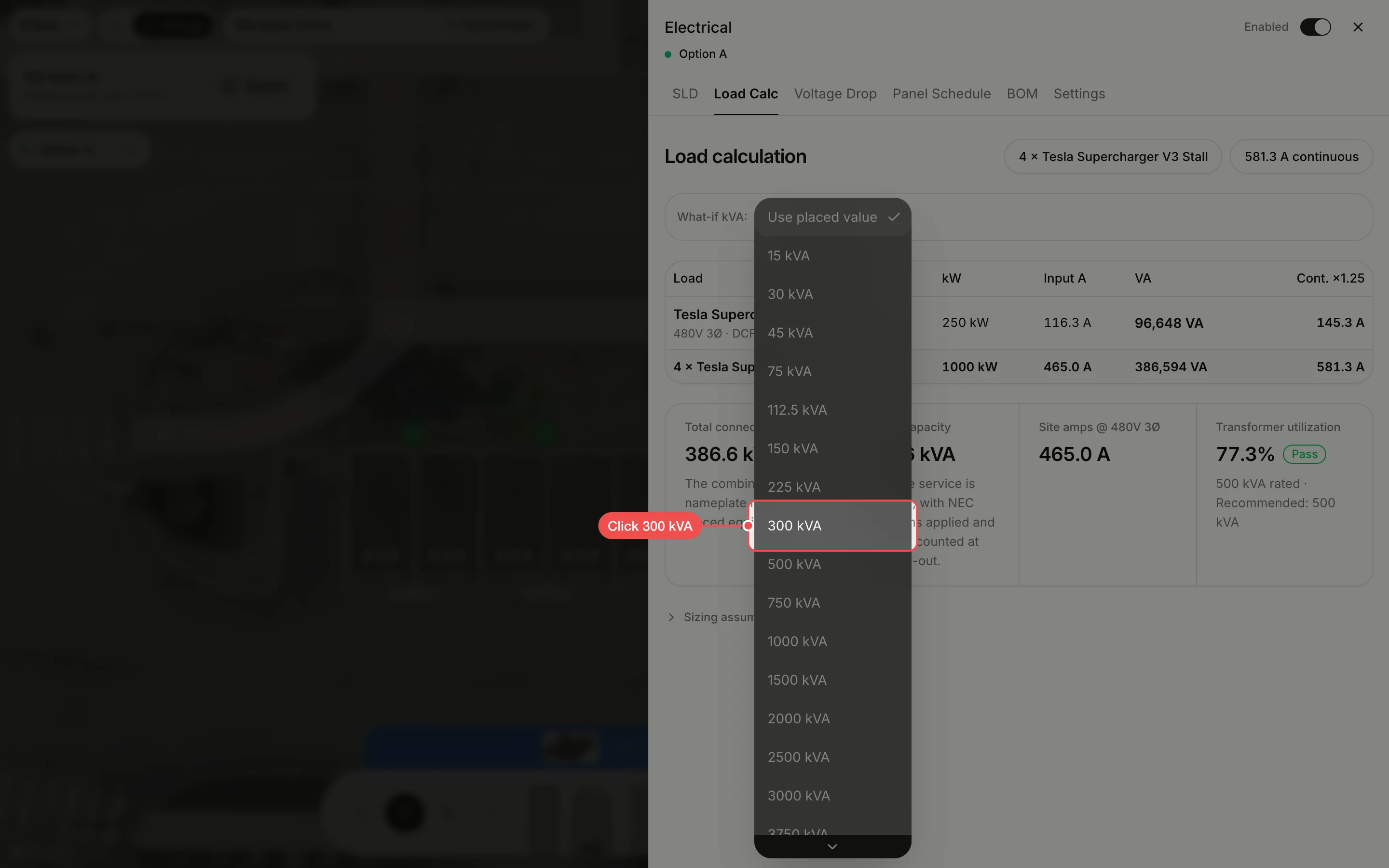
Click another size
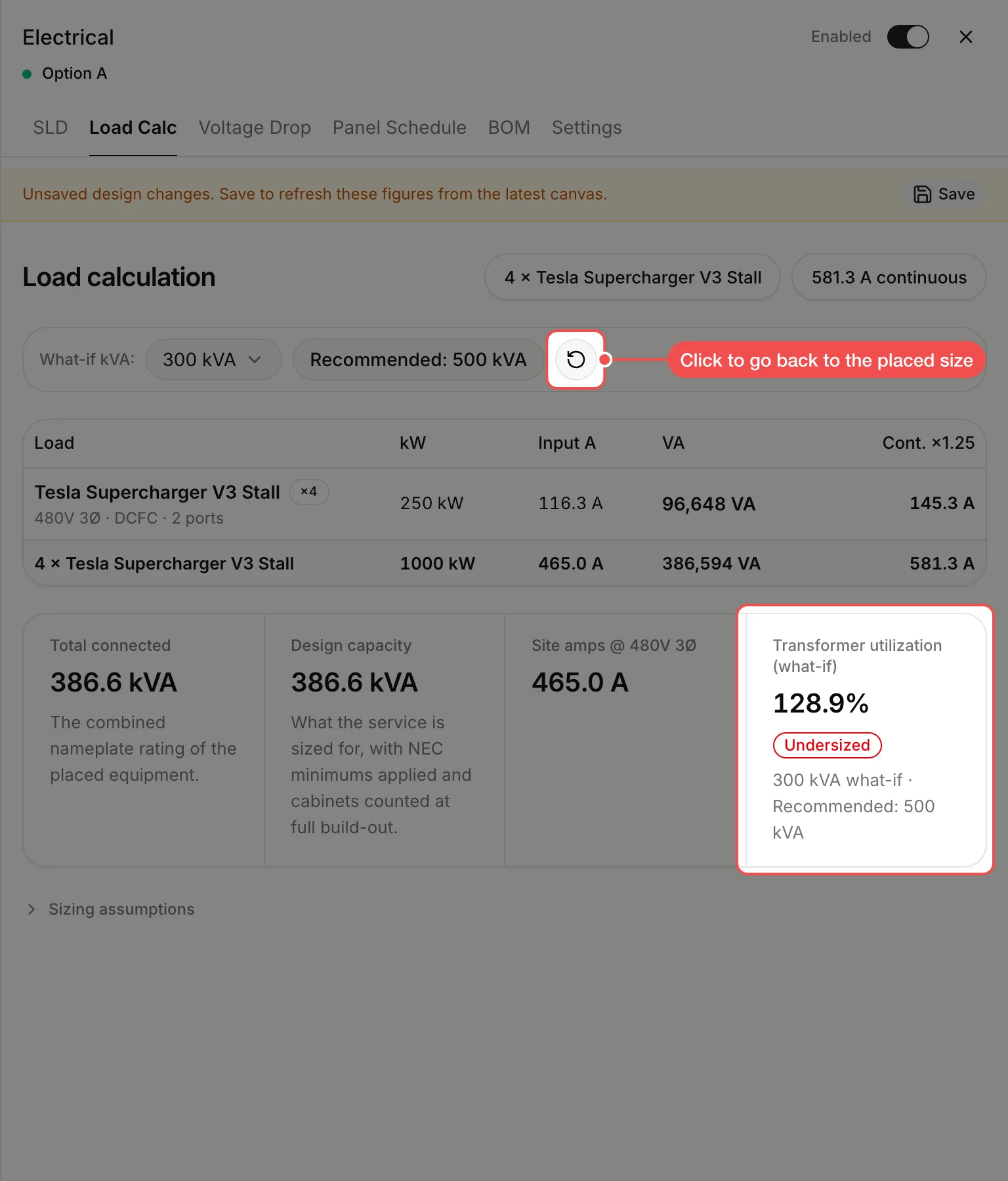
Click the size to try. The utilization updates; at 300 kVA these chargers would be marked Undersized.
Go back to the placed size
The what-if size is written to the transformer on the map, so the panel shows unsaved changes. Click the reset button next to Recommended to put the transformer back to its own rating, or save to keep the new size.
What's next
- How to set a transformer's kVA rating to change the transformer for good.
- How to check voltage drop on a design for the conduit runs.