How to pick a charger model for stalls
Give the chargers on your stalls a model from the catalog so EVpin can size their circuits and the equipment that feeds them.
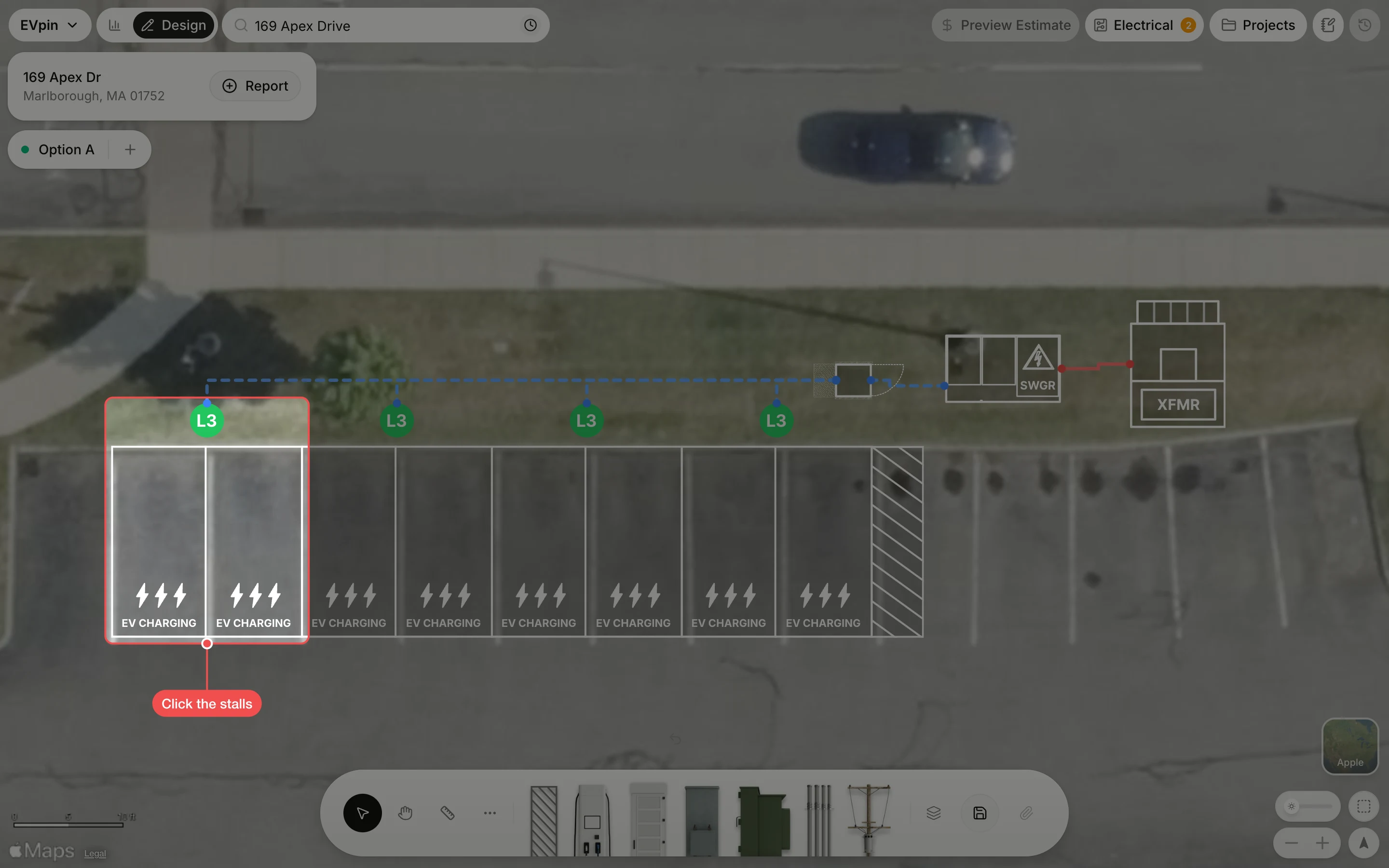
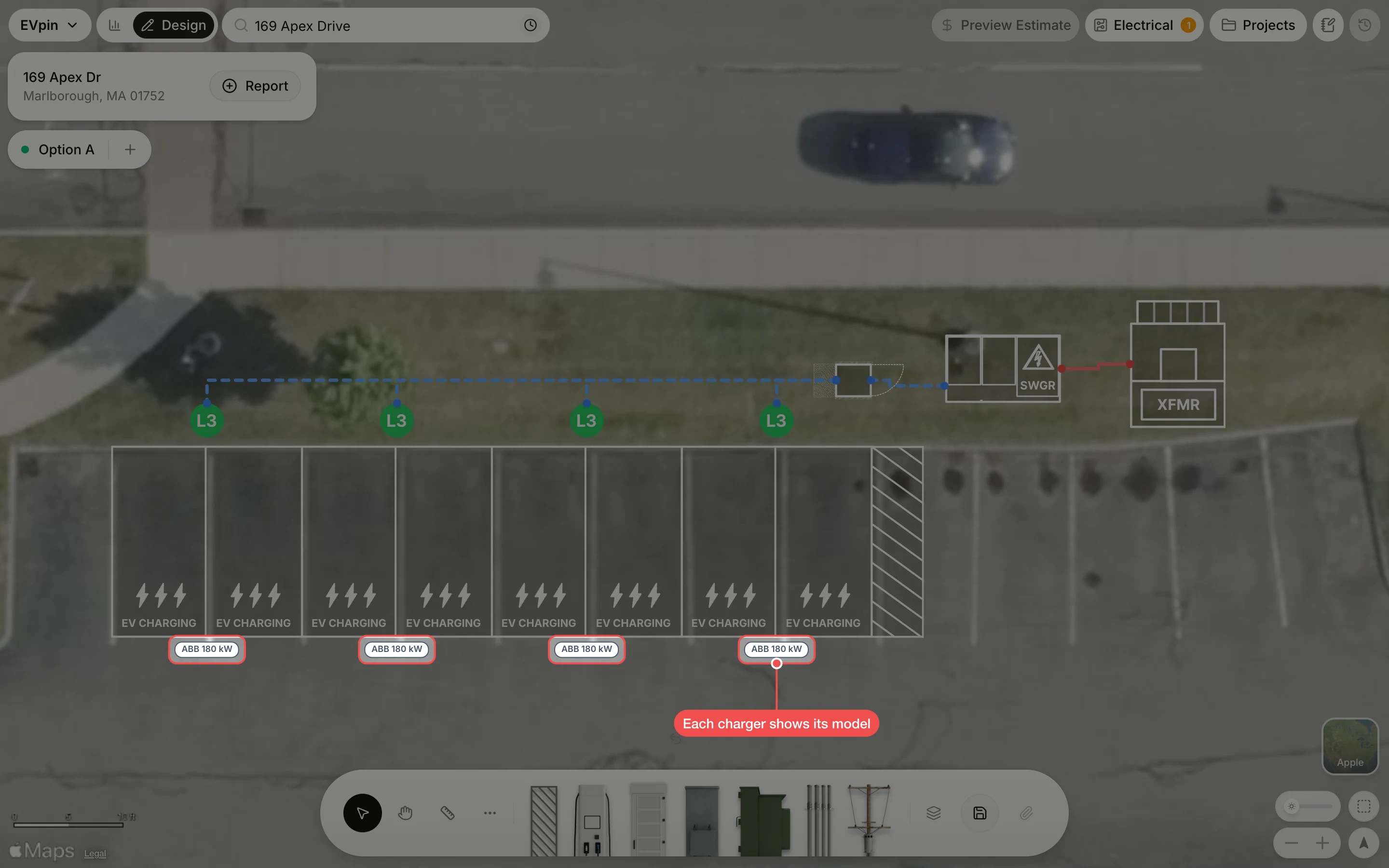
By the end every charger in your layout will have a model, shown under its stalls. You need a design with electrical design turned on, as in How to turn on electrical design.
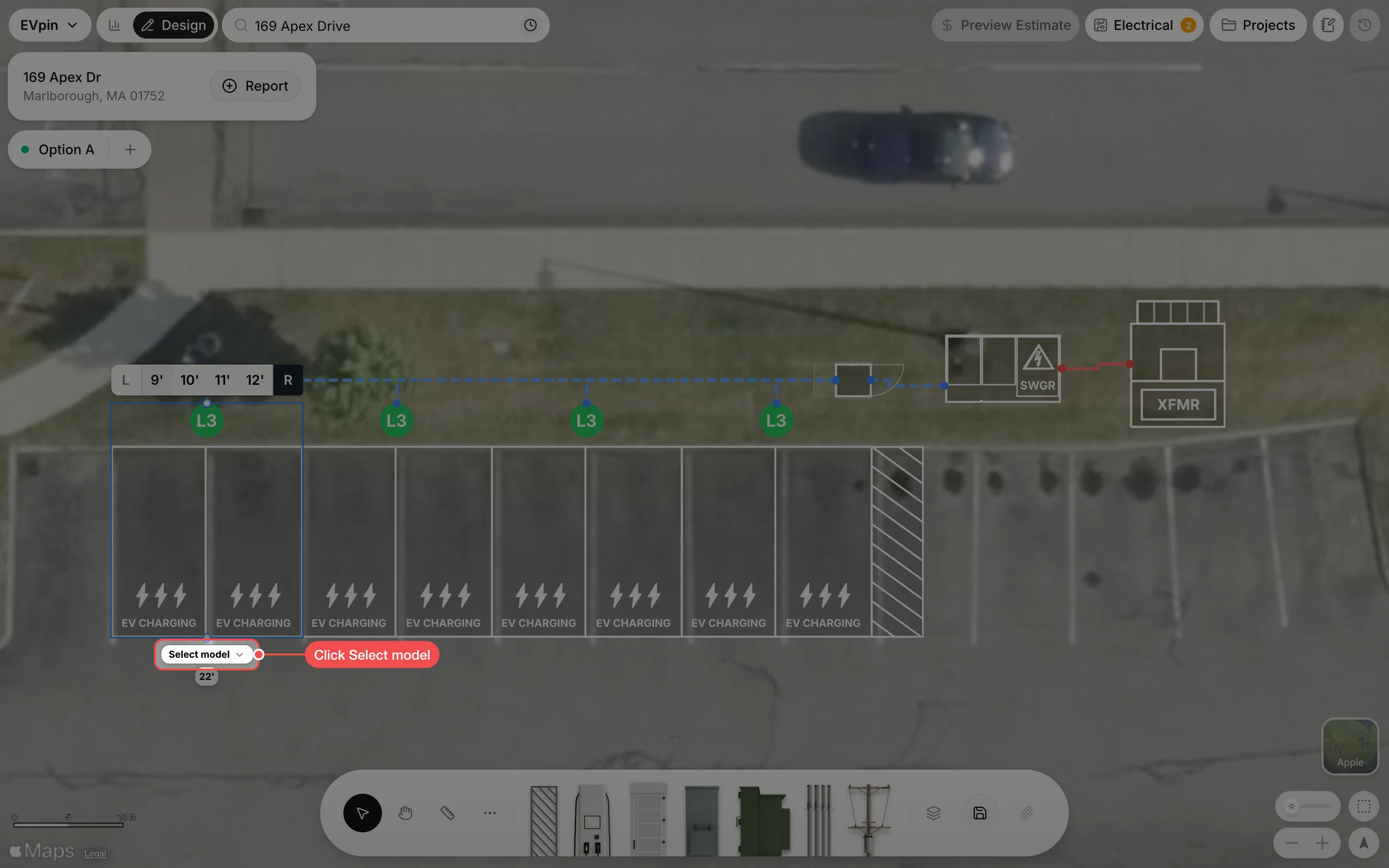
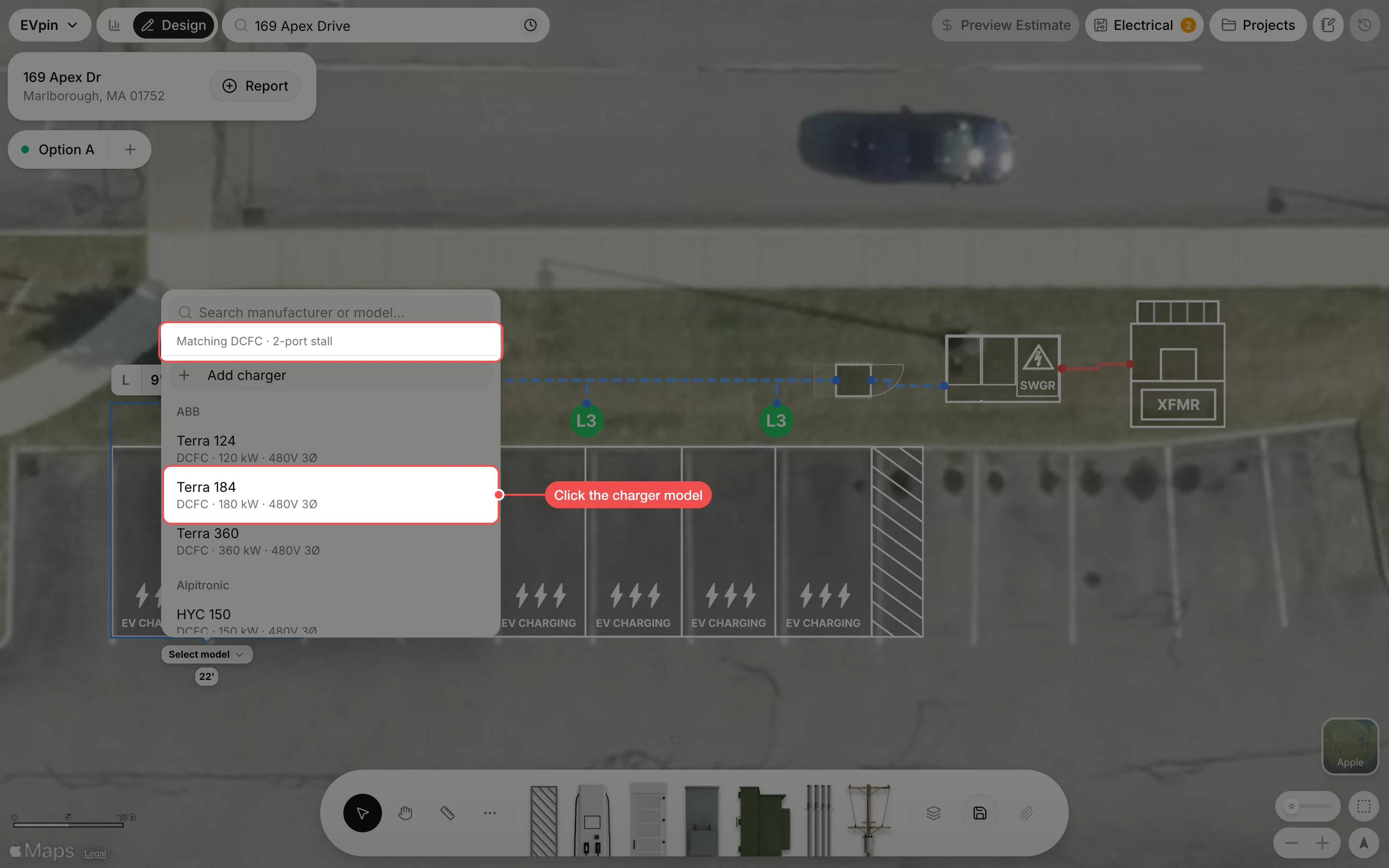
Click the charger model
The list only shows models that fit the stalls; the line at the top says what it matched, here a DC fast charger with two ports. Click the model you plan to install, or type a manufacturer or model name in the search box to find it.
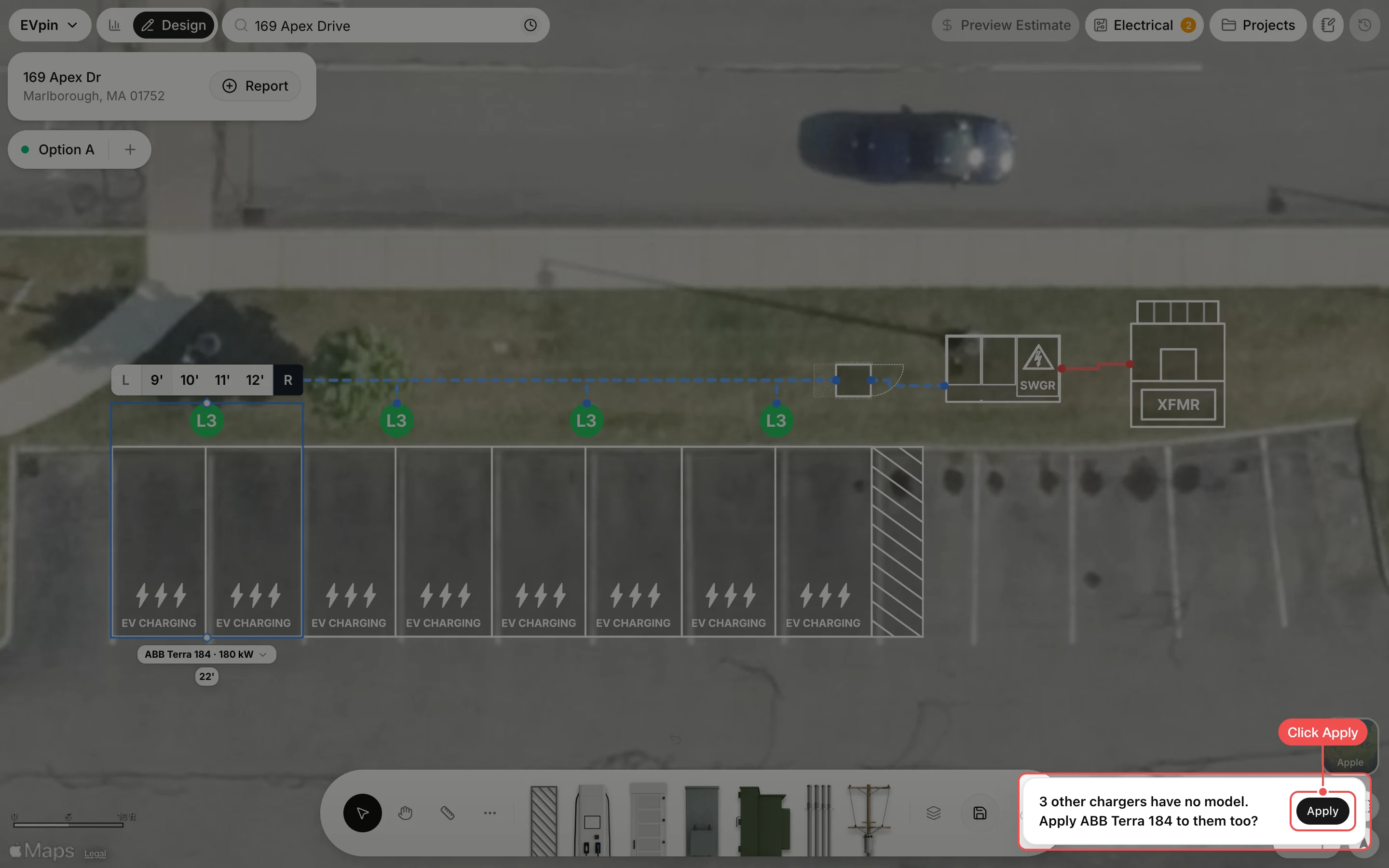
Apply it to the other chargers
A message asks whether to give the same model to the chargers that have none yet. Click Apply.
Check the models
Each charger now shows its model under its stalls, and the count on the Electrical button drops.
What's next
- How to set a transformer's kVA rating to size the transformer for these chargers.