How to make annotations bigger on a design
Make an annotation label on the Design page easier to read with Annotation size in the right-click menu.
By the end the annotation label you choose will be large enough to read in a report. You need a design with annotations on it, as in How to annotate a design automatically.
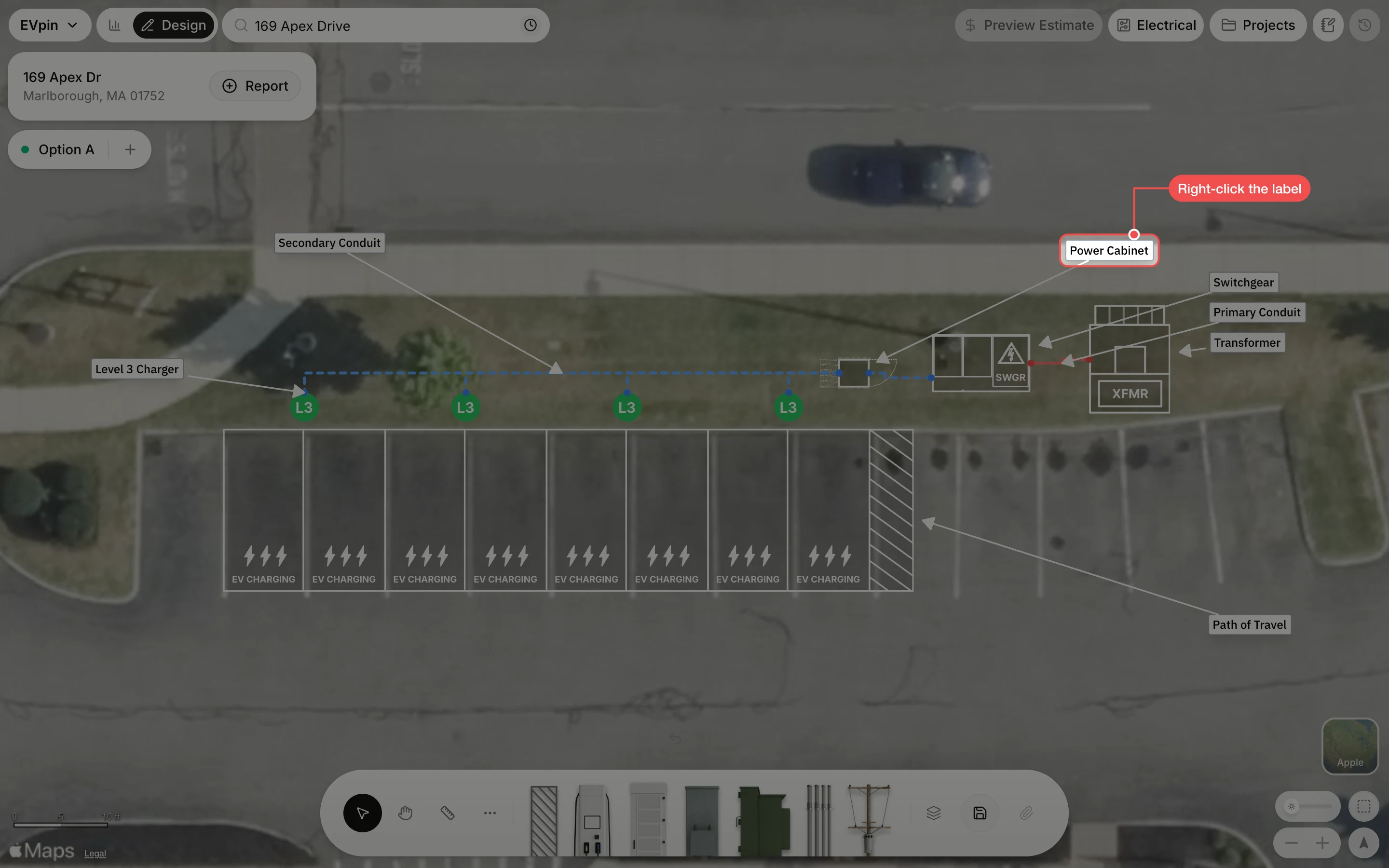
Right-click the label
Right-click the annotation label you want to change, here Power Cabinet. The label is selected and the right-click menu opens.
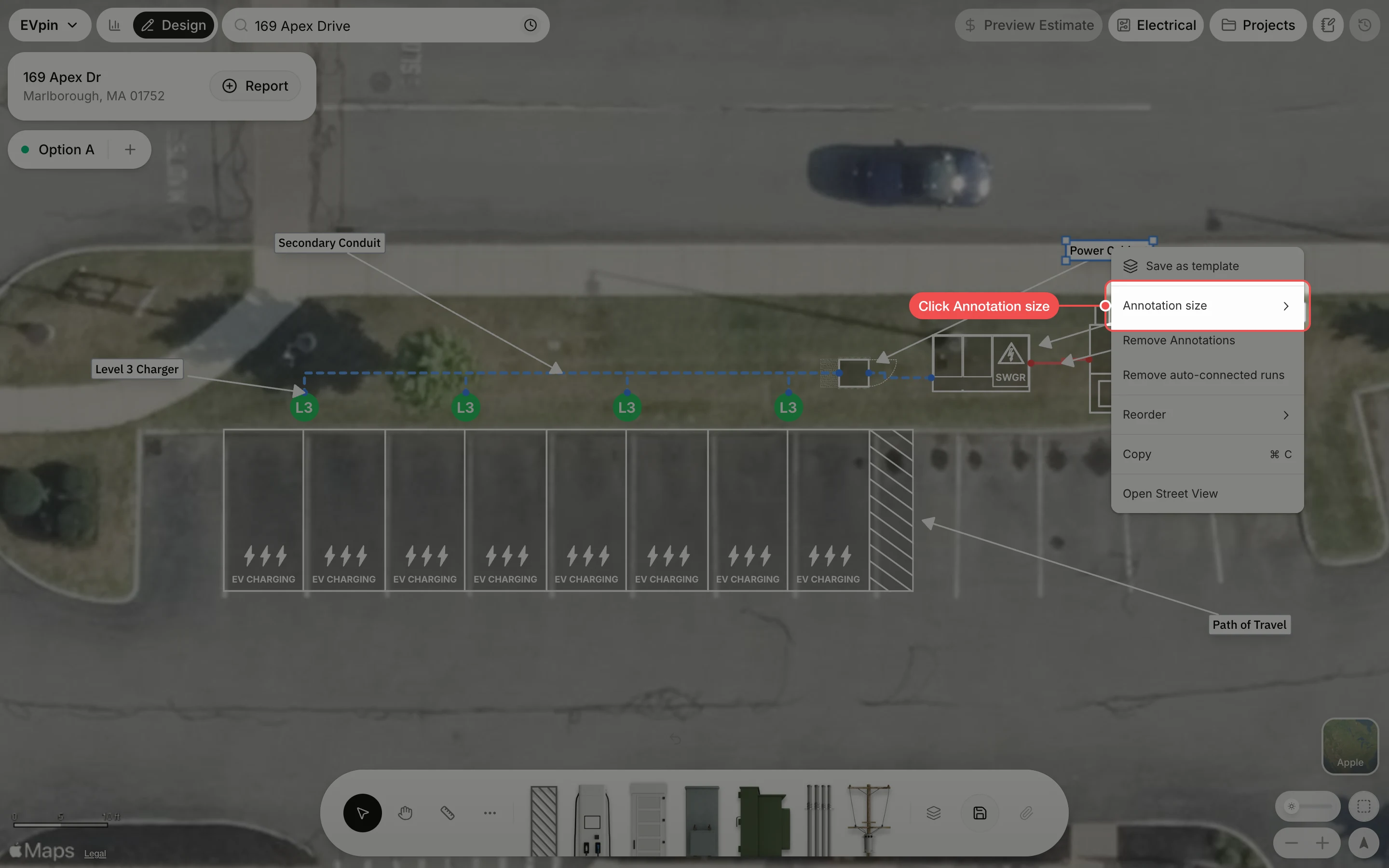
Open Annotation size
In the menu, click Annotation size. A list of sizes opens next to it, with a tick on the current one (Medium for new annotations).
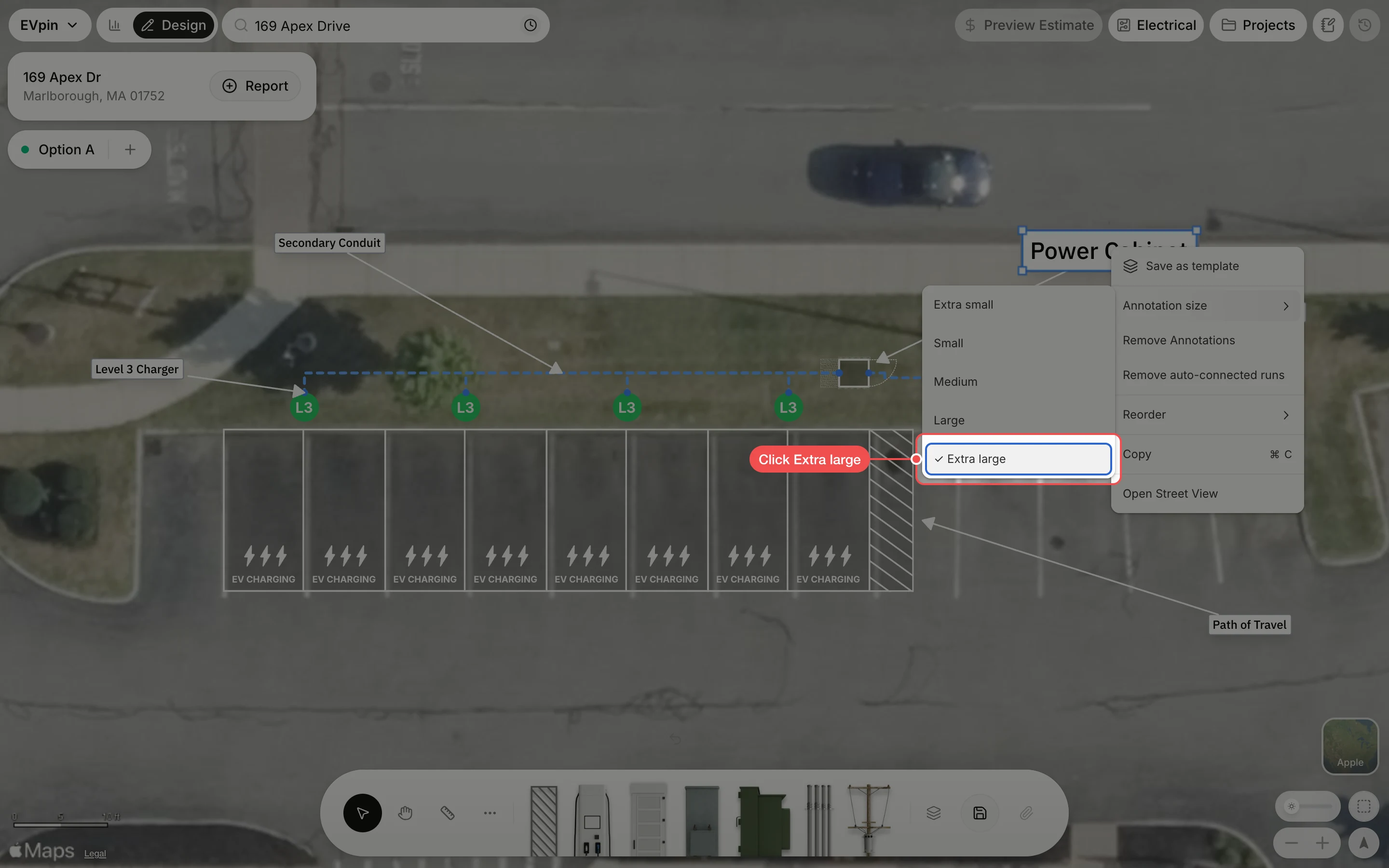
Click Extra large
Click Large or Extra large. The label previews each size as you move over it, so you can compare before you click.
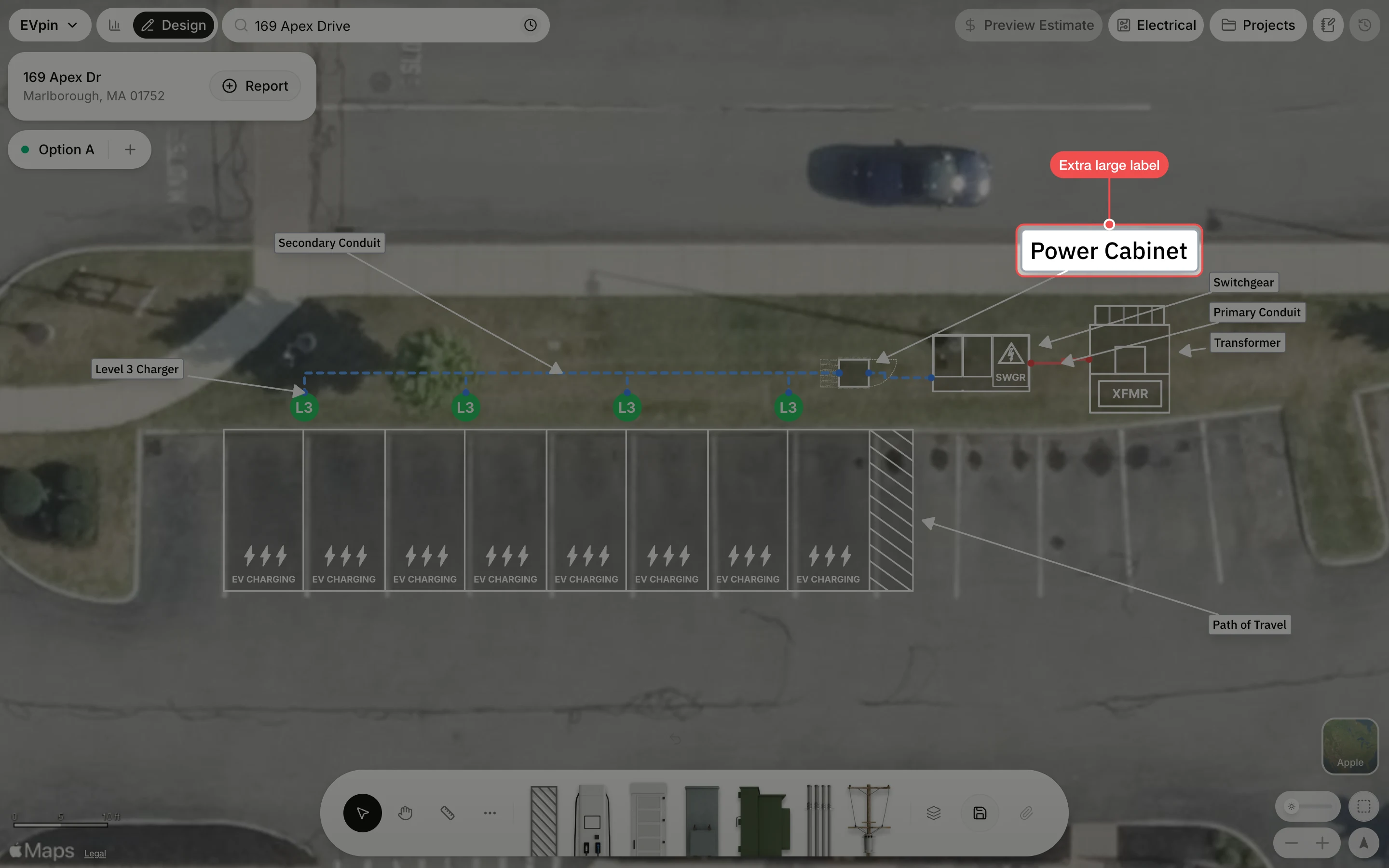
Check the label
The label grows around its centre and keeps its arrow to the equipment. Drag it if it now covers something, then save the design.
What's next
- How to add a text box to a design for a note the annotations don't cover.