How to add numbered markers and notes
Number the things on a design and write a note for each number in the design's notes.
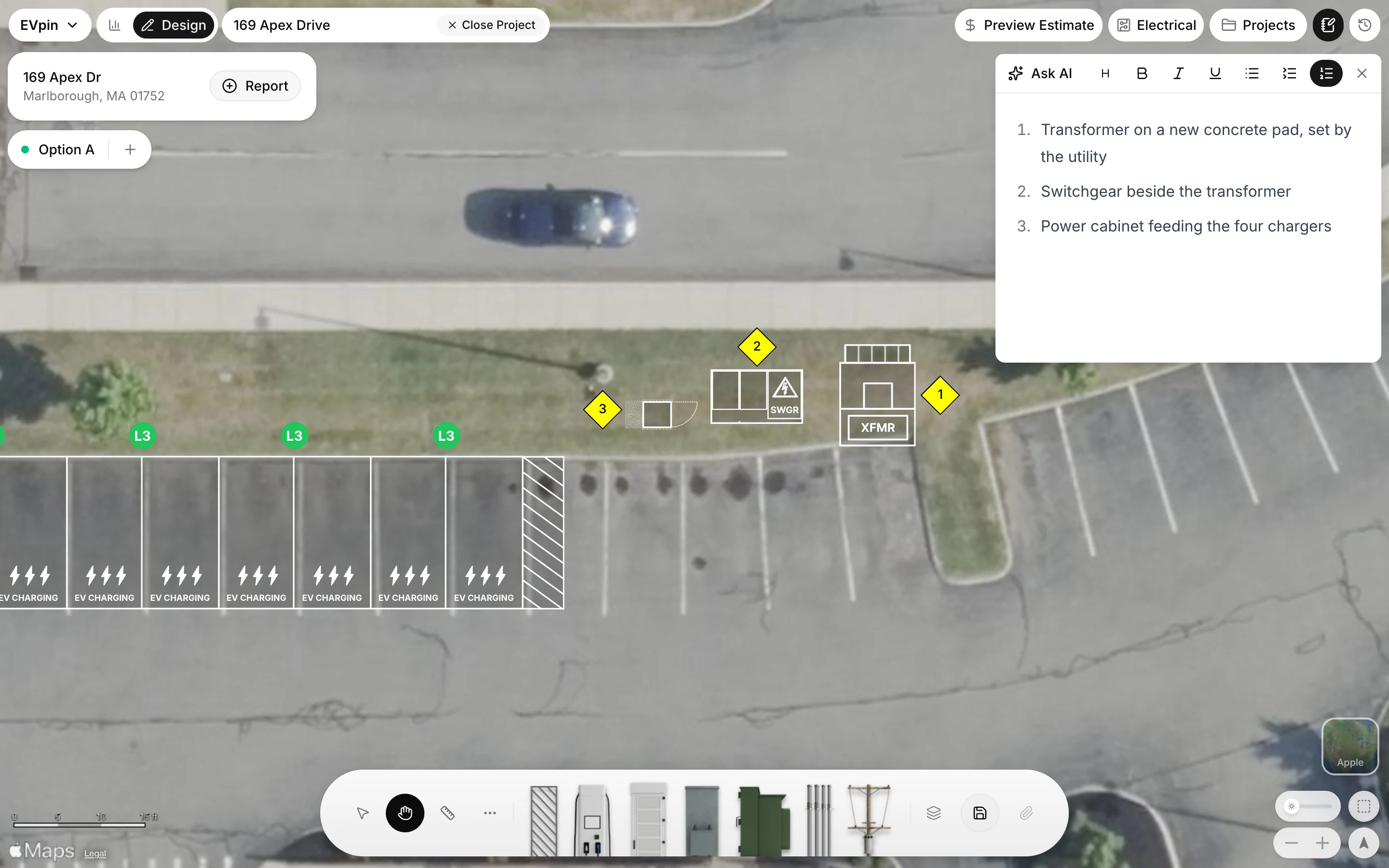
By the end each numbered marker on your design will have a matching note, for example 1 for the transformer, 2 for the switchgear and 3 for the power cabinet. You need a design open on the Design page, as in How to add charging stalls to a design.
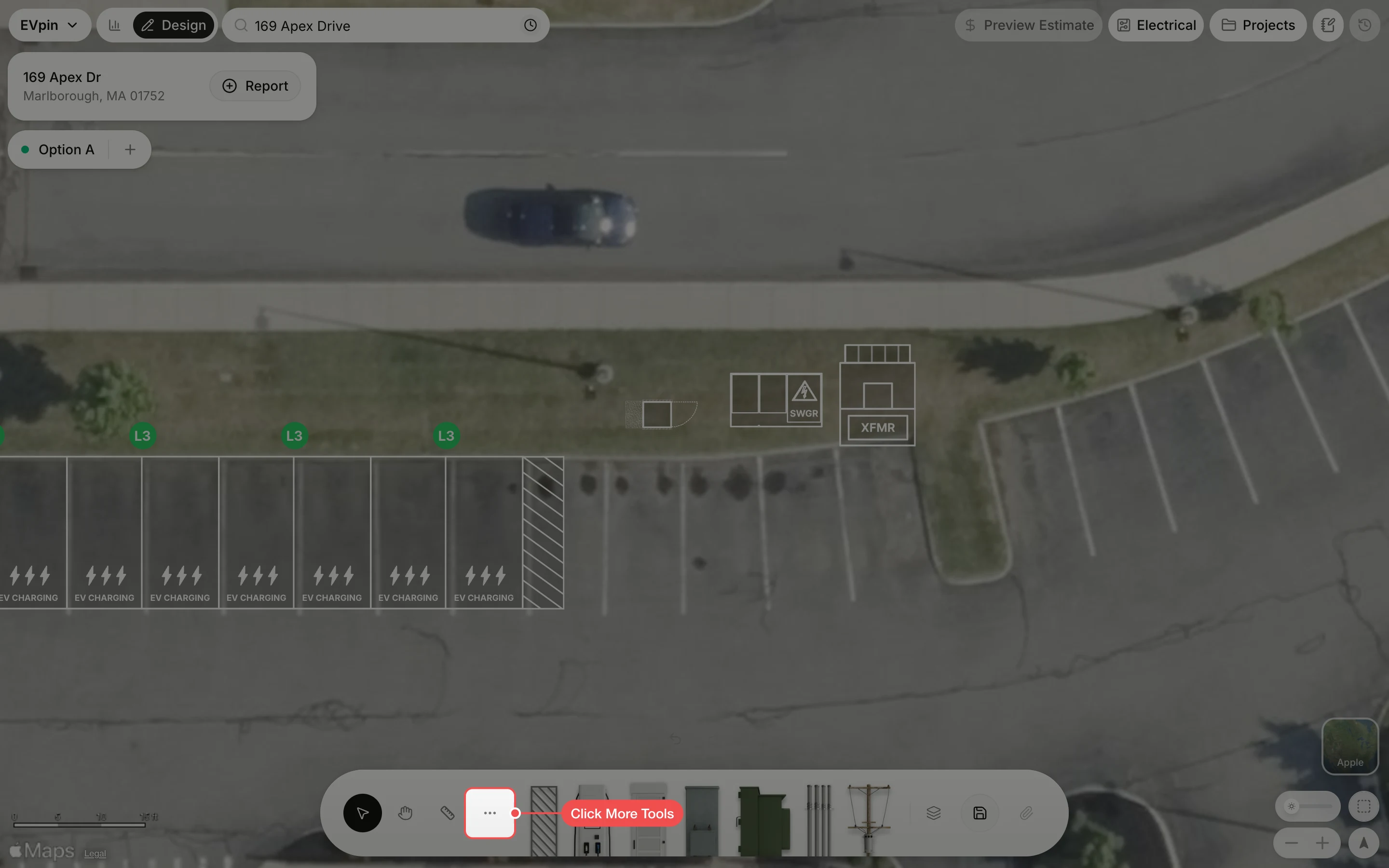
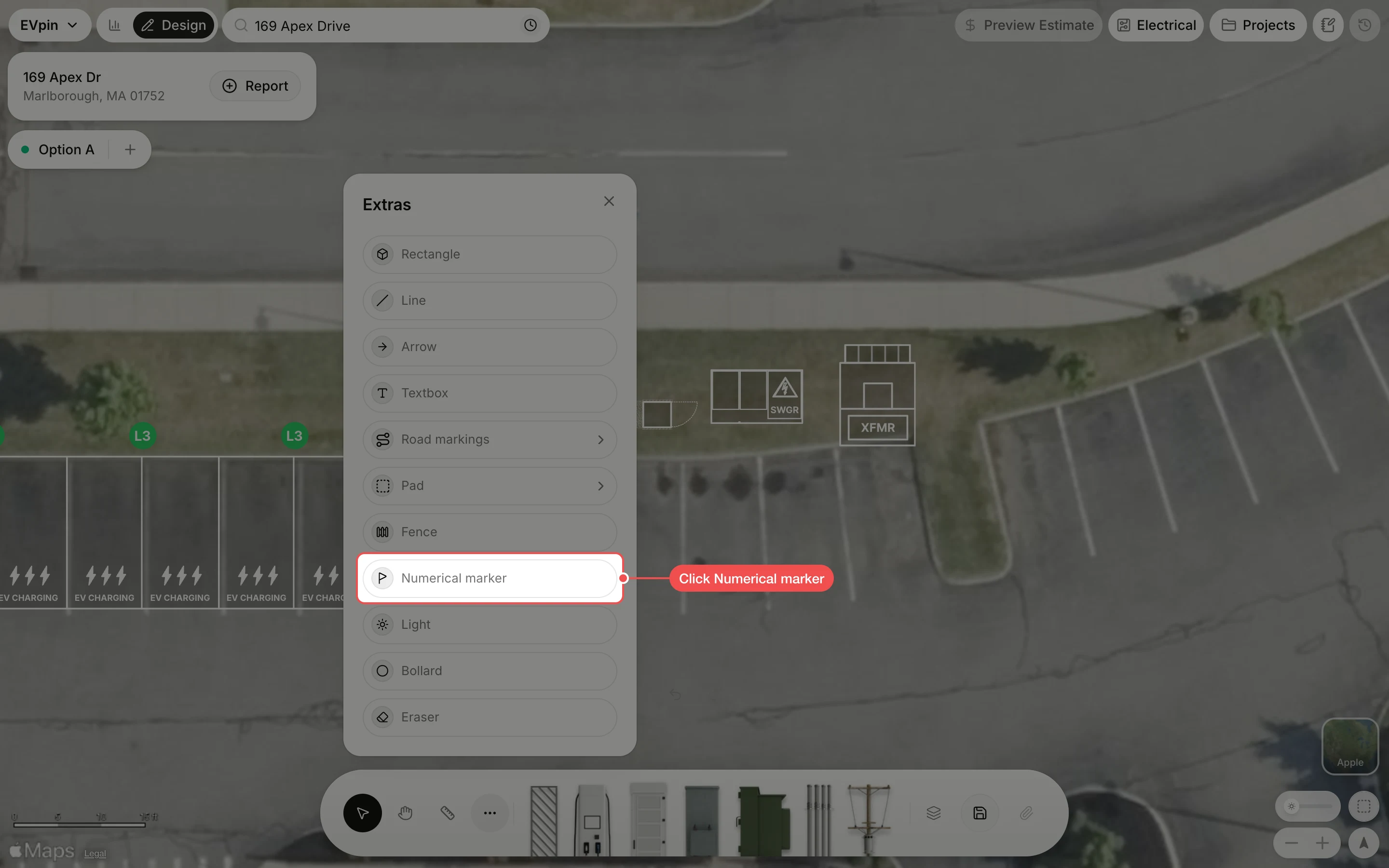
Click beside each item
Click next to each thing you want to call out. Each click drops the next number: 1, 2, 3 and so on. Press Esc when you are done.
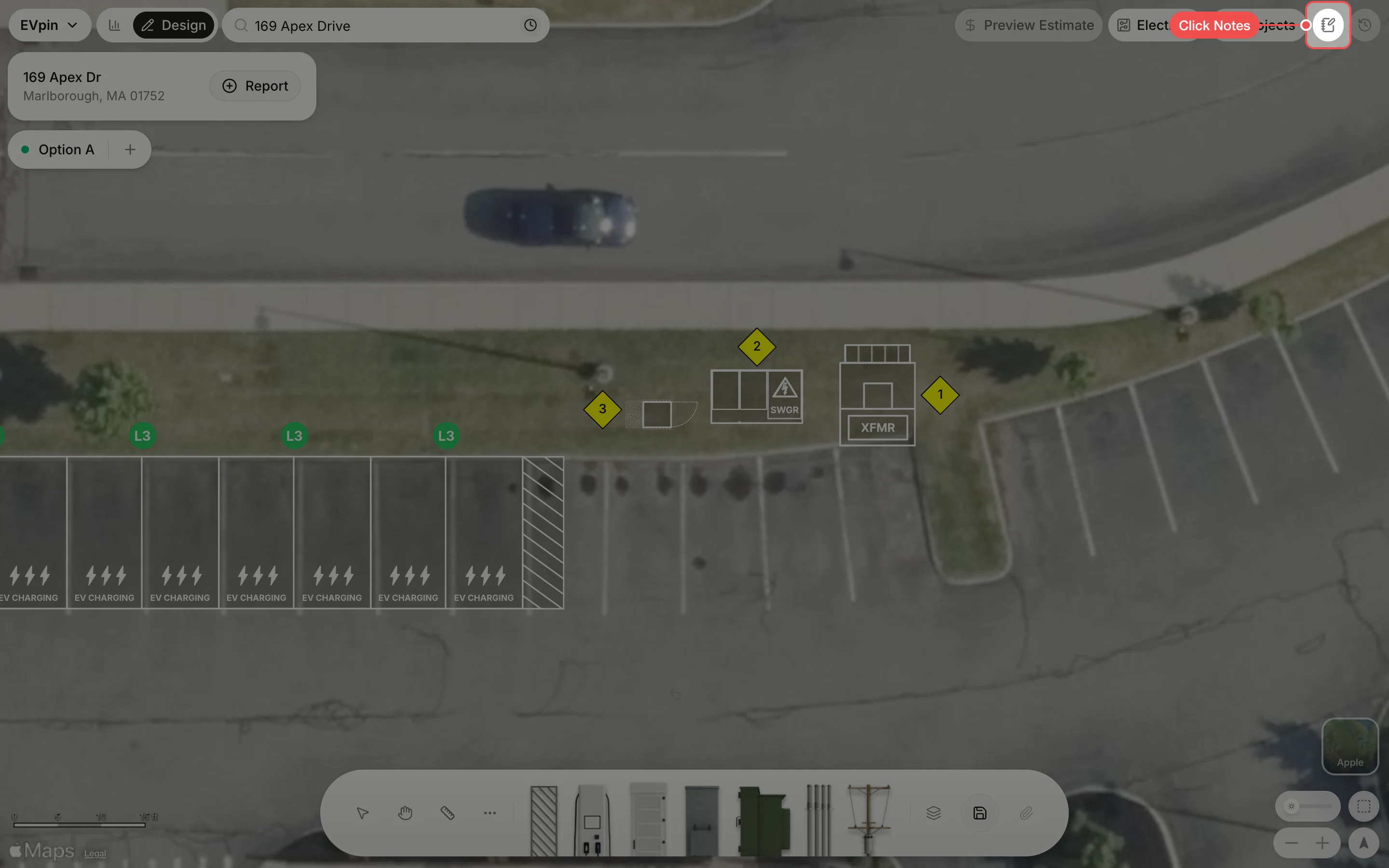
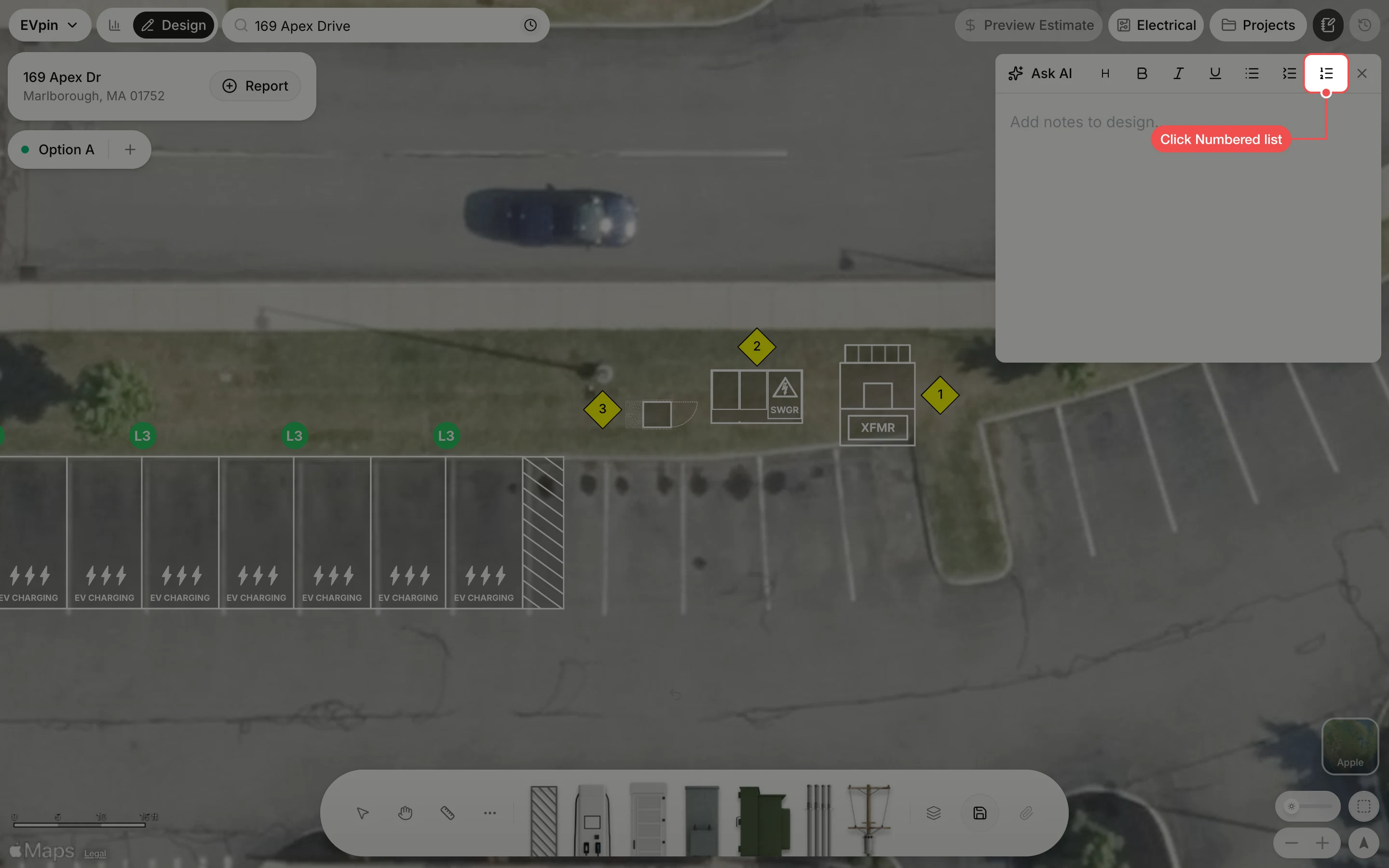
Write one line per marker
Type the note for marker 1 and press Enter to start the line for marker 2, and so on. The list numbers match the markers on the map.
What's next
- How to add a text box to a design to put a label right on the map.