How to add bollards to stalls
Put protective bollards in front of the chargers on a design's charging stalls from the right-click menu.
By the end the stalls you pick will have bollards at their head, between the car and the charger. You need a design with charging stalls on it, as in How to add charging stalls to a design.
Right-click the stalls
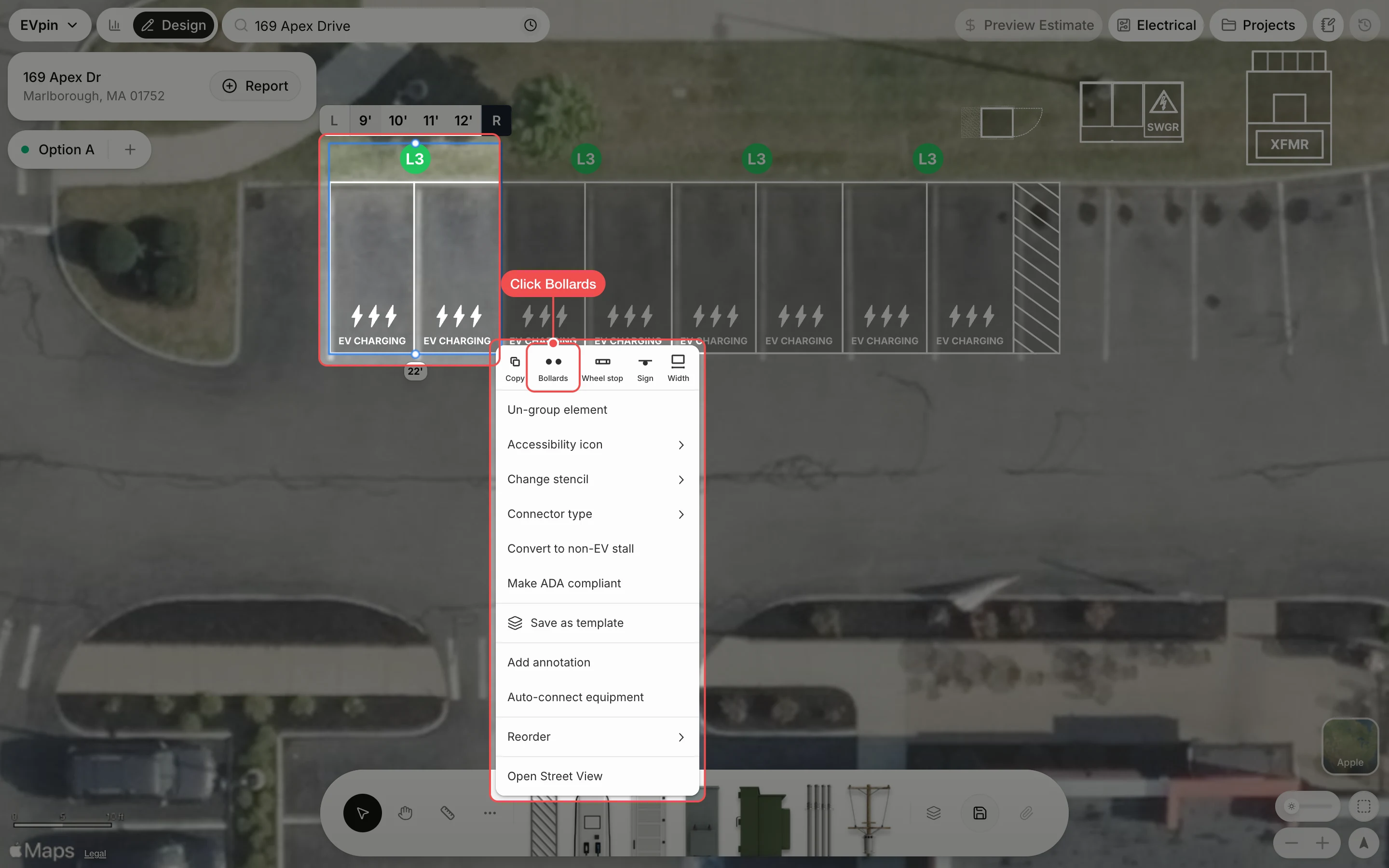
Right-click a pair of stalls on the map, then click Bollards in the row of icons at the top of the menu.
Click the bollard layout
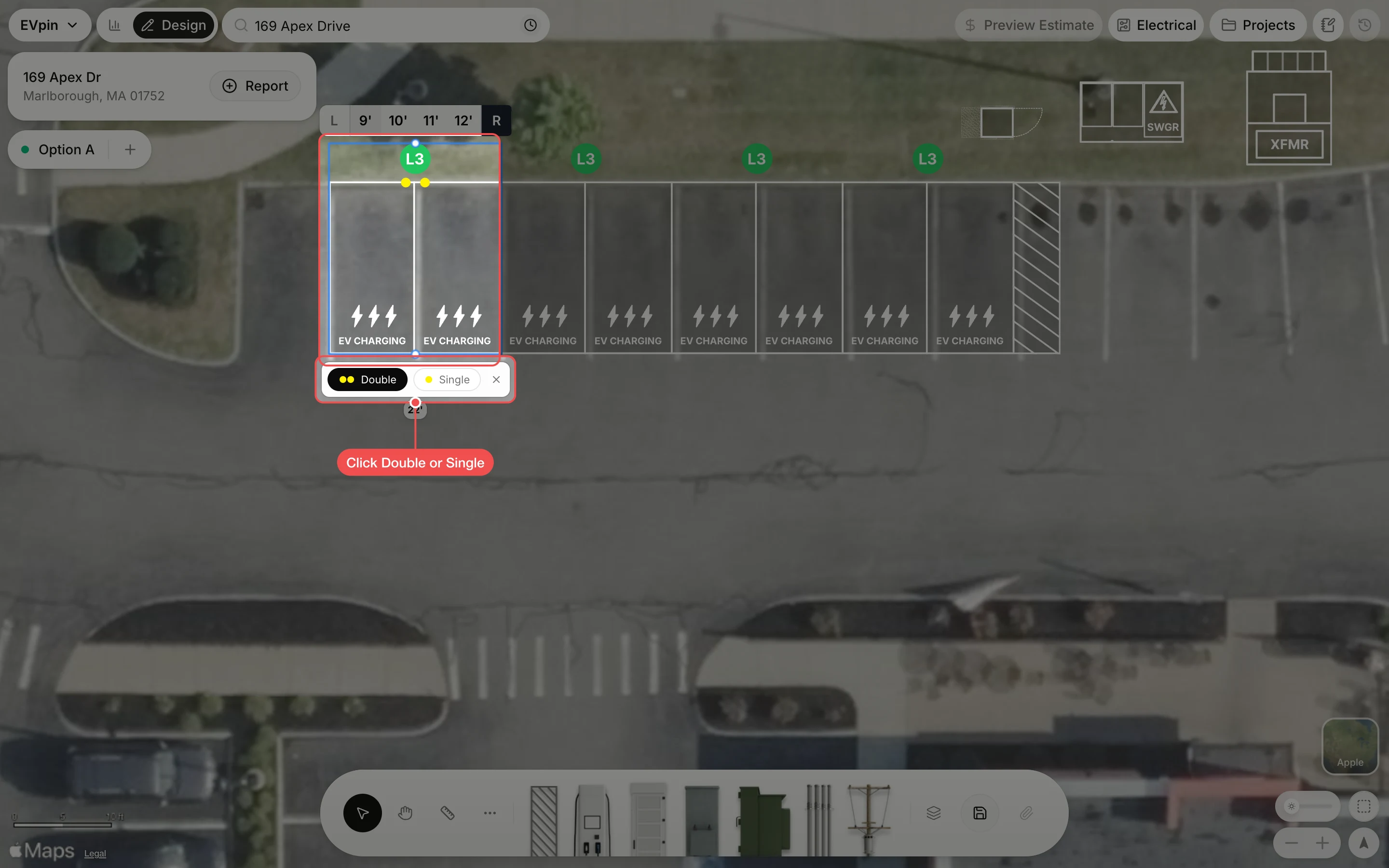
Yellow bollards appear at the head of the stalls. In the bar under the stalls, click Double for two posts per charger or Single for one. Save the design to keep the change.
What's next
- How to add wheel stops to stalls so cars stop short of the bollards.