How to add a point of connection
Mark where the utility service enters the site and connect it to the transformer on the Design page.
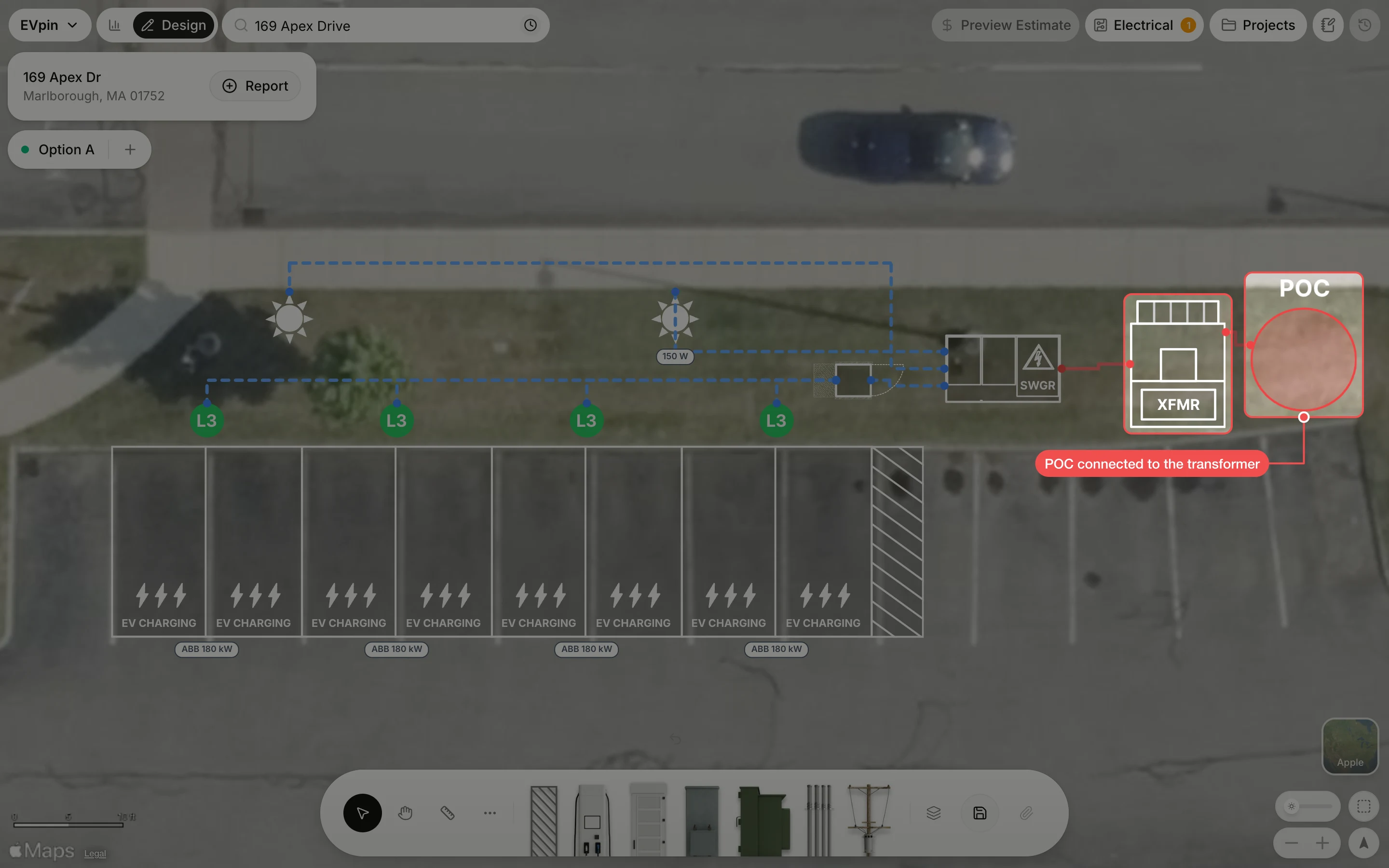
The point of connection (POC) is where the utility's power reaches the site. By the end your design will show it next to the transformer with a run between them. You need a design with a transformer, as in How to add a transformer.
Open Point of Connection (POC)
Click Point of Connection (POC) in the toolbar at the bottom. The Add Utility menu opens.
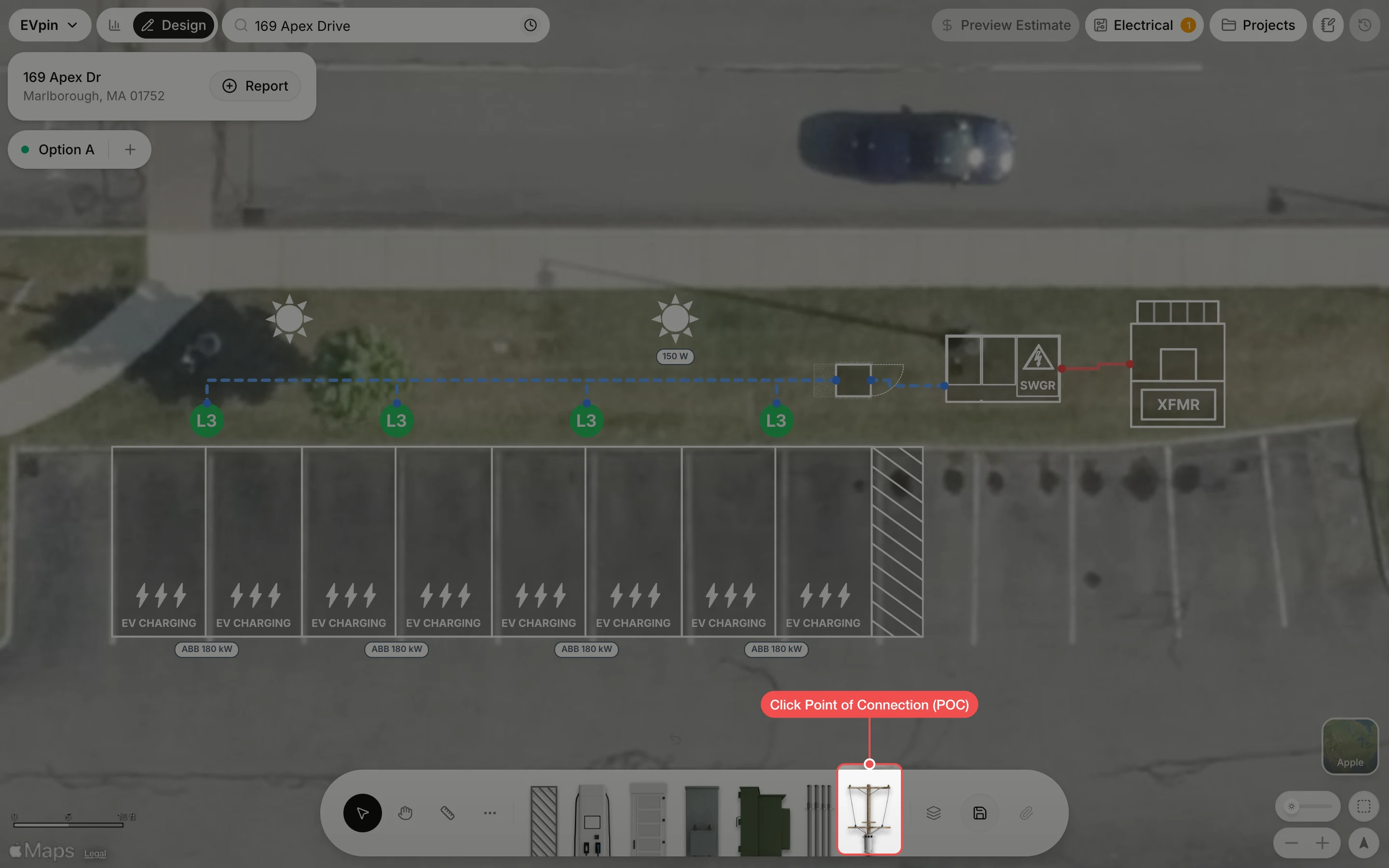
Click Point of Connection
Under Unit, click Point of Connection. The POC appears selected in the middle of the map.
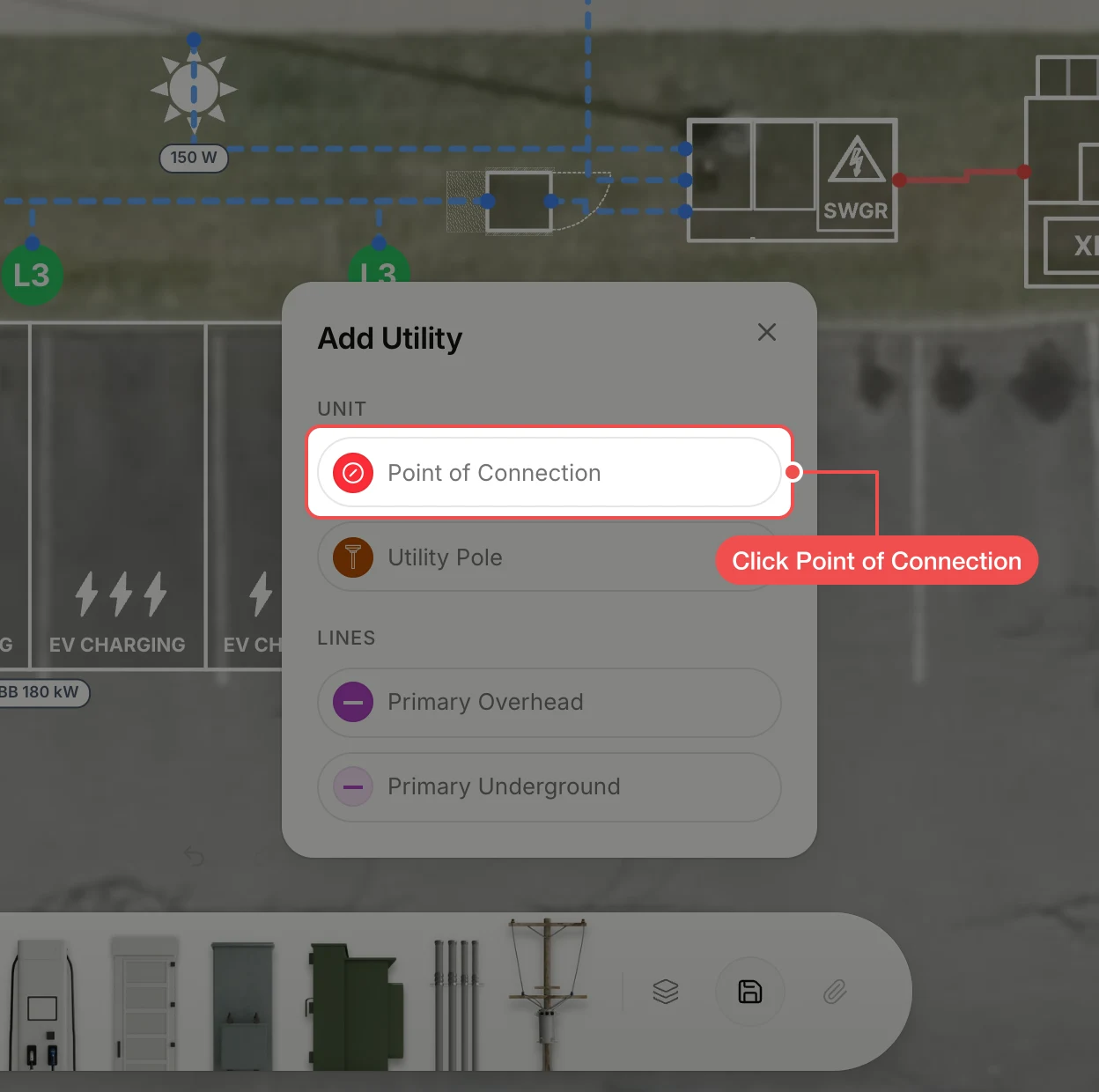
Drag the POC into place
Drag the POC to where the utility service comes in, here on the grass beside the transformer.
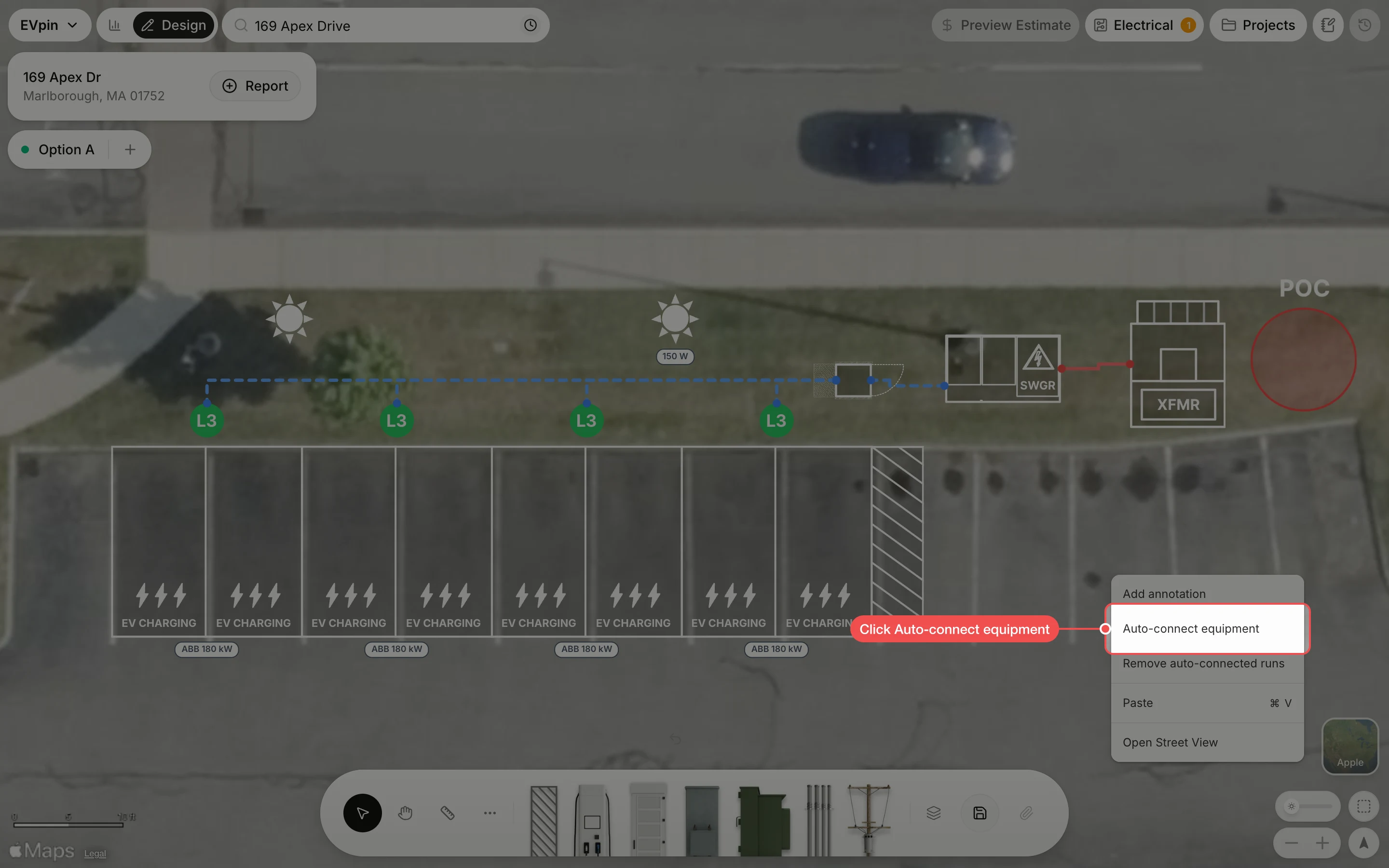
Check the connection
A run now joins the POC to the transformer, so the design shows the whole path from the utility to the chargers.
What's next
- How to set a site's service capacity to tell EVpin how much the utility can supply.