How to add a light
Place site lights on the Design page, one click per light.
By the end your design will show where the site lights stand, for example along the grass strip behind the stalls. You need a design open on the Design page, as in How to add charging stalls to a design.
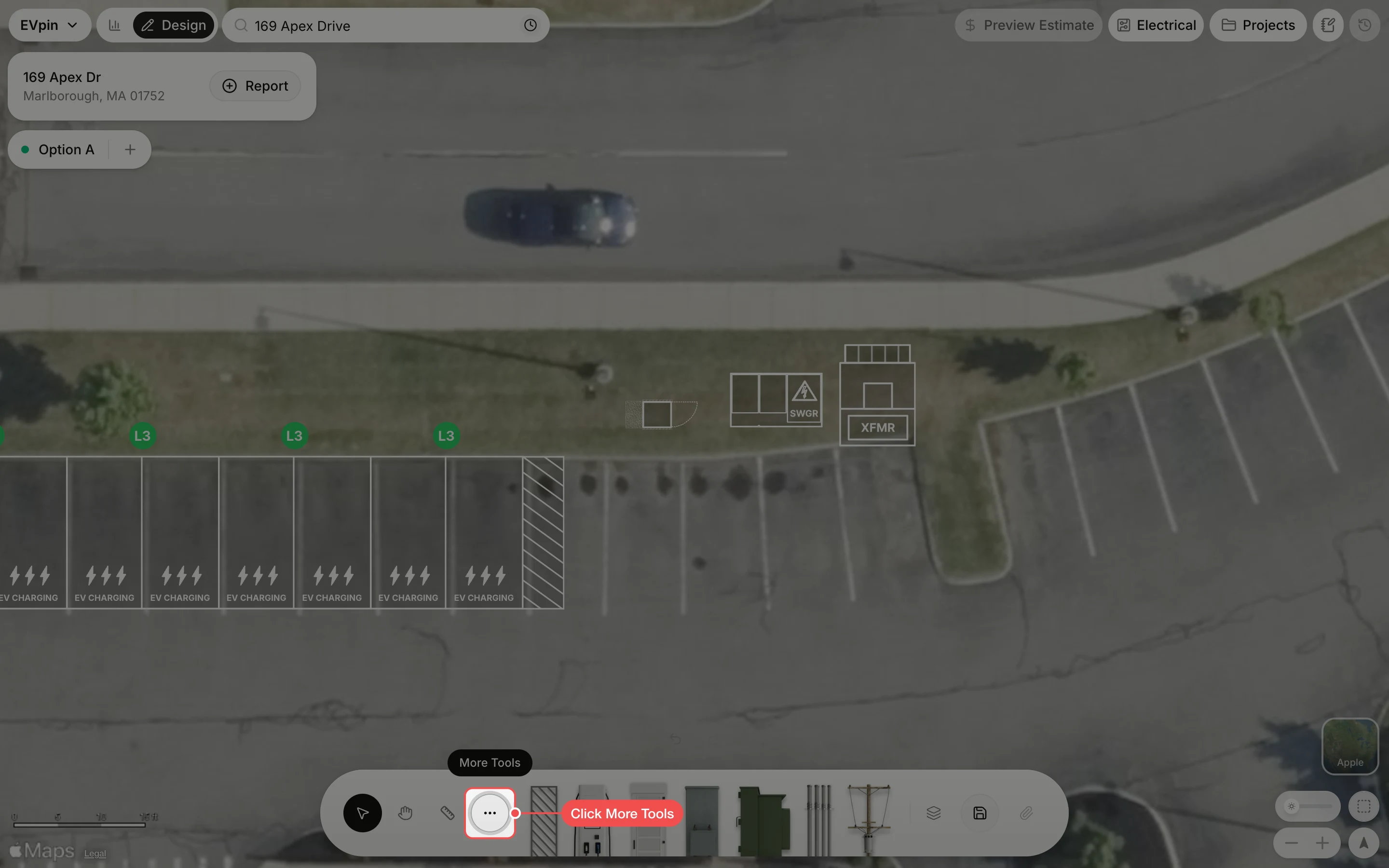
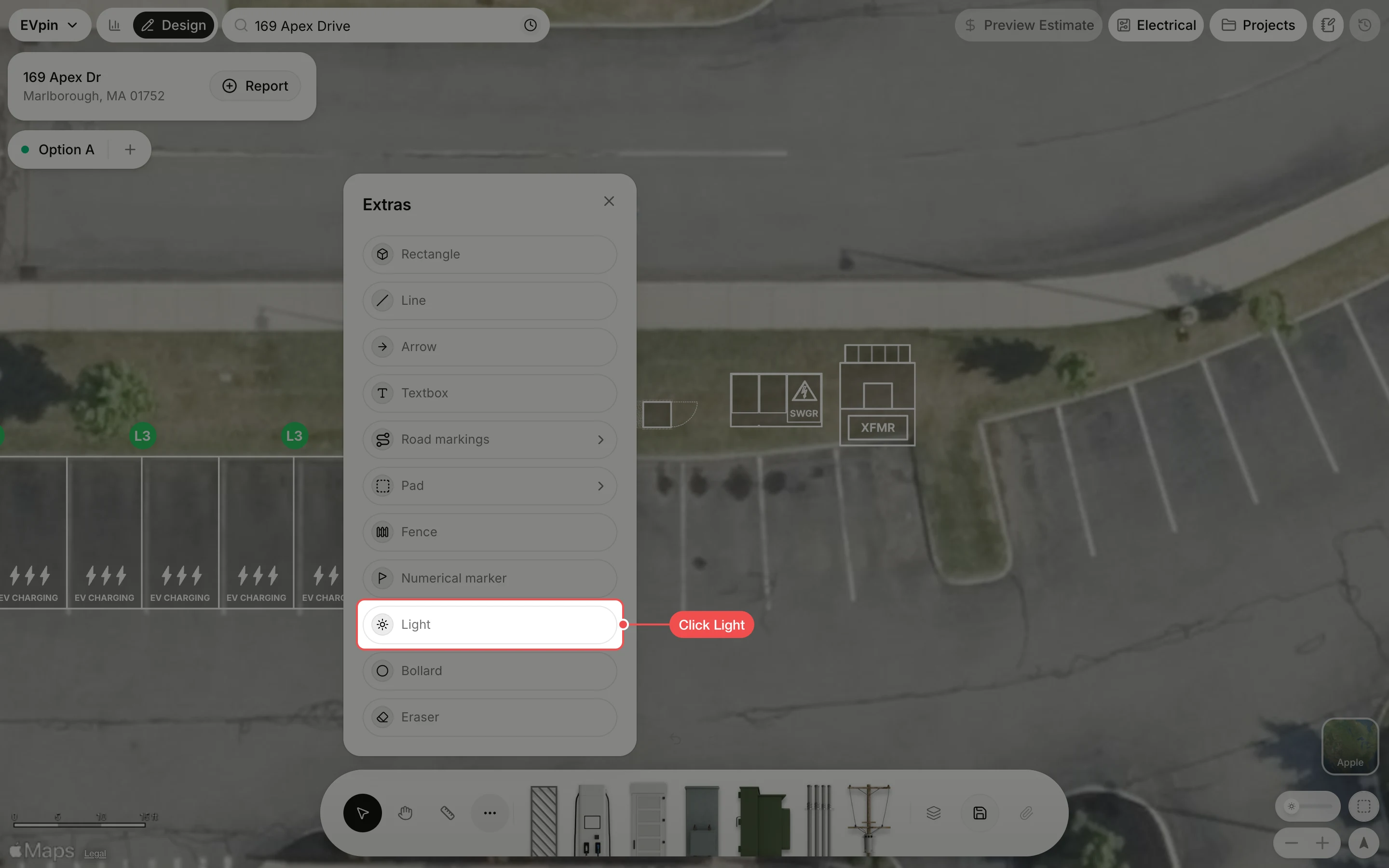
Click where each light goes
Click on the map where each light stands. The tool stays on, so keep clicking to place a row of them. Press Esc when you are done.
What's next
- How to add bollards around equipment along the curb.