How to sort the project list
Order the Projects page by name or by when each project was last changed.
The Projects page lists the most recently changed projects first. Sort it by name to scan it alphabetically, or by oldest first to find projects nobody has touched in a while.
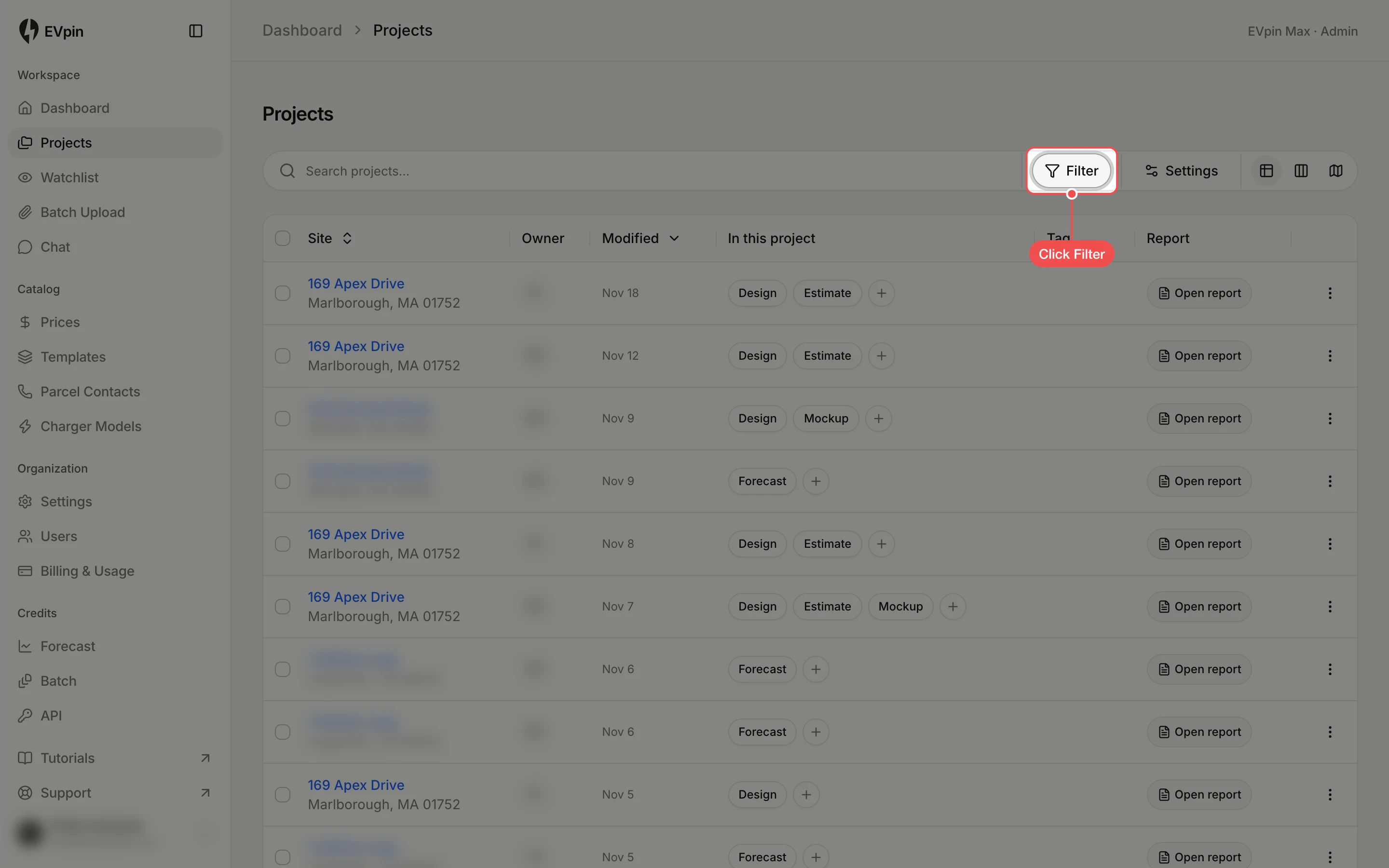
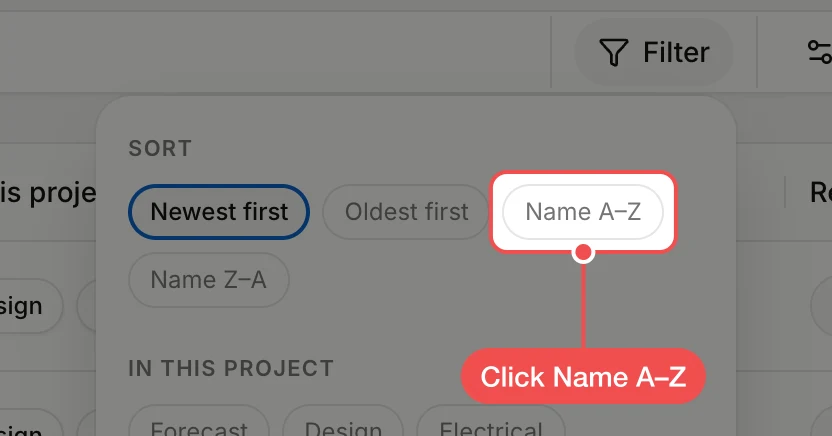
Click a sort order
Under Sort, click Name A–Z. The list reorders straight away. Name Z–A, Oldest first and Newest first work the same way.