How to see your projects on a map
Switch the Projects page to the map to see where every project is and open one from its pin.
The map view puts a pin on every project's site, so you can see where your work is spread out.
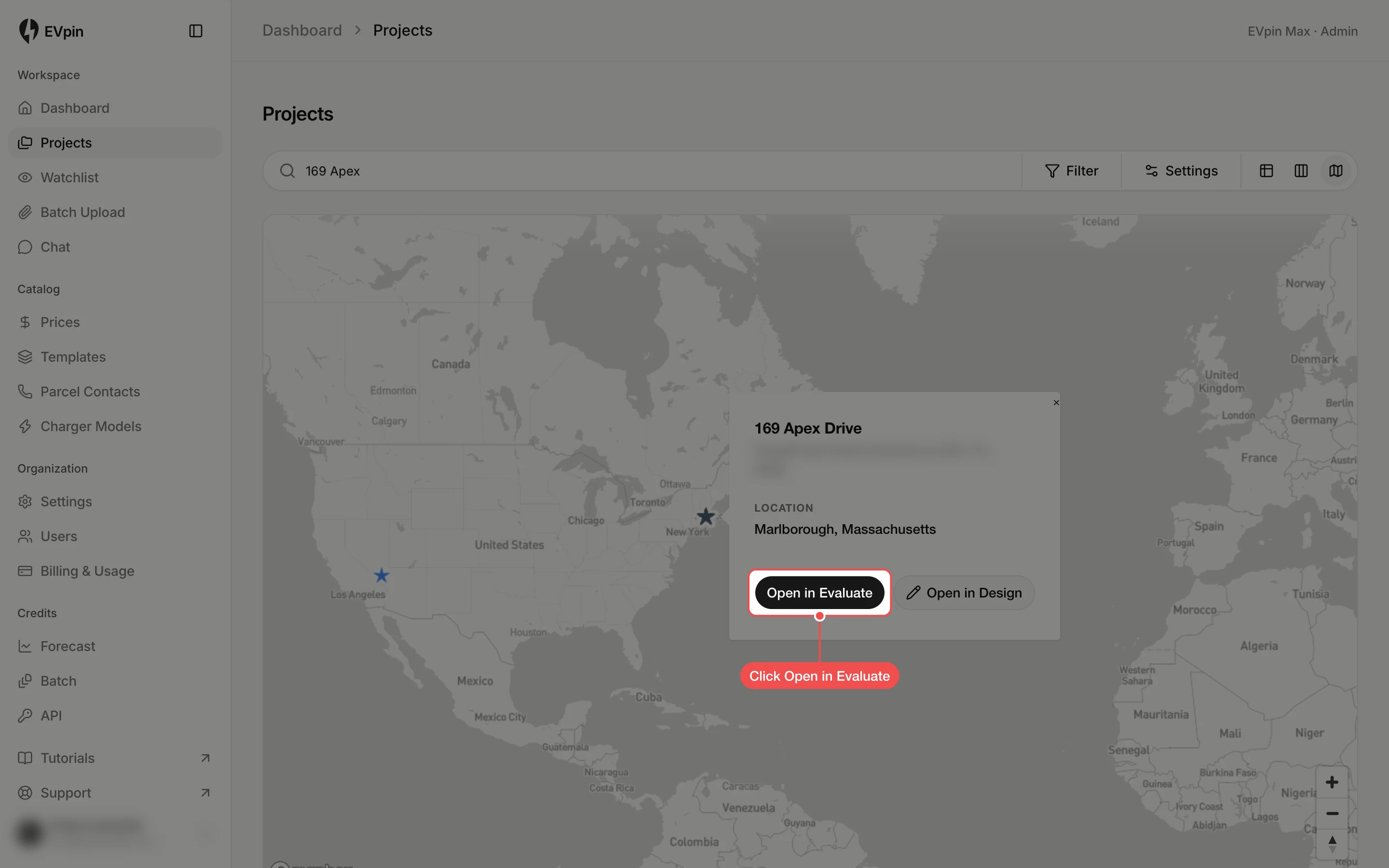
Click Map view
On the Projects page, click Map view, the last of the three view buttons at the top right.
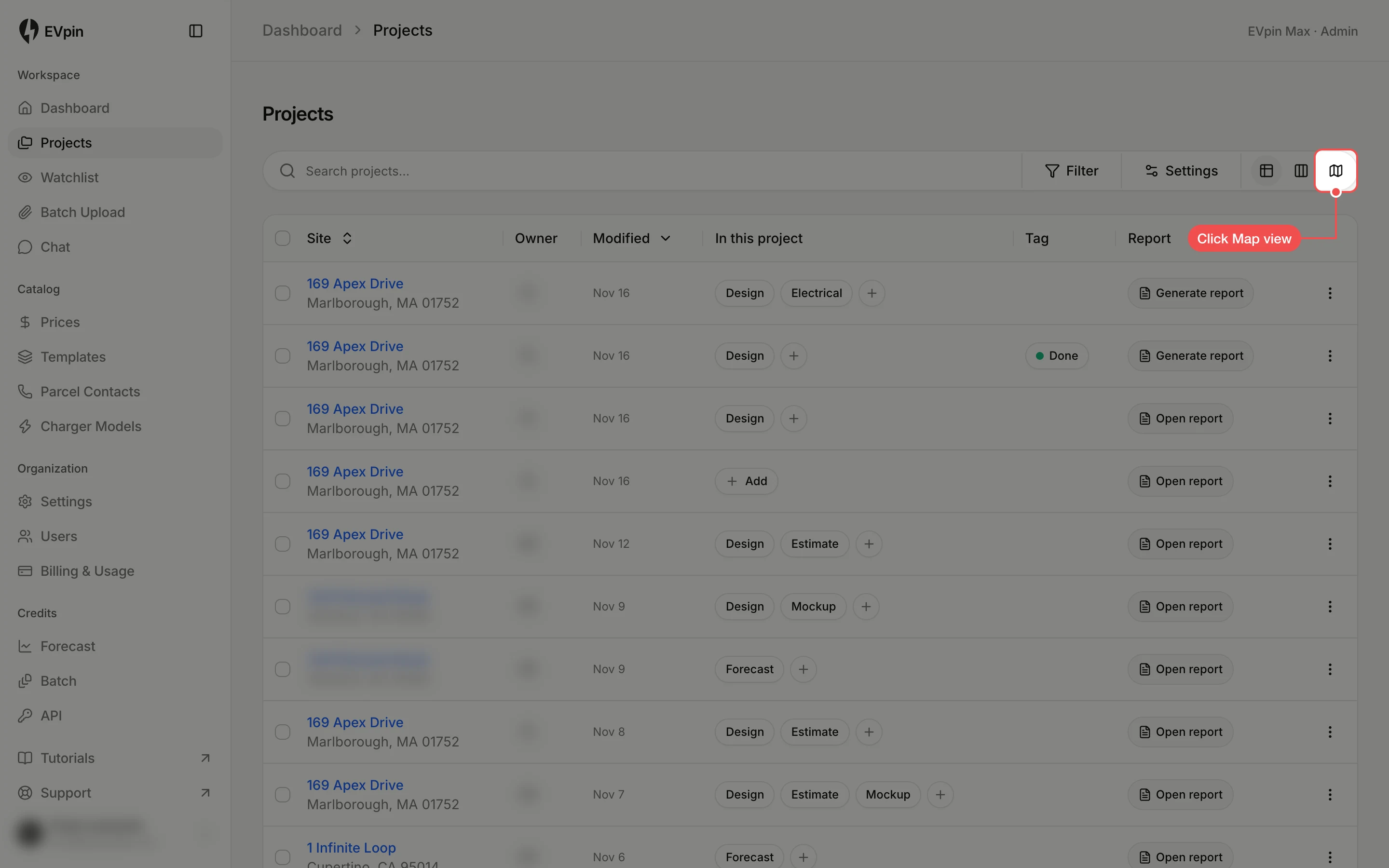
Click a pin
Each star is a project, colored by its tag. Zoom in with the + button or the mouse wheel, then click the pin you want.
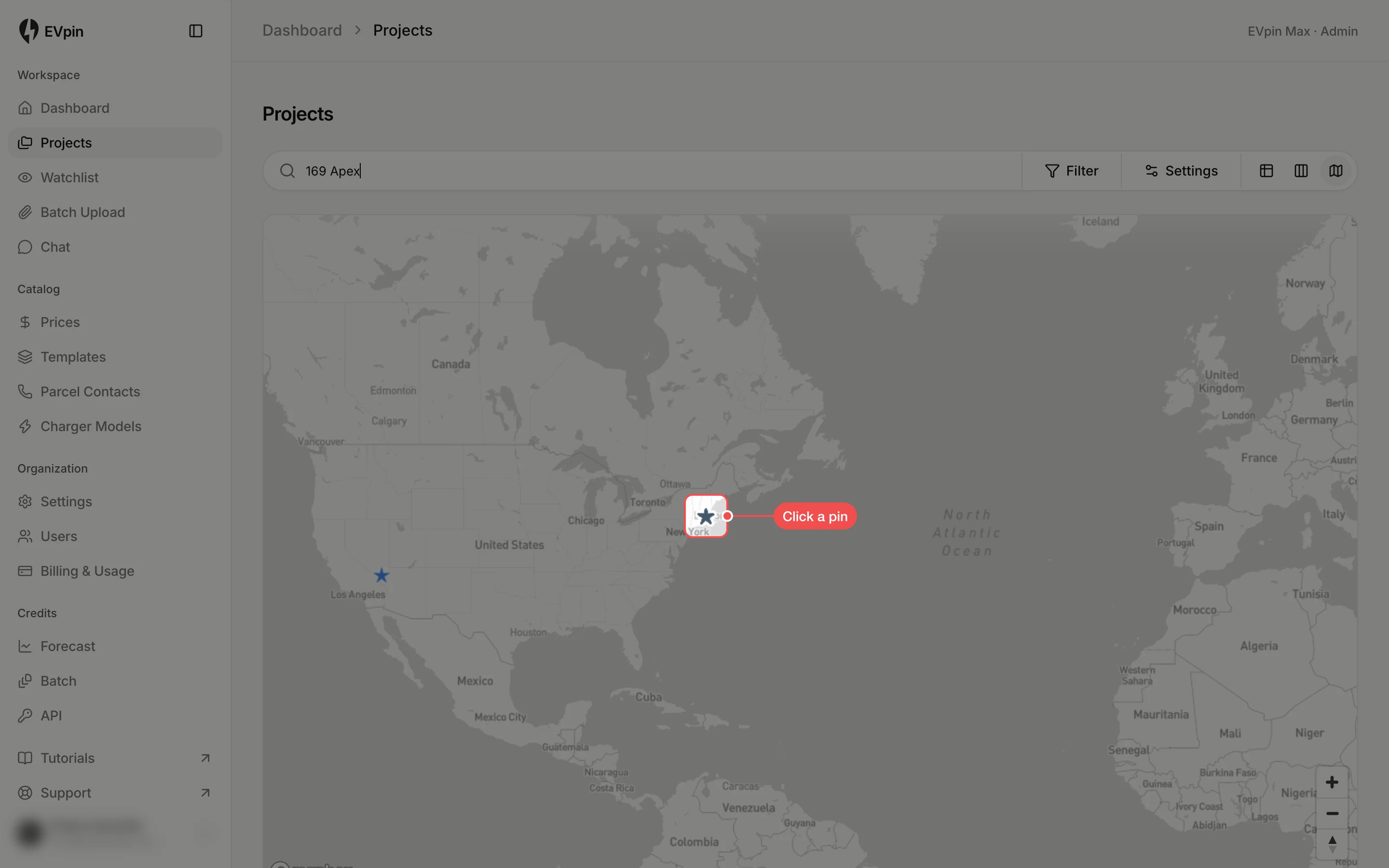
Click Open in Evaluate
A card shows the project's name and location. Click Open in Evaluate to open it on the map, or Open in Design to go to its design.