How to draw a custom fence
Draw a fence of any shape around equipment on the Design page, then add a pad and a gate to it.
By the end your design will have a fenced enclosure that follows the shape you need, with a pad under it and a gate. You need a design with the equipment on it, as in How to add a transformer.
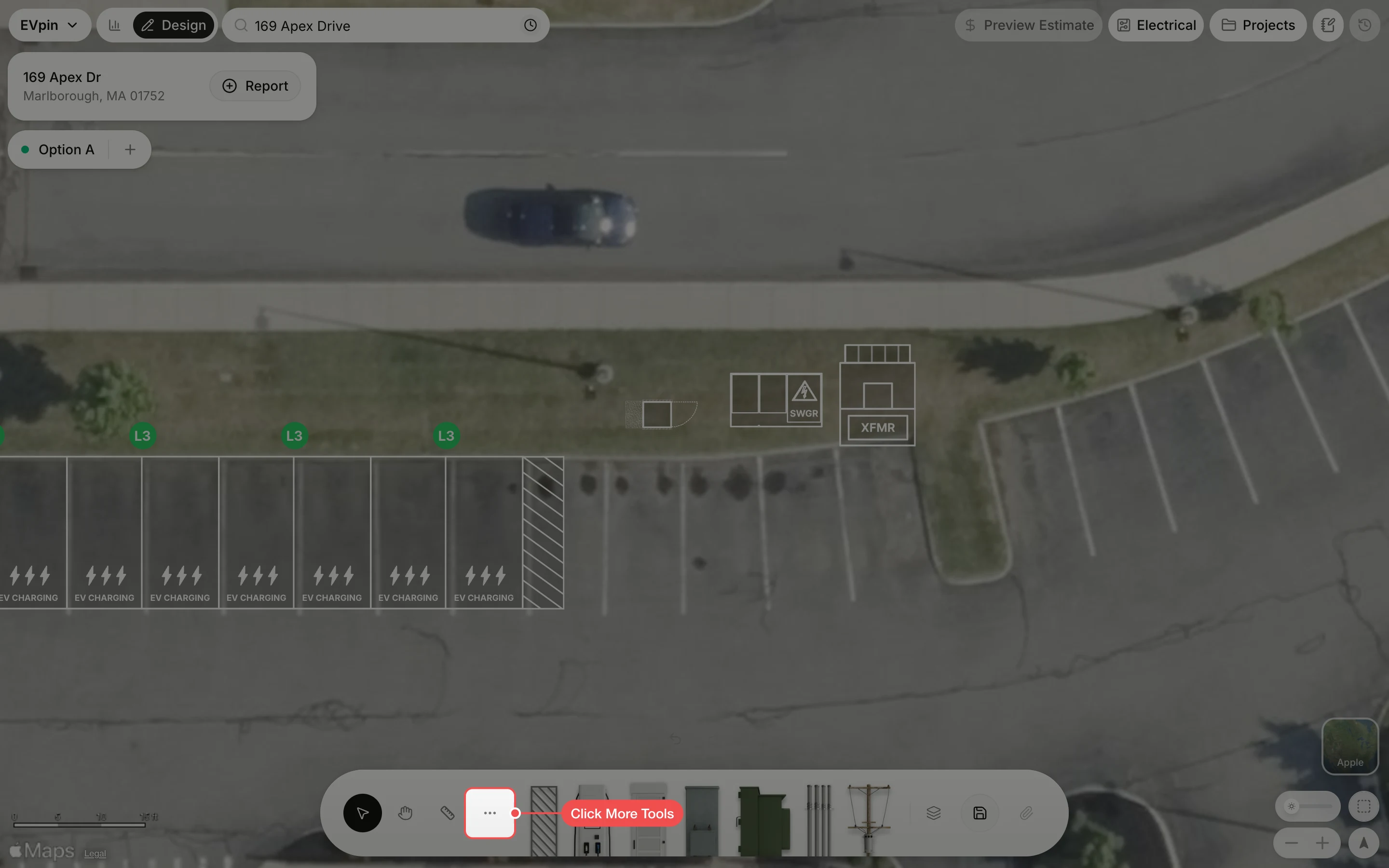
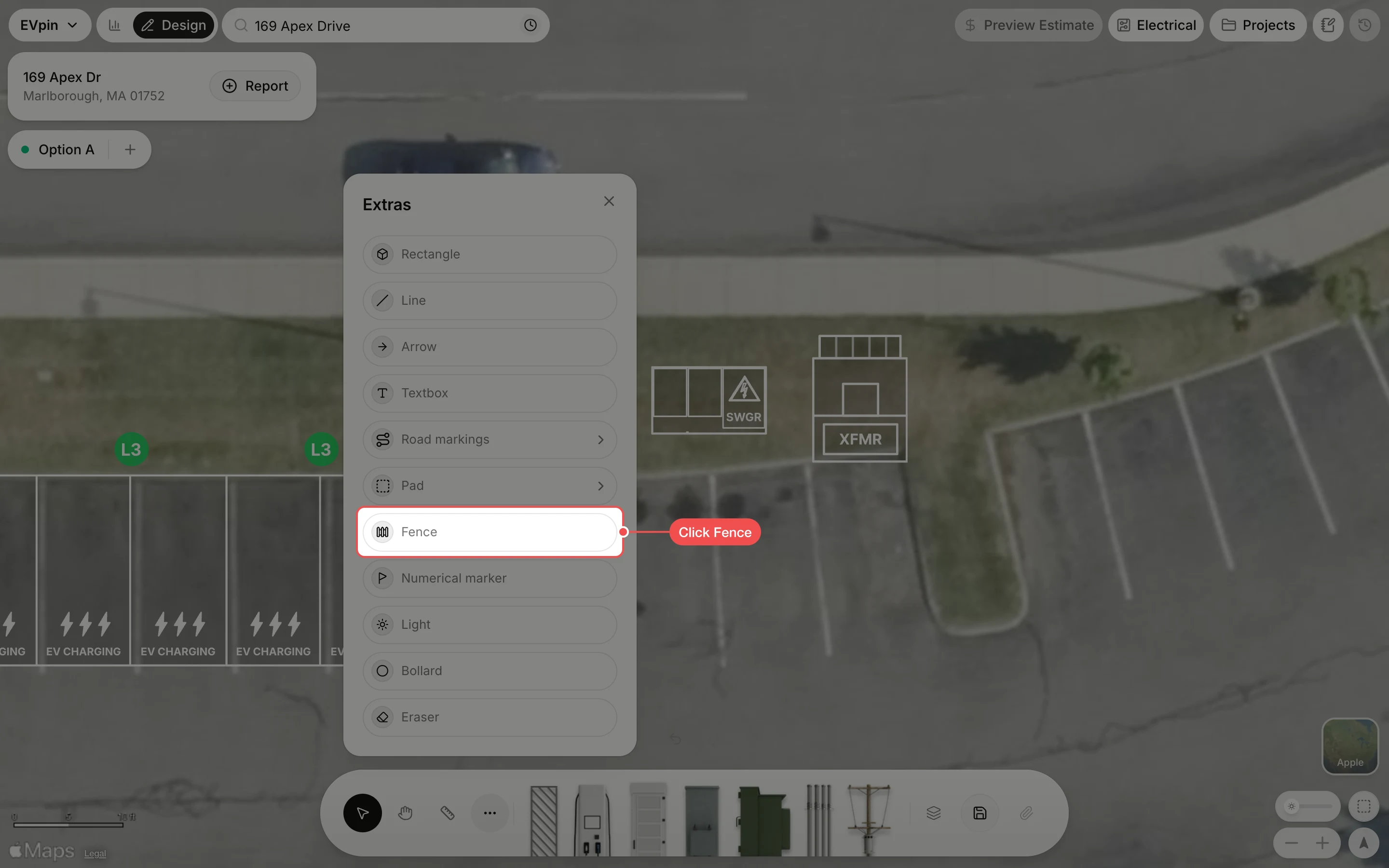
Click each corner, then the first one again
Click once at each corner of the enclosure. To finish, click the first corner again; it highlights when the cursor is close enough to close the fence. Press Esc to give up instead.
Add a pad under it
Right-click the fence and click Add pad around fence. A pad fills the enclosure and moves with the fence.
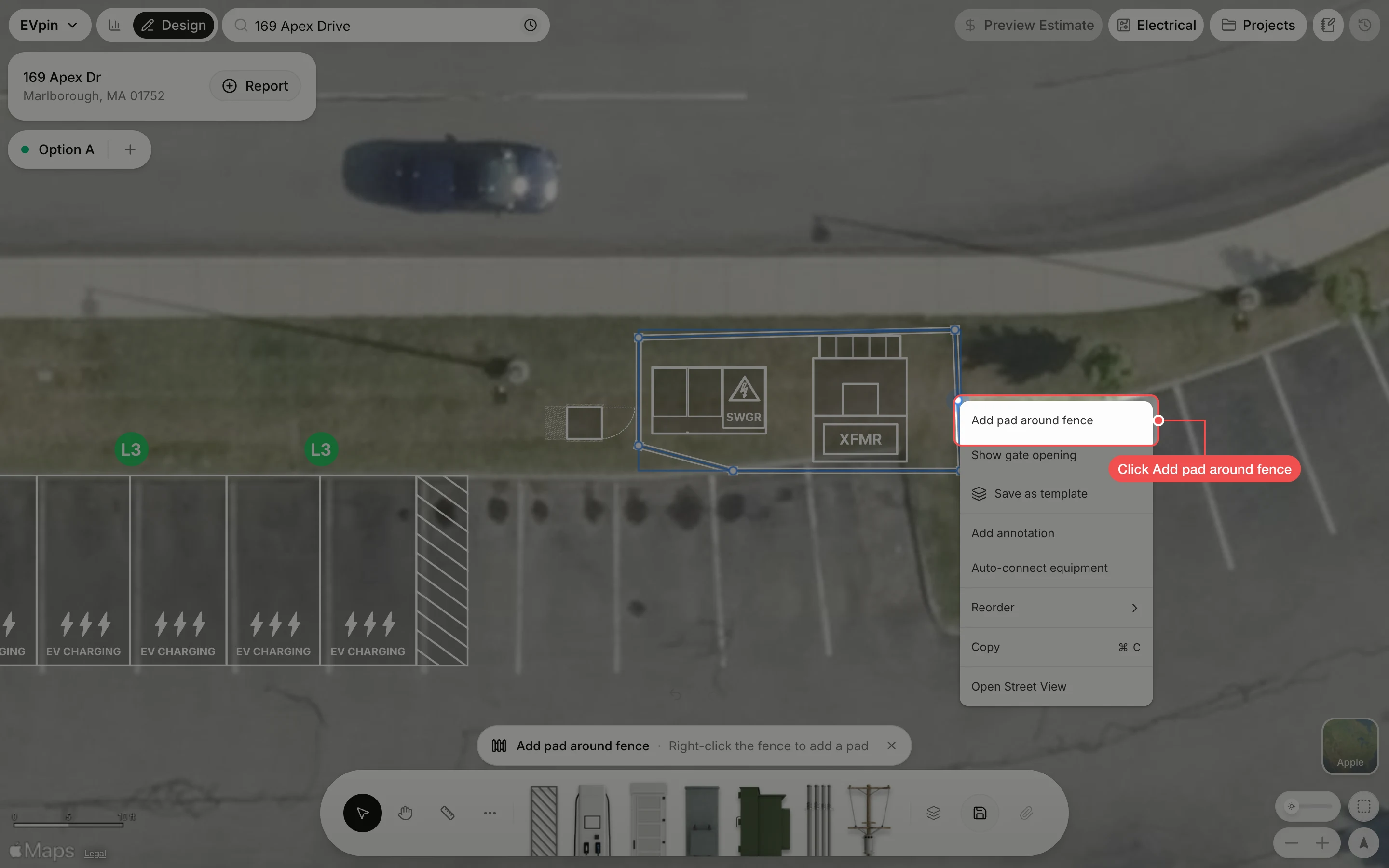
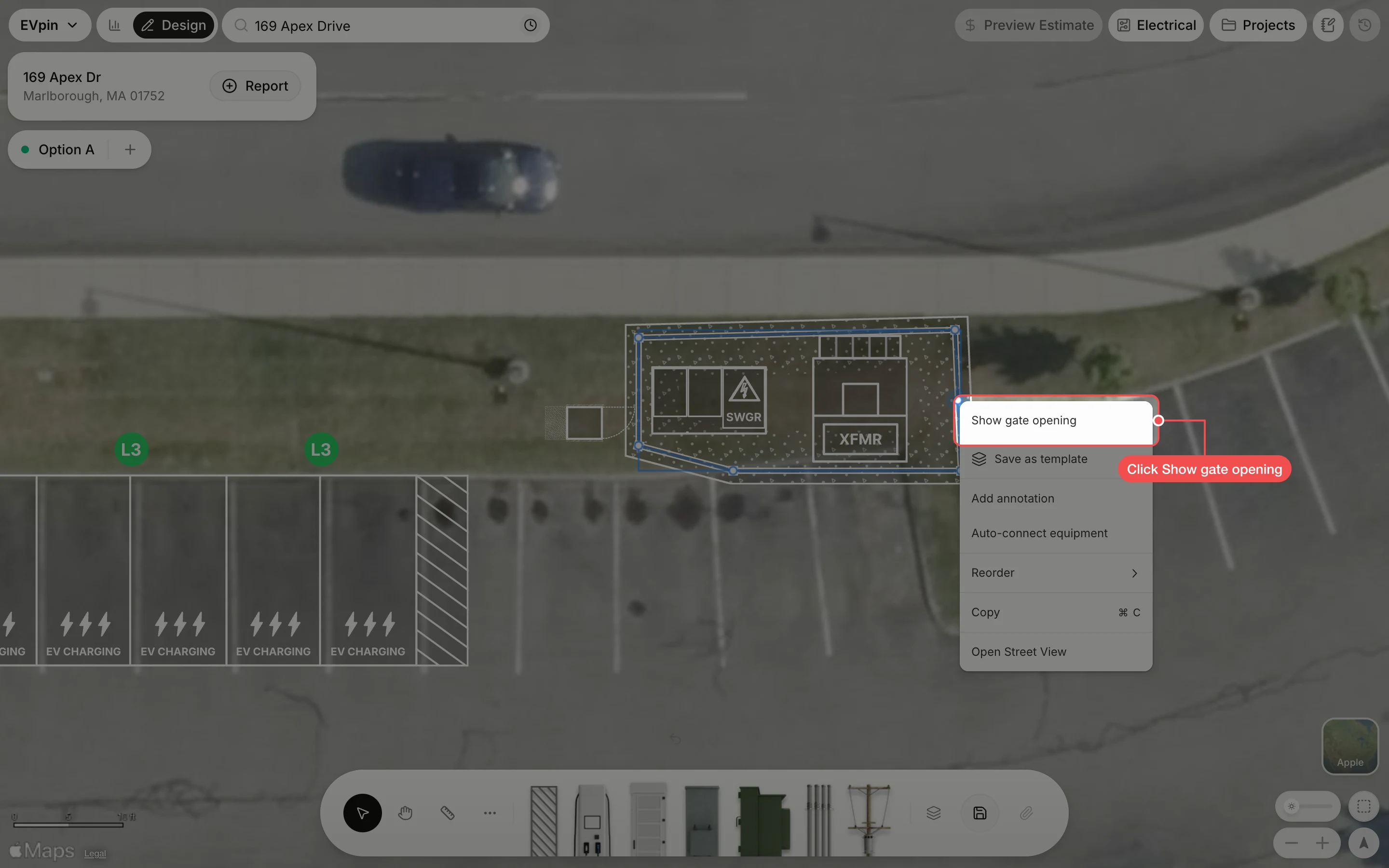
Drag the gate into place
With the fence selected, drag the dot in the middle of the gate along the fence to the side people come in from.
What's next
- How to add bollards around equipment to protect the enclosure from cars.